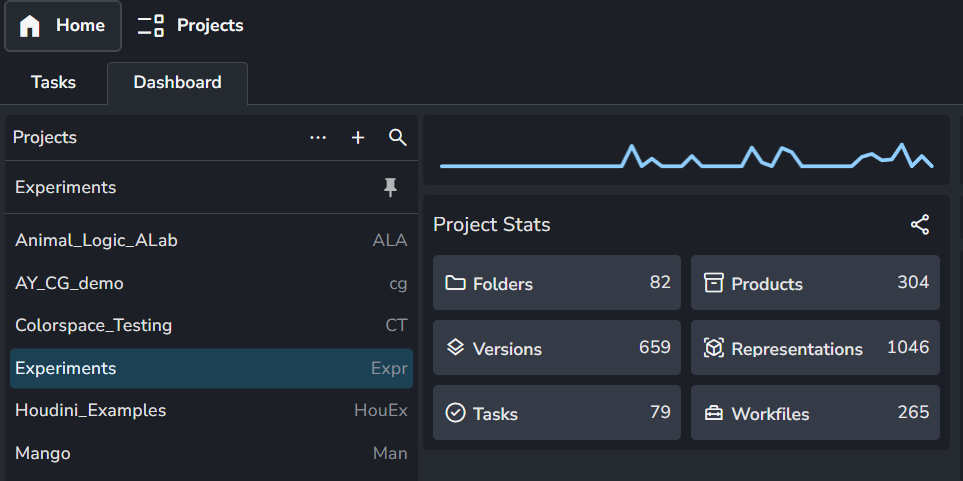
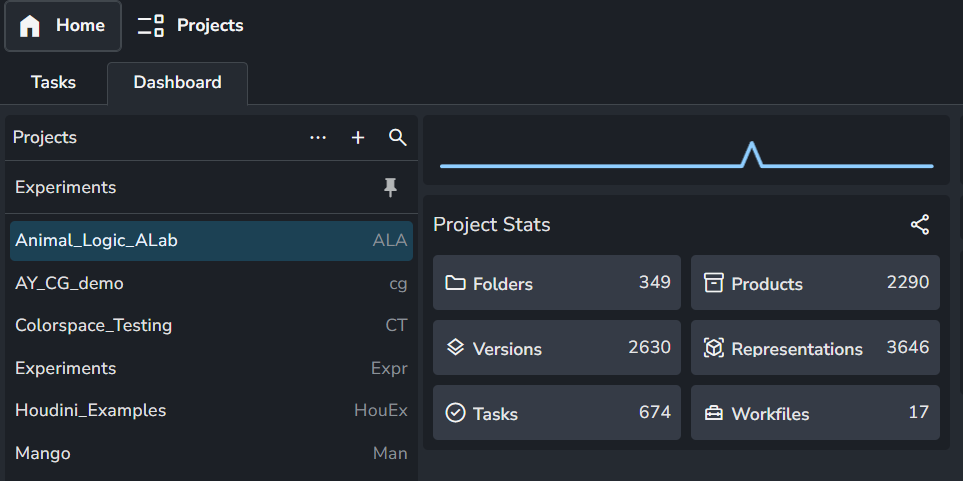
I’ve recently staged an update for our studio to use the latest core 1.8.7, which includes the workfiles in the launcher window. In testing we’ve discovered that this can make the launcher window lag heavily when jumping into a project not previously loaded. This repeats if the tray application is closed. Once the workfile fetch is complete, the application behaves normally across that project. I’ve attached a video showing the issue
Is any other team experiencing this issue ?
We;'re running Launcher version 1.5.2, Core 1.8.7 and server version 1.14.5
My instinct is that the workfile load is blocking, and that fetching those filenames from the template resoultion is taking an unusual amount of time, and to patch core to lazy-load them on a background thread - but I would like to avoid this if there is a known solution,
Let me know if we’re missing anything like a config item or version mismatch.
Thanks so much,
Kevin Poli - Senior Pipeline TD, Hornet
Thanks for the report and screen recording. I’m slightly confused why this would be this slow.
The listing of the workfiles indeed is not done in a thread currently - it could be, but I have not seen it ever be noticeably slow. Even with hundreds of workfiles in a task it’s pretty much instant for me.
Hey Roy, smippet ran super quick. I’m going to check the path.exists calls across other storage devices at the studio, but I am equally puzzled as this should be a very fast operation
If you are on Linux, do you have automounts ?
Outside of Ayon, I recall some path.exists slowness when there was a failing automount (on an unrelated drive than the one that was needed for path.exists), which needed to timeout for each call.
Thanks so much for testing, on our previous version template resolution was around 0,4 sec, which is still somewhat slow but manageable. are there any operations within the anatomy resolution I should time in specific to keep isolating ?
As @Yul hinted, this may be something related to the deployment. I don’t think there’s a checklist to go through one by one as a troubleshoot guide as this can be different from a studio to studio. personally, I faced a very bad network performance when tested hosting my sandbox AYON server on windows as shown in Quick AYON Deployment on Windows.
Hey everyone, just wanted to reply to close this issue.
I was able to track down exactly the issue by throwing in lots of timing statements and found that it was related to timeouts checking for the existence of sitesync roots.
We had tested sitesync, and no longer needed it, but it was left in our bundle. one of the site roots we had configured was an smb target that no longer existed. I’m not entirely sure why, but the workfiles menu was checking all of my site roots, and taking the entire 28 second SMB timeout period before giving up and moving on, presumably to the actual site root was is accessed near instantly, the templates solved, and the workfiles added.
The fix on my end was to simply remove the addon as we no longer needed it, if anyone else experiences this issue, its to prune unused sitesync roots