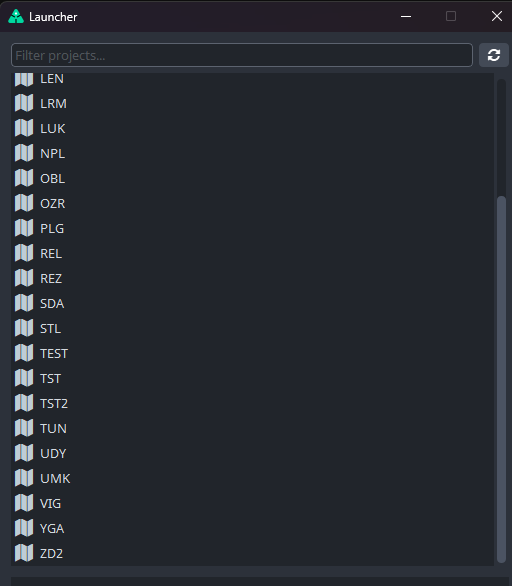
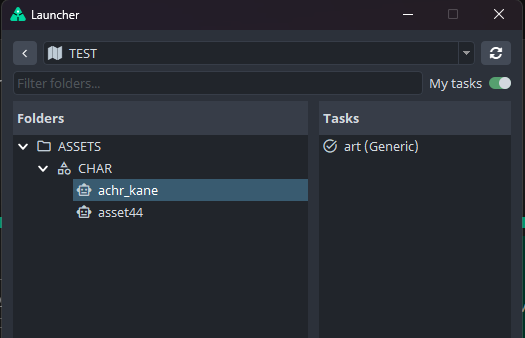
For example, if I select a project from the initial project list, the “My Tasks” checkbox works as expected.
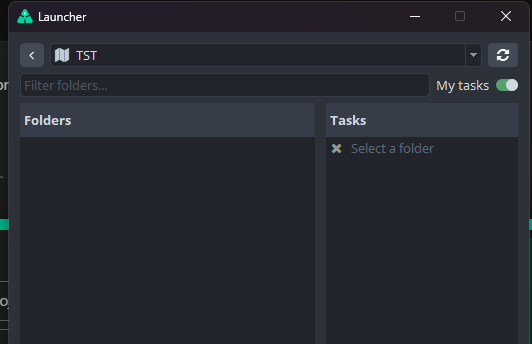
However, if I select a project from the dropdown at the top and then enable “My Tasks”, all tasks disappear instead of showing only my assigned tasks.
The Refresh button doesn’t help either.
I can also send a video demonstrating the issue if my description isn’t clear enough.
I believe it’s a known bug that was fixed here: Tools: Fix task type sorting on first open by mahesh-ynput · Pull Request #1905 · ynput/ayon-core · GitHub
Can you try with latest Core develop and see if it’s resolved with that PR? (New core release is pending soon, so you might be able to test it with a released build somewhere in next few days).
Okay, if it’s going to be included in the next official release, I’ll just wait. I’d rather not monkey-patch it. Fnx.