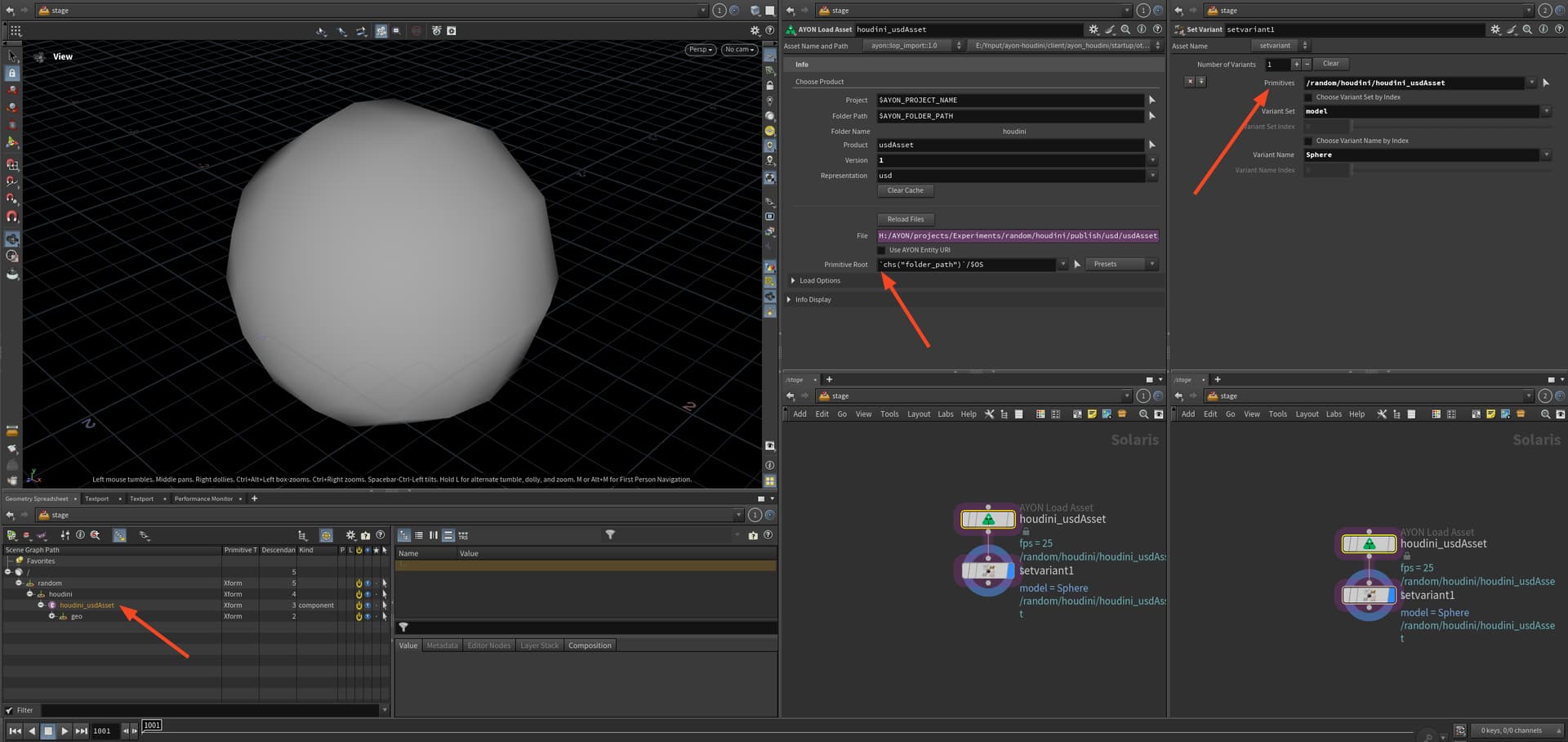
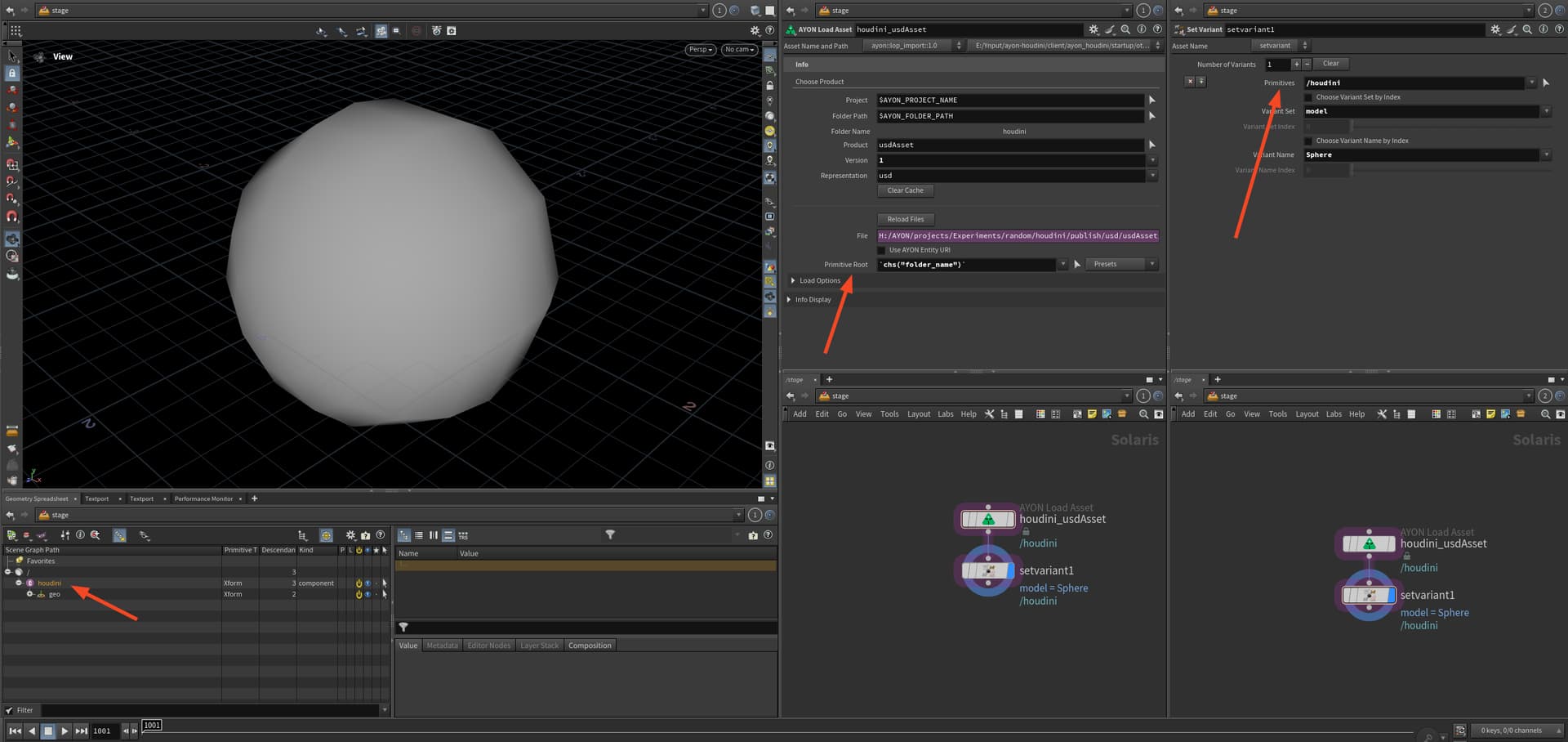
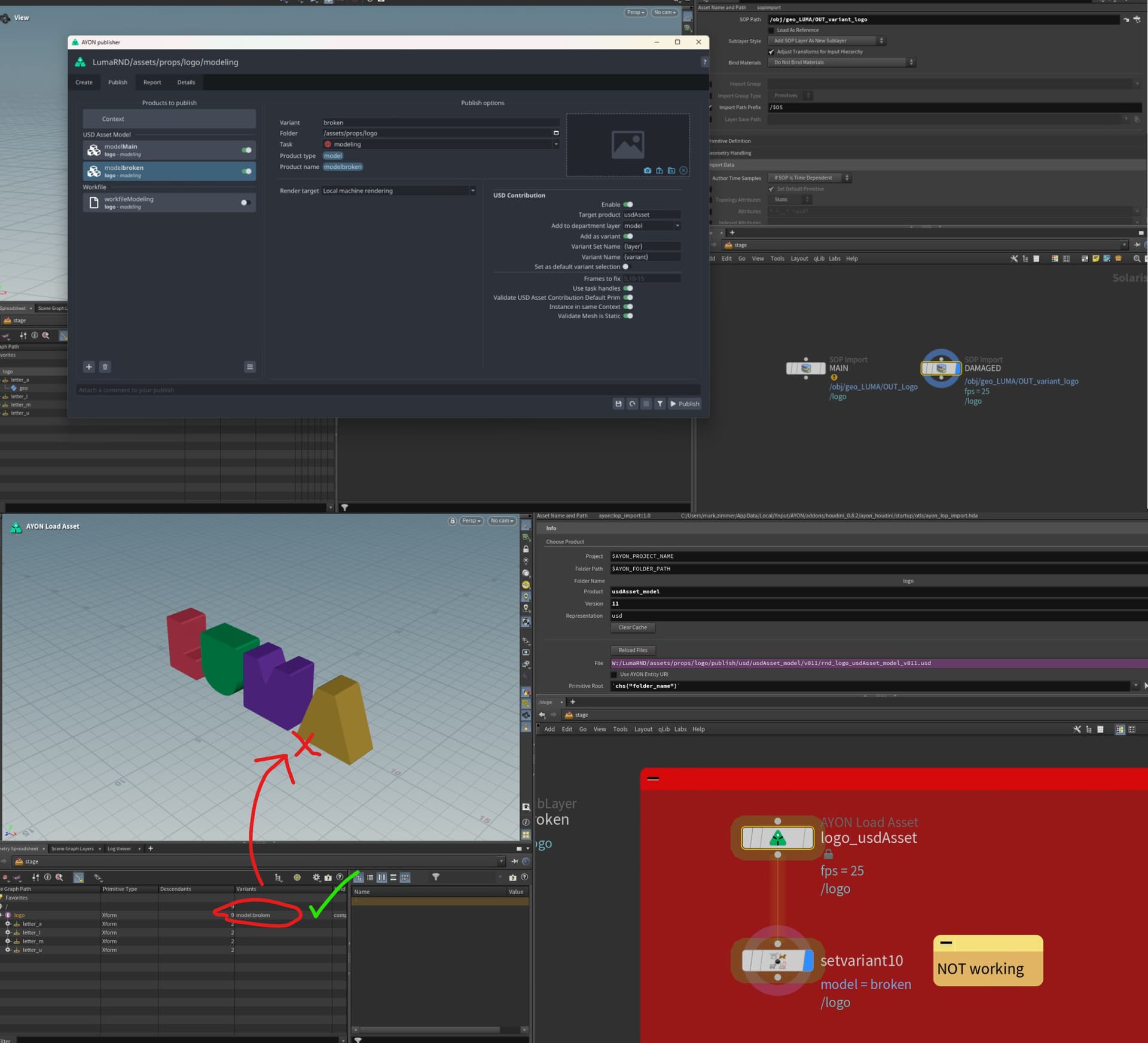
Been working through the variant publishing, but it appears to incorrectly set the variant. the “working” workflow is me manually adding them as a variant of each published model then setting the variant displays the “broken” model. Meanwhile, loading the usd asset through the ayon load asset and setting the variant does not. Any tips?
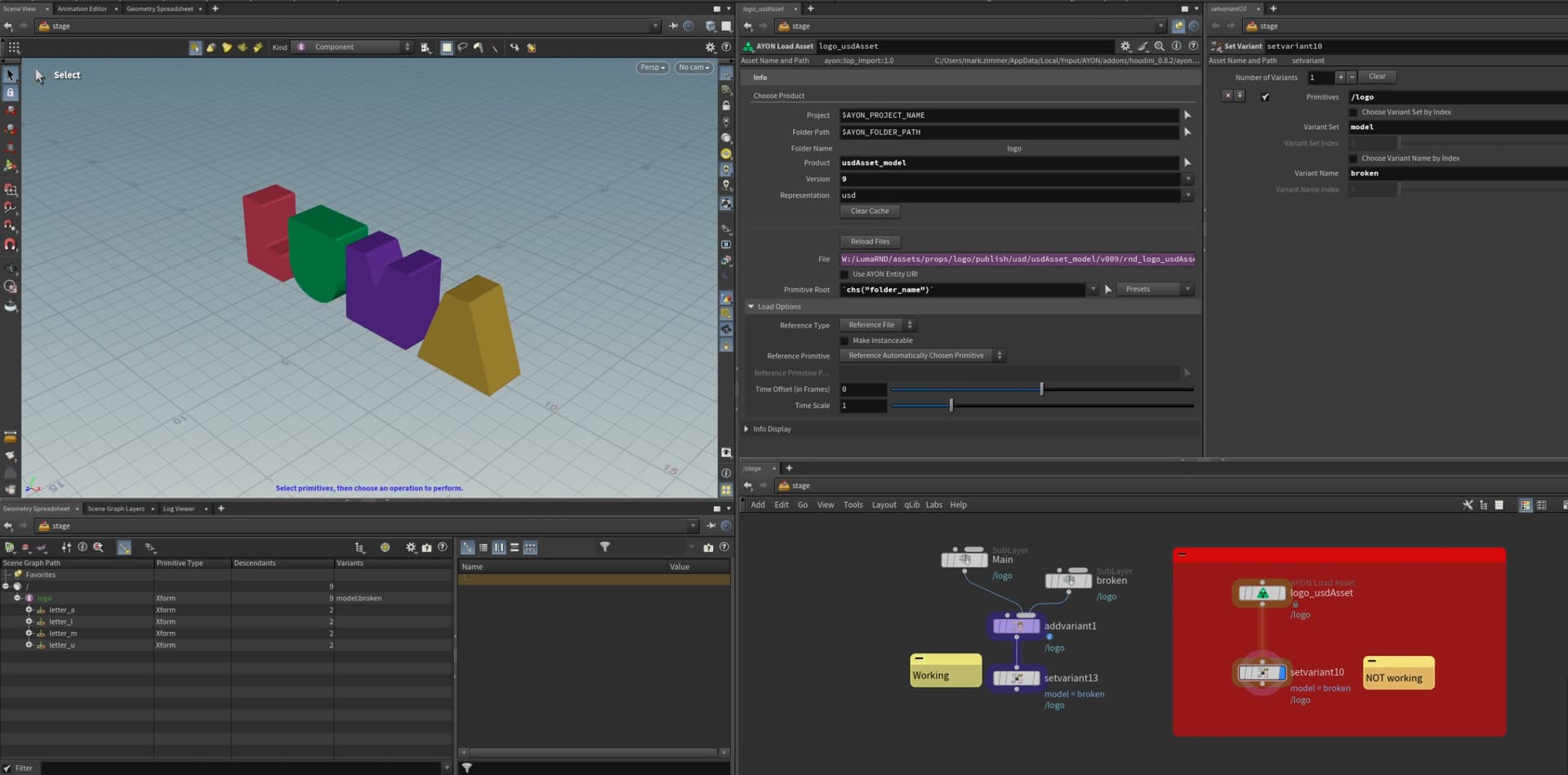
I’ve been following the variant publishing workflow. Two models one as Main and the other as broken added as a variant. I’ve left the Variant Set Name and Variant Name as default since the values are different already. Which you can see on the image attached.
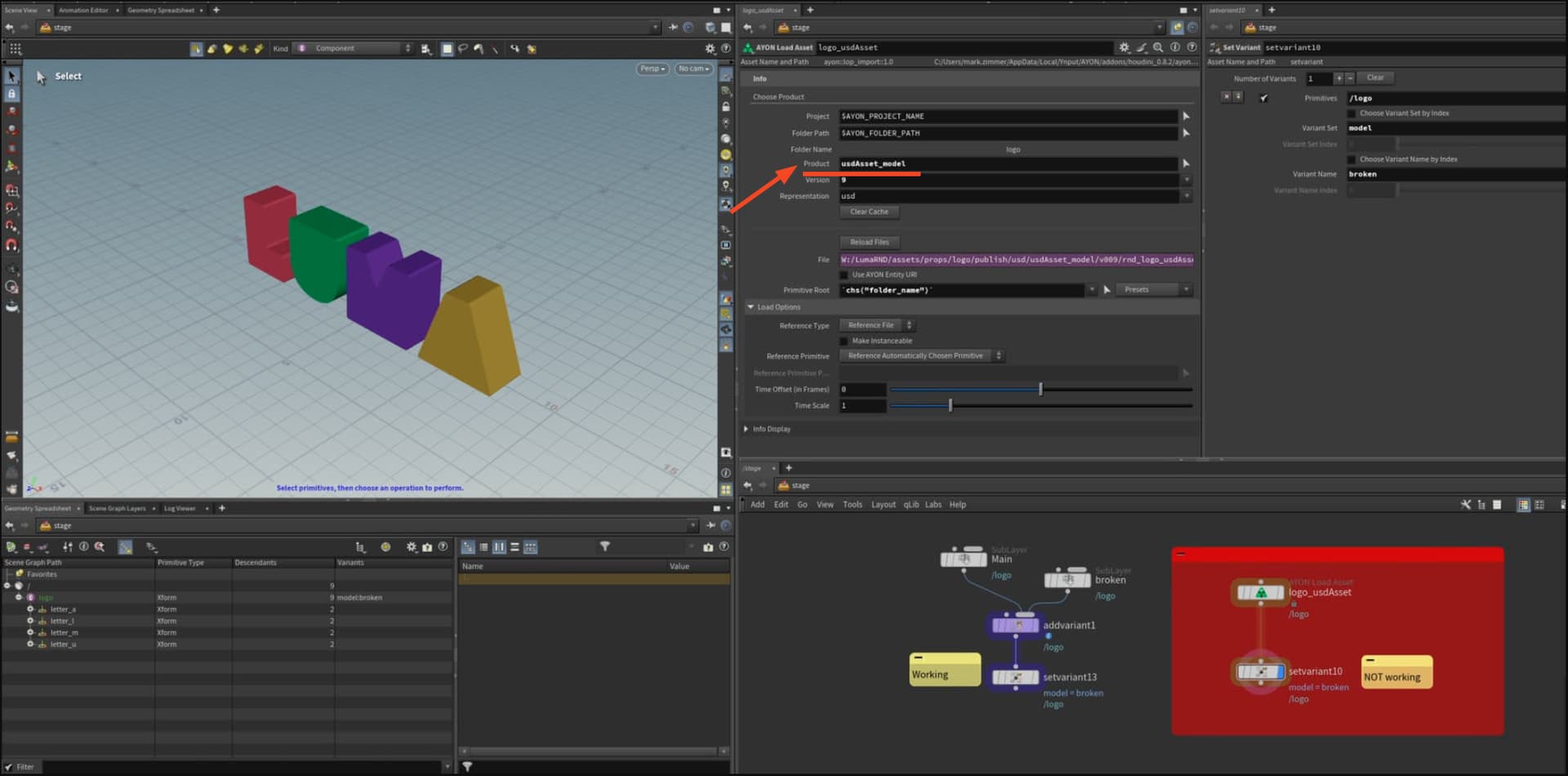
Secondly, I have tested loading the asset product as “usdAsset” and “usdAsset_model” while trying to set the variant via it’s name. The broken variant name is being pulled through BUT the model doesn’t update on both…
Tbh, I’m not sure what has gone wrong on your side.
The Variant publishing in USD contribution workflow is really as simple as creating two separate models and publish them as model variant.
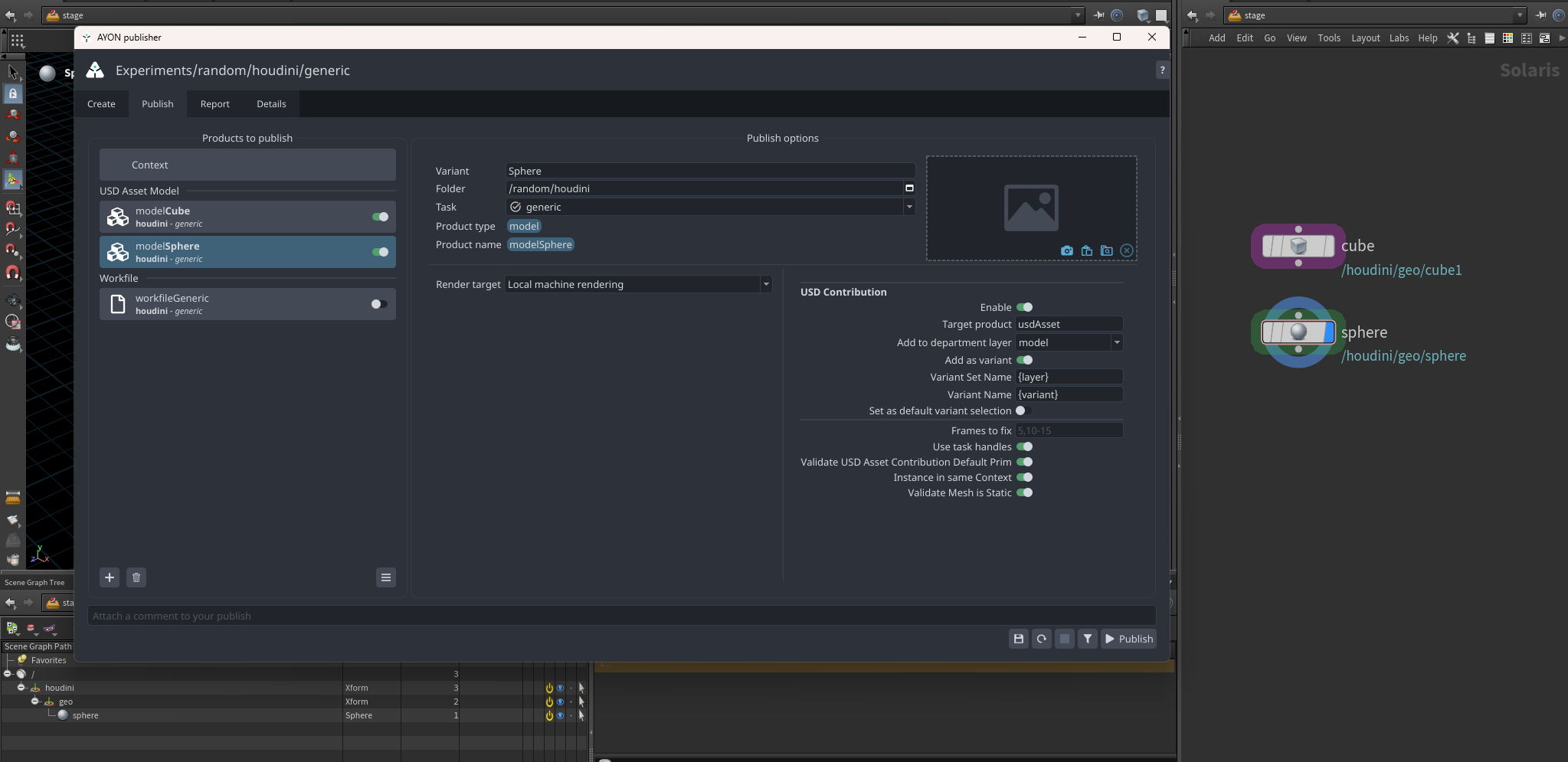
And, here’s after loading the
usdAsset you should be able to select you variant.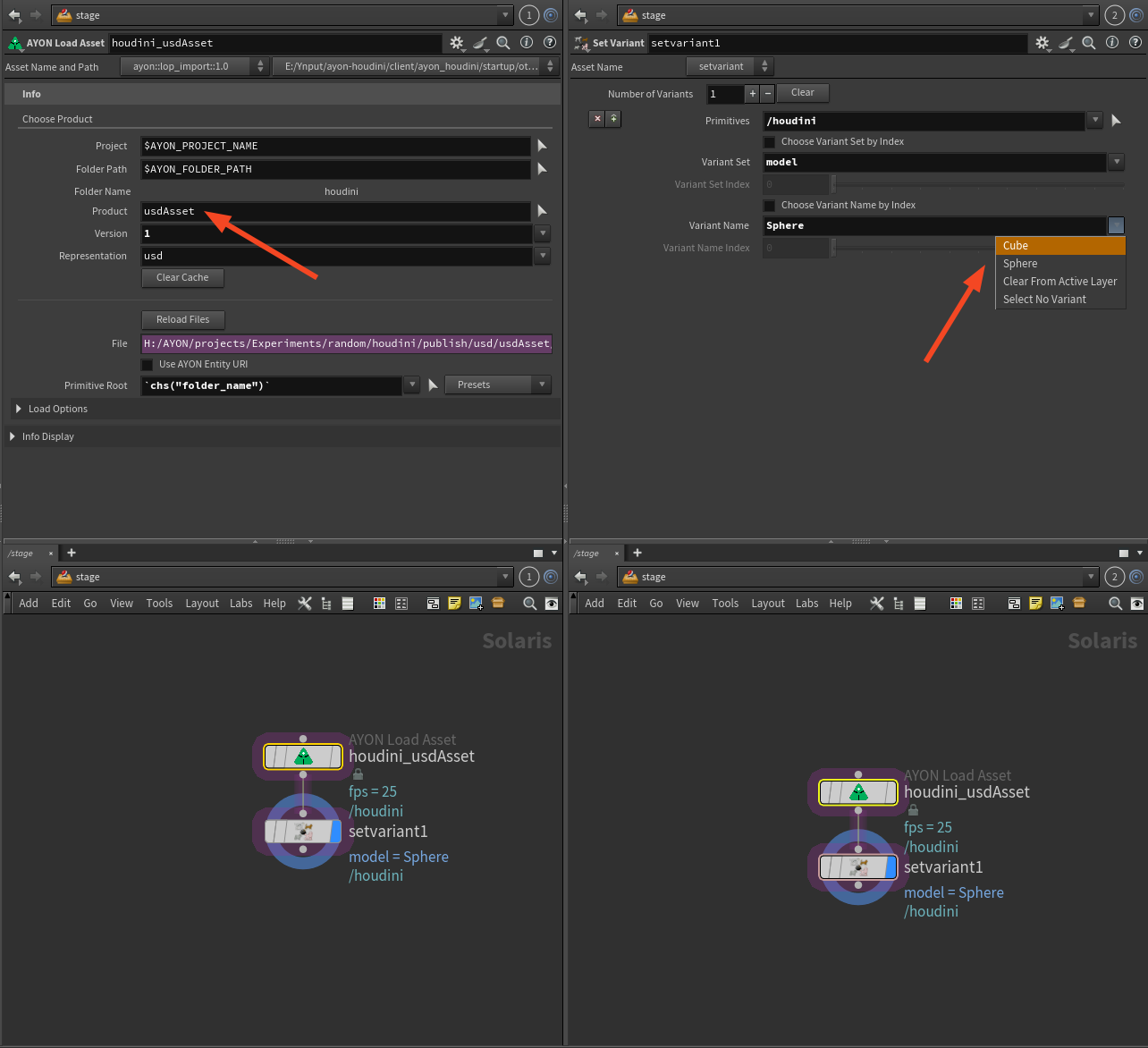
also, pay attention to pick the prim with orange color when selecting variants.