If I want to set the colourspace and compression options on the write node that’s created in Nuke via the “create” menu. Do I need to do that via the templates or is there an easier way?
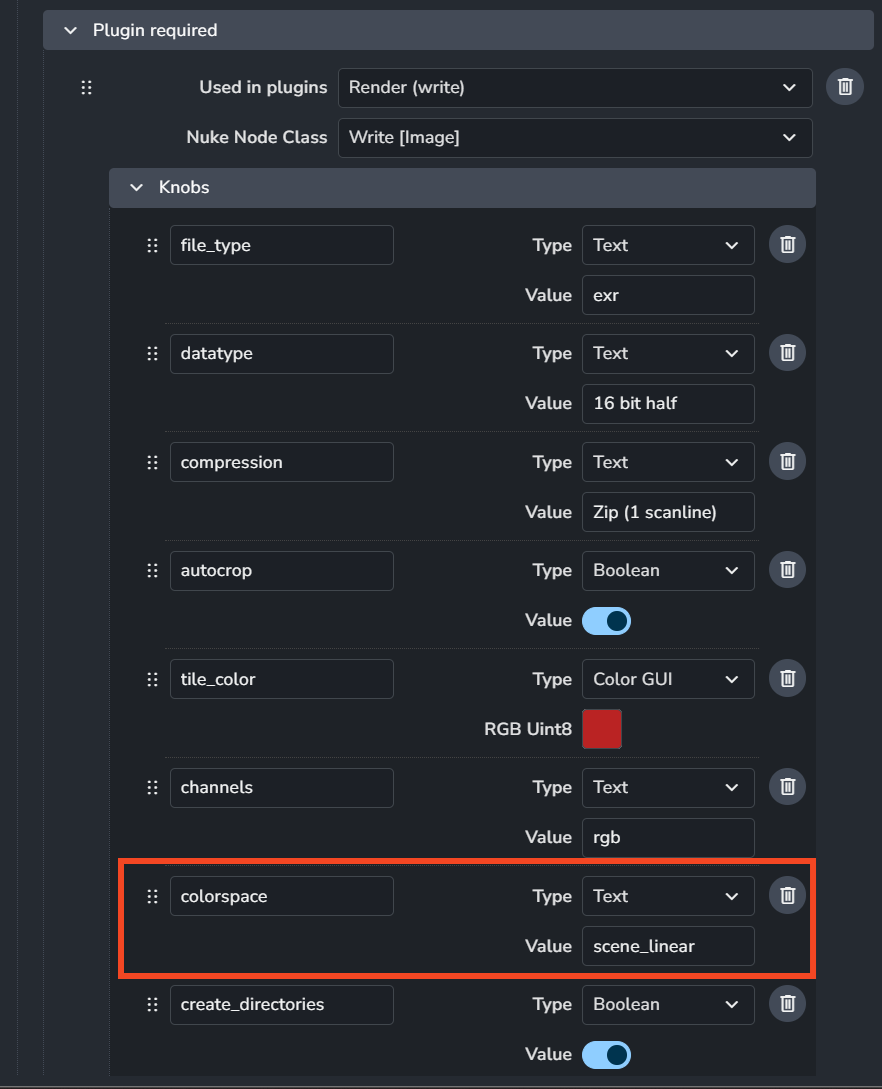
In the nodes settings ayon+settings://nuke/imageio/nodes/required_nodes, You can pick the creator and the specify the values of knobs of the write node.
Among of these knobs, you can specify the value of the colorspace knob.
Keep in mind this will be the default value so any created instance will have this value.
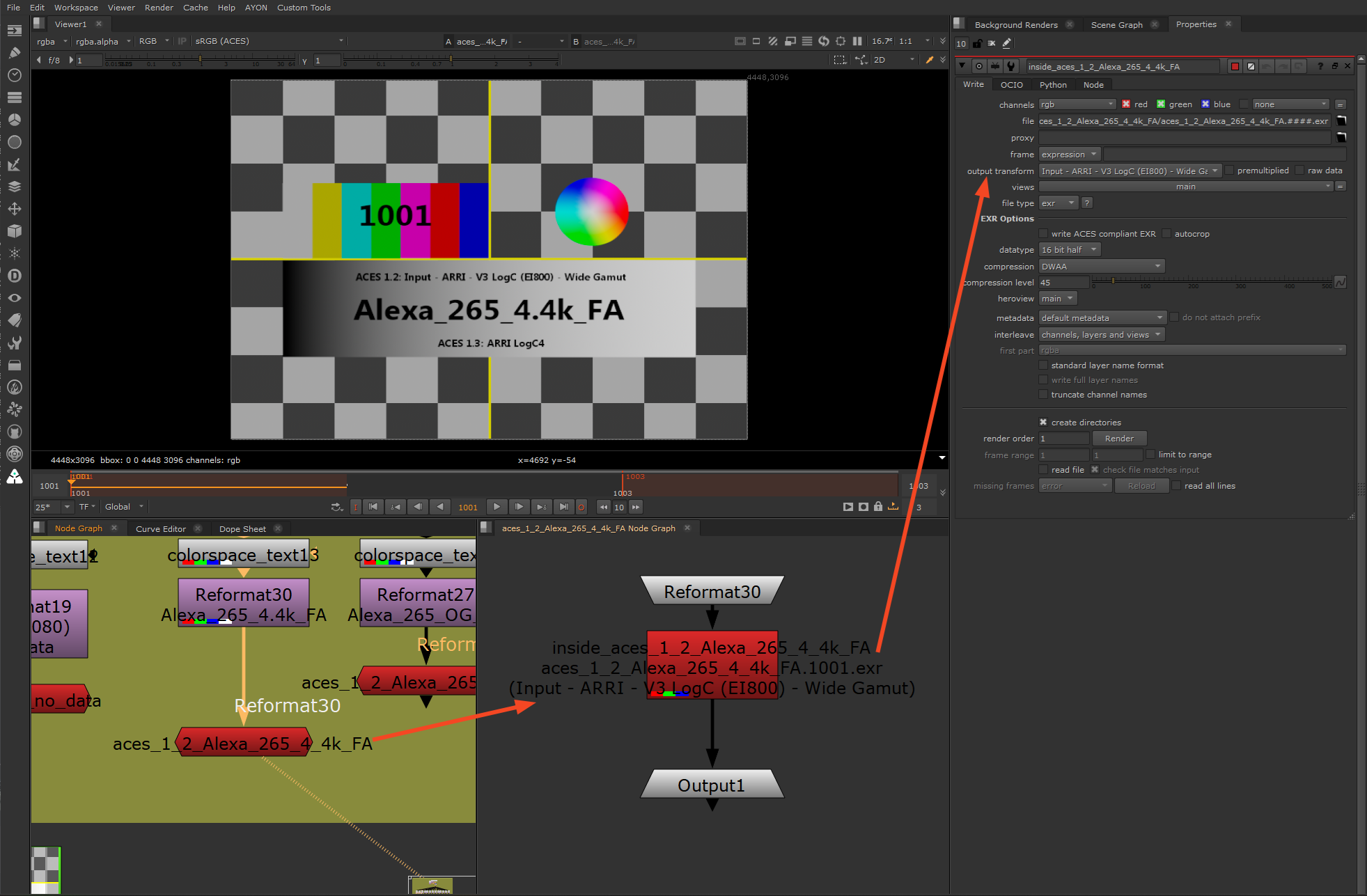
However, If you want to specify the value for each individual created instance, you’d need to dive in and change that manually in compliance to the screenshot below. (currently, we don’t expose the knobs values in the creator.)
Ah perfect! Wow, its buried in a very strange place from a users standpoint. Its not really imageio related, its not a plugin… so you’d assume it would live under the ayon+settings://nuke/create/CreateWriteRender section
All good though, I’ll make a note where this lives for next time! Thanks a bunch for this
You are absolutely right.
There’s an issue already for it. Feel free to contibute and share us your thoughts there.
1 Like