hi everyone,
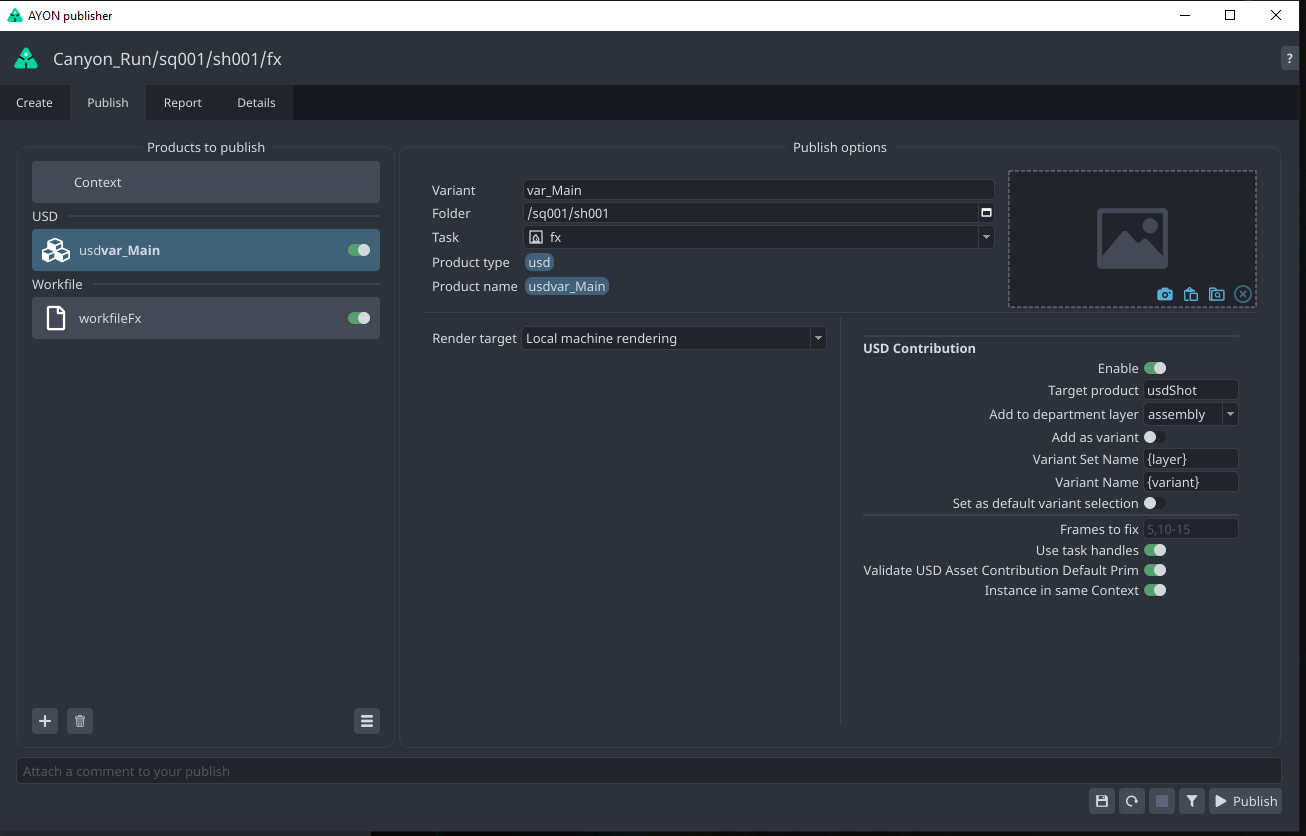
I have QLib installed and put some of its nodes in the scene. They don’t throw any errors and they do work perfectly, yet when I publish with AYON I am getting console exceptions and Houdini hangs indefinitely.
Thoughts?
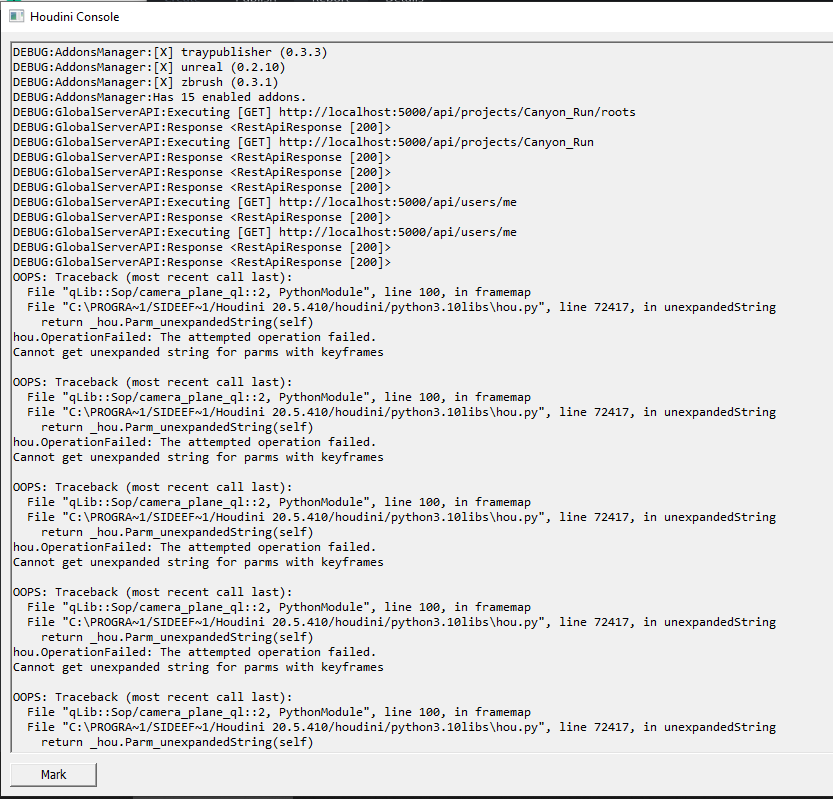
The error tracback mentions
unexpandedString

The attempt operation failed. Cannot get unexpanded string for parms with keyframes.
Sometime ago, we used to have this issue where validator Validate Workfile Paths was failing when there are keyframes or expression in a file path.
But, the error trace doesn’t mention the Validate Workfile Paths plugin in particular.
Could you share reproducible steps or a workfile?
The error comes from QLib’s python module here. This feels more like a bug in QLib on the python side. However, why it hangs is unclear.
@mustafa_jafar disabling “workfile” product fixes the issue
@BigRoy I am not getting any errors while working in the hipfile. everything is clean, this only happens when trying to publish locally a workfile.
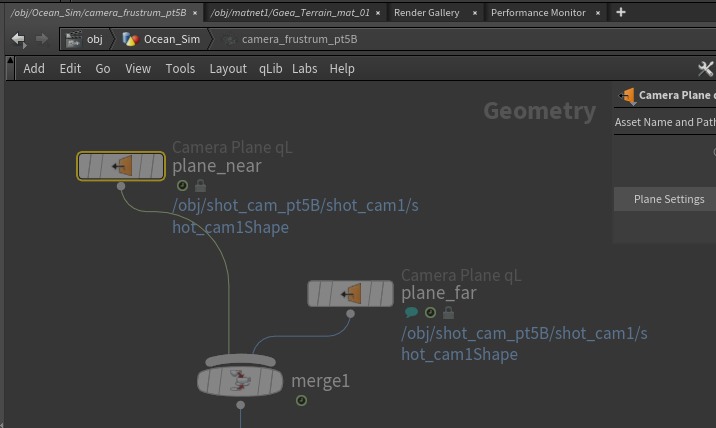
I am not sure why it is evaluating in the first place, it’s a qlib node inside another locked qlib node. It is always working and never fails while working live in a scene, I sent multiple renders and jobs to deadline from this scene before migrating to AYON.
Why does the publisher force some kind of evaluation for a node inside a locked HDA?
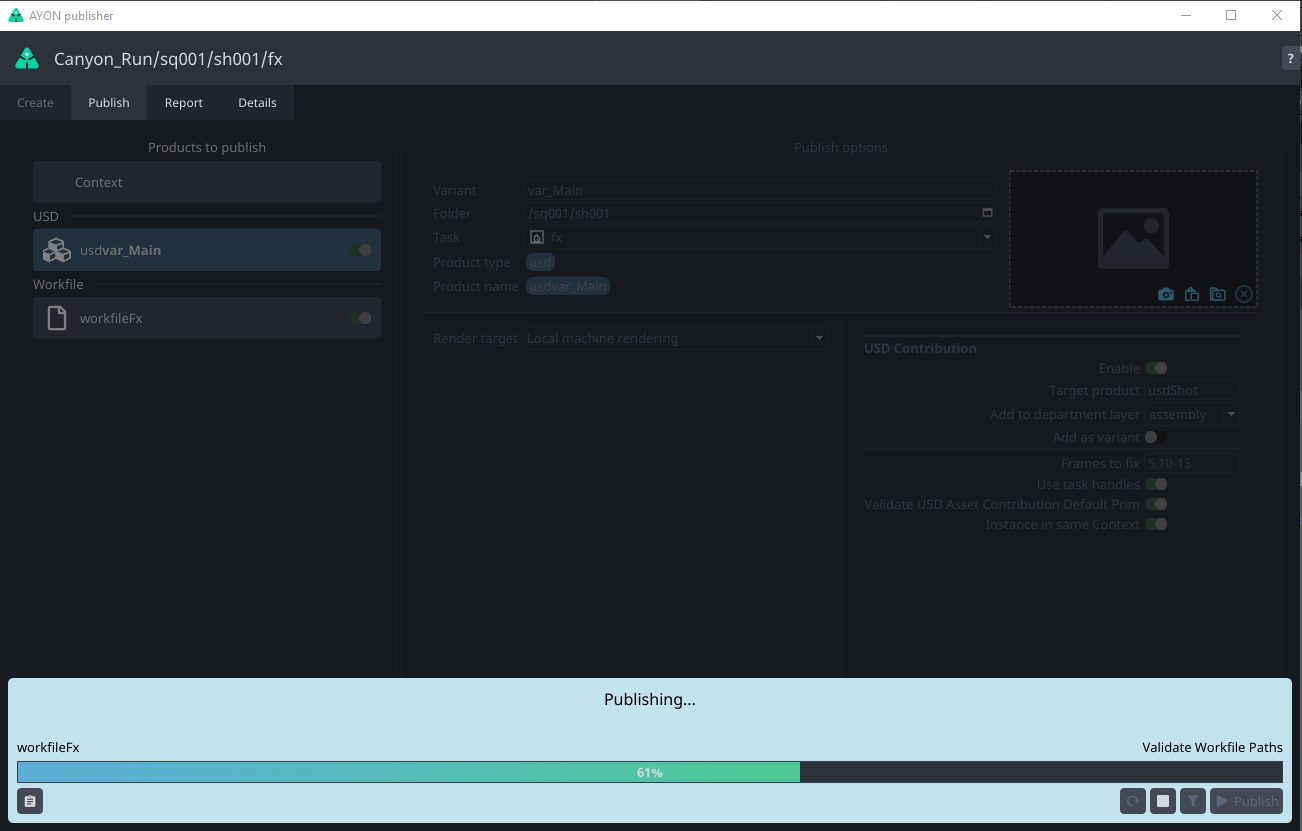
I believe it’s due to this validation that goes over all ‘file references’ as Houdini returns them.
But as you can see in the code we’re explicitly skipping unexpandedFrames calls if the parm has keyframes here.
Furthermore, your Houdini console is raising the error from qlib::Sop/camera_plane_ql::2’s Python module and not from our codebase. So it seems they are calling unexpandedString on something that it’s expecting not to be keyframed in their framemap function. I don’t see any logs/tracebacks that hint that the actual error originates from a call from our end (except for that our code may trigger node cooks).
I suspect, that potentially the issue may happen if someone calls hou.fileReferences() perhaps?
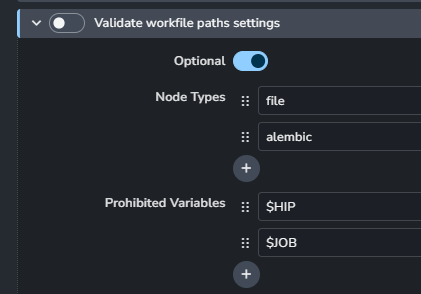
Anyway, for now you can also disable that Validator completely from Settings and see if it then works fine. That at least will point to that validator indeed being the culprit here.
thanks for the quick response. Can you tell me how to disable the validator completely? I can’t find the setting in the publish window.