Persistent or Automatic log in into Launcher

Hi everyone,

Is there a way to create a persistent/automatic log in for the ayon launcher?
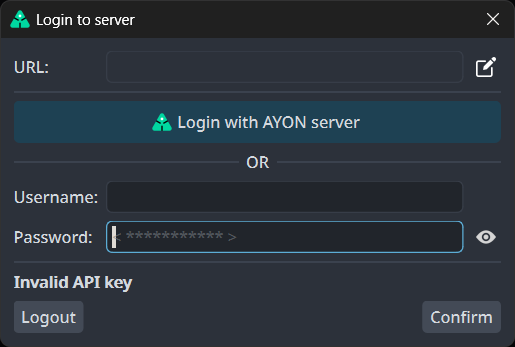
I’m asking because with the current implementation, it seems that once in a while the api key expires and it leads to this prompt, which requires a re login:

is there some env variables i can set up for the user/password that ayon can pick up at launch?

Thank you,
Mihai

Hi !

For me, it happens for 2 different reasons :

  • When the network get IT problems and Ayon’s server is not reachable, the local Ayon launcher shows the login gui, and then it crashes.
  • If the session expirers (24 hours is the default, at least on my version). Good news, you can tweak the “server” section of the docker-compose.yml file (on Ayon’s server). For example if you want to extand to a week, add this (TTL = Time To Live) :
    environment:
    - “AYON_SESSION_TTL=604800”

Hey Yul,
Thank you for your response. We are using Ynput Cloud, do you know where the option for “AYON_SESSION_TTL” is?

I set this on my on-prem server, it is on the docker-compose.yml file, which is located at the root of the docker folder.

With Ynput Cloud I guess it’s different, maybe you can ask Ynput support to set it ?

Hi all!
Do we have a solution for that?
In my case, it keeps logging out when the computer comes back from sleep.
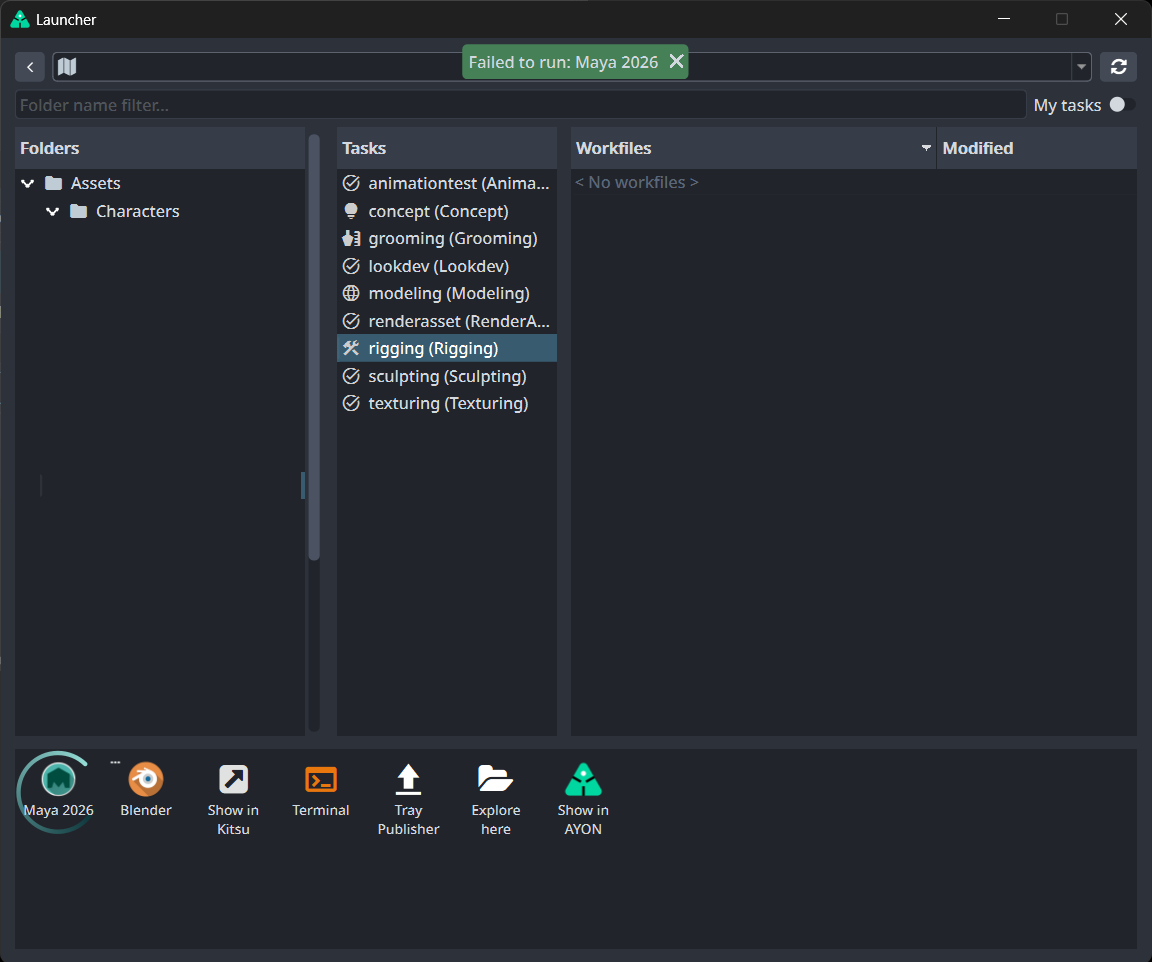
If I close the Login to the server window, the launcher closes. If I log in, it fails to open Maya. I have to close the launcher and log in again every time this happens.

I’ve added the “AYON_SESSION_TTL=604800” to the docker_compose.yml and build it but did not help.

Self-hosted server
Launcher 1.6.1
Core Addon 1.9.6

Thanks!

I can reproduce it. so, I think it’s not fixed yet.

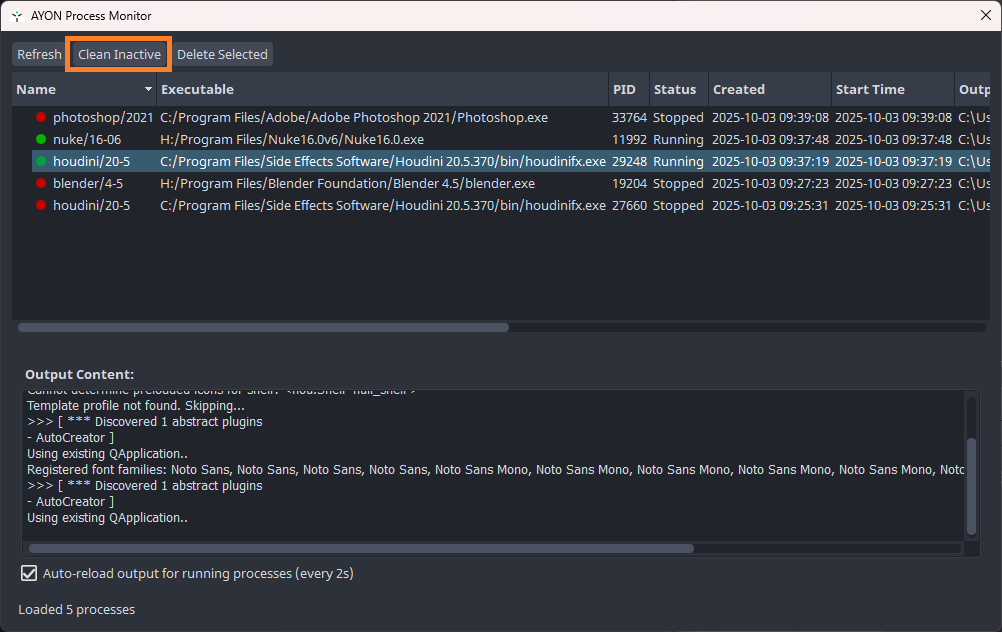
Does process monitor give you more information?

Mustafa,
I’m trying to open the Process monitor when this happens, but it’s freezing and keeps unresponsive. I will try a few more times.

Thank you!

Hi, if the process monitor is freezing, delete/rename the database file from %localappdata%/Ynput/AYON/process_handlers.db.

I think the database gets filled with a lot of information and it gets too big to display in the ui.

Does’t clicking Clean Inactive work for you?

Not really, in the freezes i was experiencing the process monitor was opening with no information and already in a frozen state - i couldn’t click on anything and the app was unresponsive.

Even after waiting 5-10m the app was in the same state
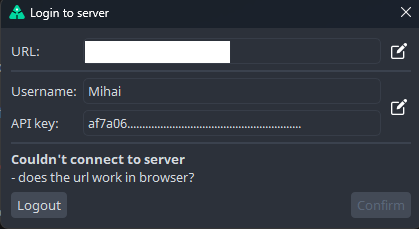
Mihai, deleting the process_handlers.db worked. Thanks

The process explorer doesn’t show anything related to the Failed to run Maya. Tried to open other apps, but it fails too.

Sometimes the Login to server pop-up shows a Try again button. But in most cases, it doesn’t.

If I hit Esc, the pop-up and Launcher close. I need to relaunch the Launcher every time my computer wakes. I’m used to doing that, but it’s annoying.

Thank you!