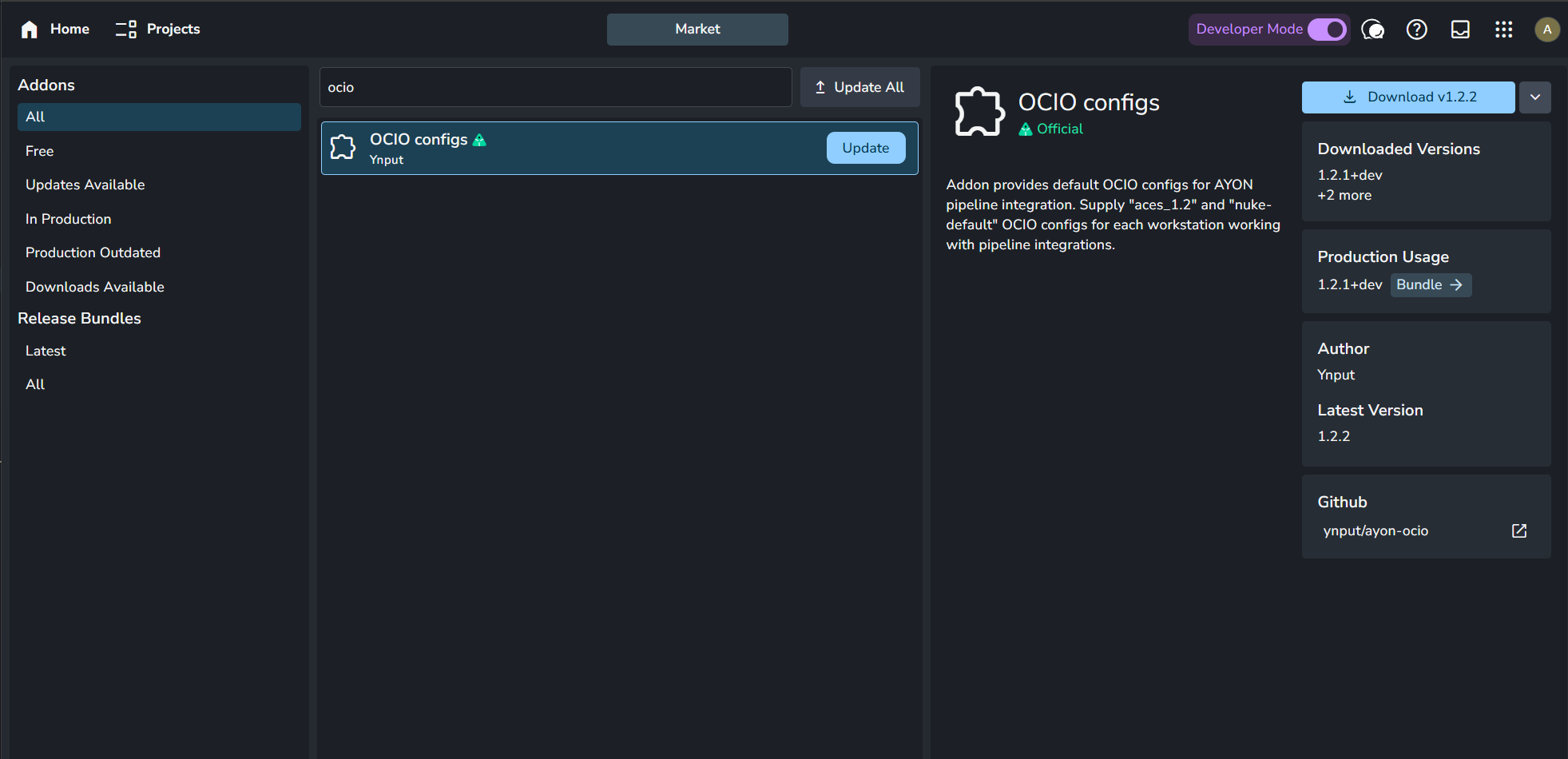
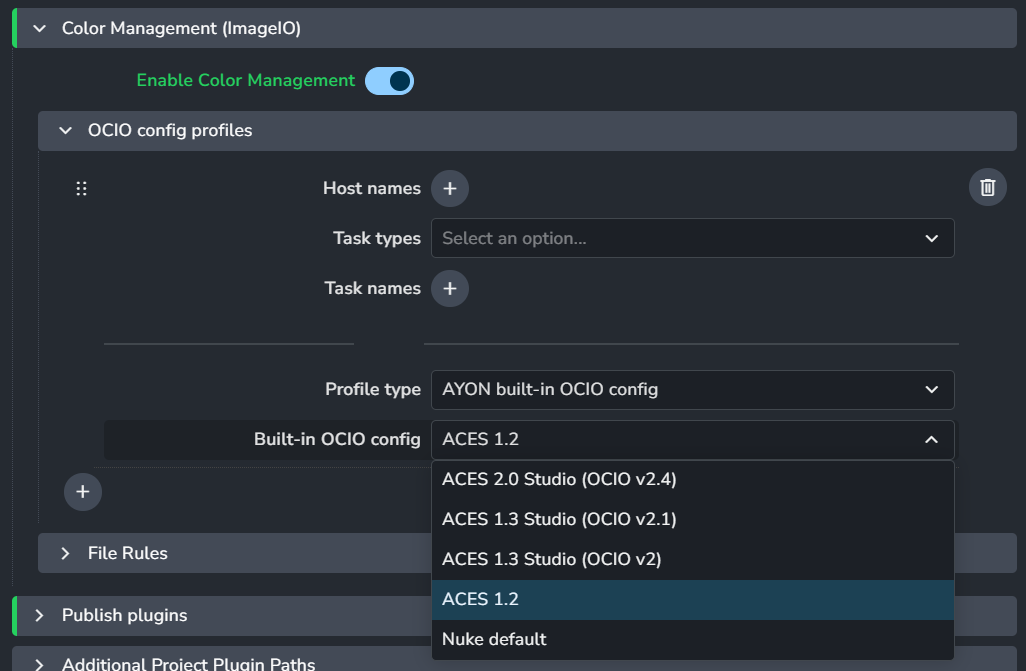
Experiencing this new error with Blender and Houdini with built-in AYON config or an actual custom config path:
Traceback (most recent call last):
  File "/Users/keithmanlove/Library/Application Support/AYON/addons/applications_1.2.4/ayon_applications/addon.py", line 281, in launch_application
    app_manager.launch(app_name, **data)
  File "/Users/keithmanlove/Library/Application Support/AYON/addons/applications_1.2.4/ayon_applications/manager.py", line 193, in launch
    return self.launch_with_context(context)
  File "/Users/keithmanlove/Library/Application Support/AYON/addons/applications_1.2.4/ayon_applications/manager.py", line 169, in launch_with_context
    return launch_context.launch()
  File "/Users/keithmanlove/Library/Application Support/AYON/addons/applications_1.2.4/ayon_applications/manager.py", line 701, in launch
    self.run_prelaunch_hooks()
  File "/Users/keithmanlove/Library/Application Support/AYON/addons/applications_1.2.4/ayon_applications/manager.py", line 684, in run_prelaunch_hooks
    hook.execute()
  File "/Users/keithmanlove/Library/Application Support/AYON/addons/core_1.6.4/ayon_core/hooks/pre_ocio_hook.py", line 53, in execute
    config_data = get_imageio_config_preset(
  File "/Users/keithmanlove/Library/Application Support/AYON/addons/core_1.6.4/ayon_core/pipeline/colorspace.py", line 1019, in get_imageio_config_preset
    raise FileExistsError(
FileExistsError: No OCIO config found in settings. It is either missing or there is typo in path inputs
It seems like no matter what we put in there, config_data is not being set. Thanks for any help!