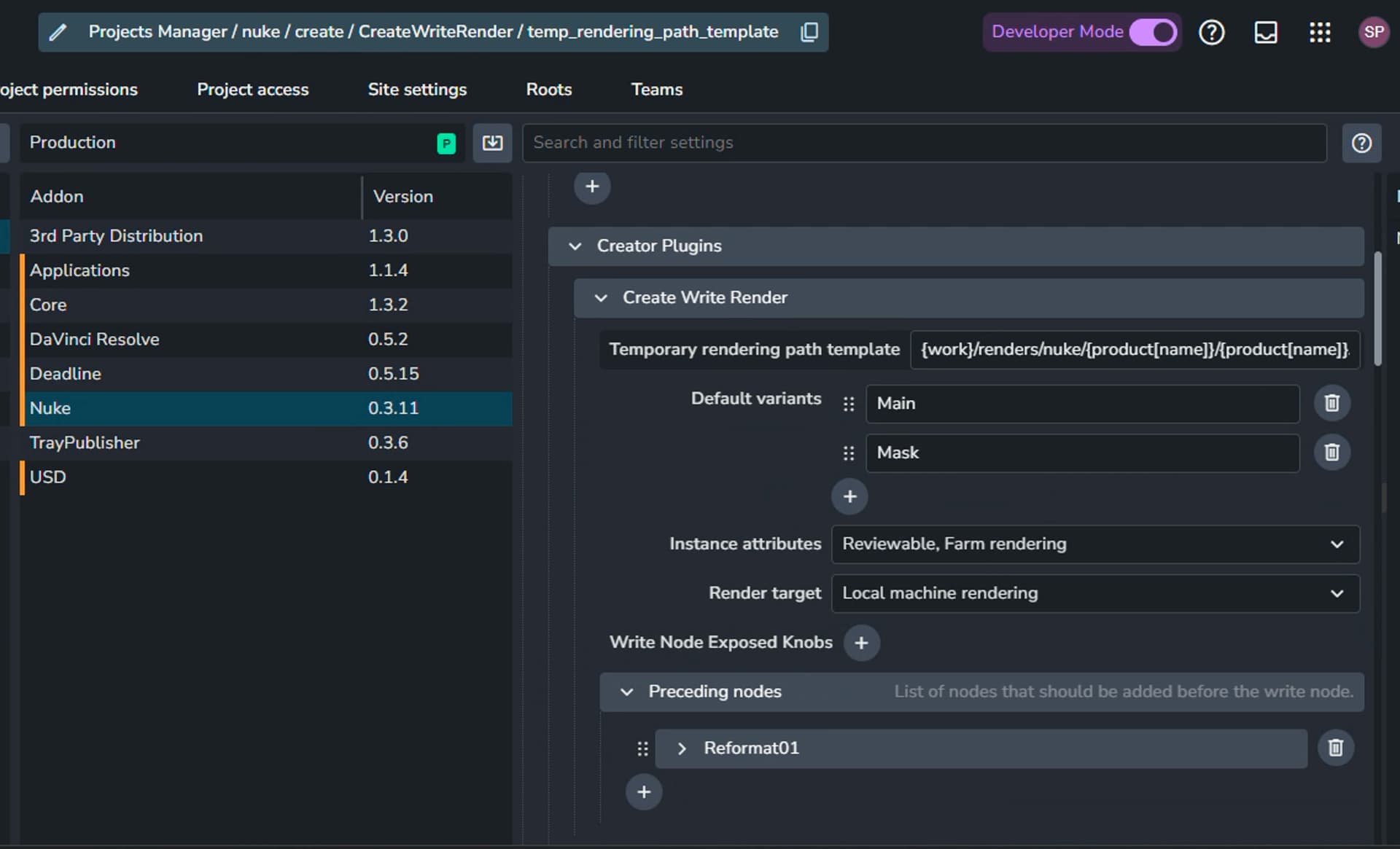
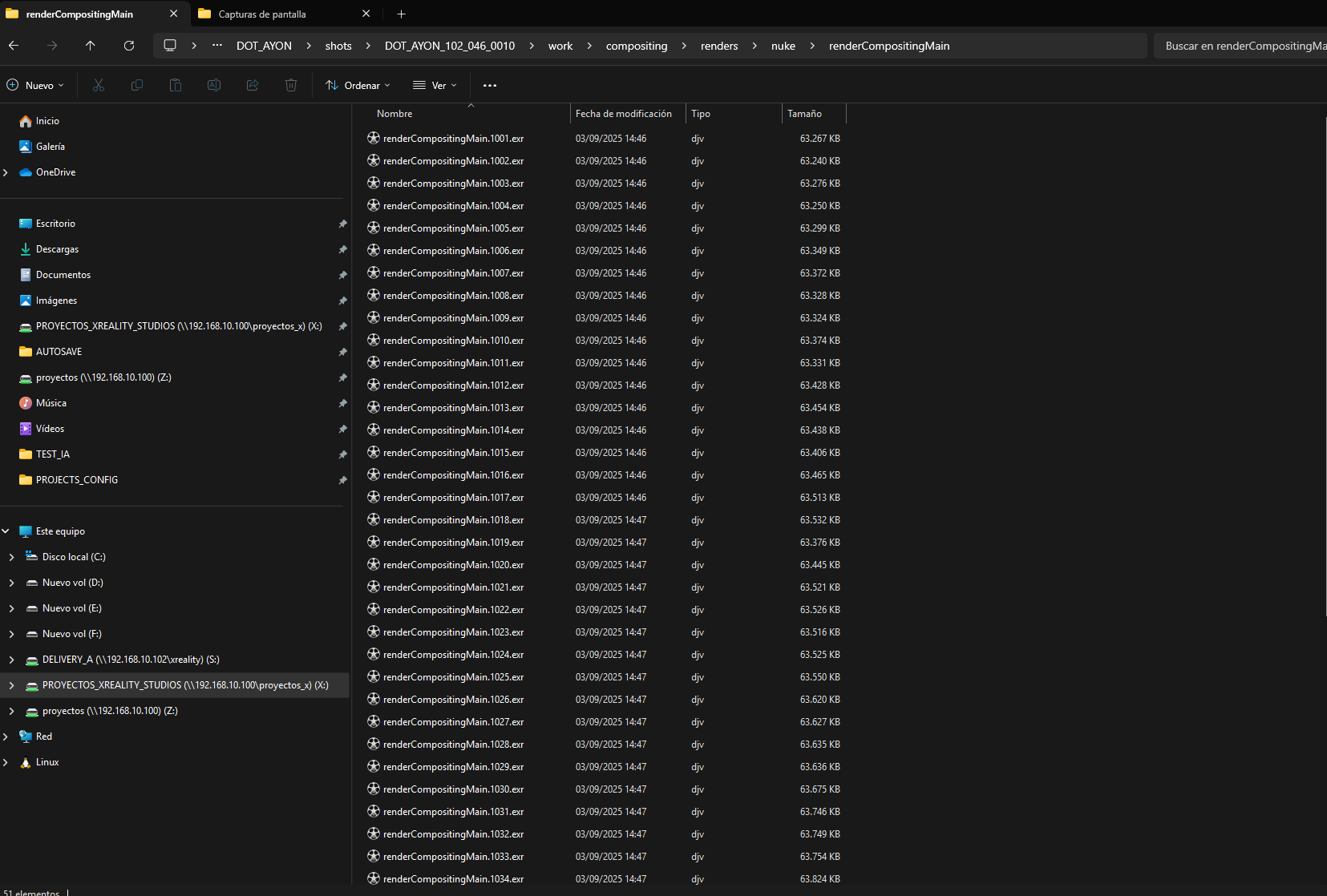
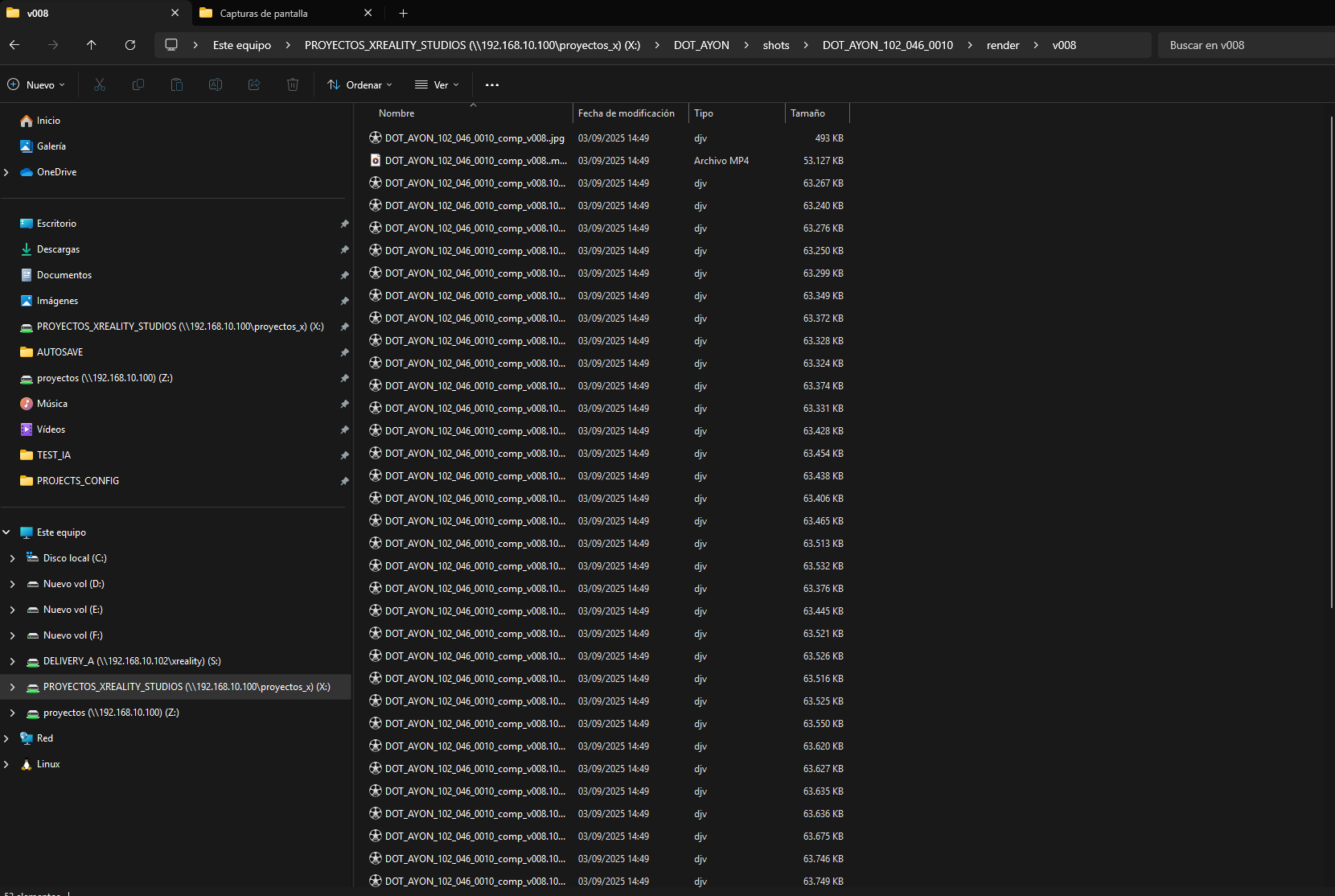
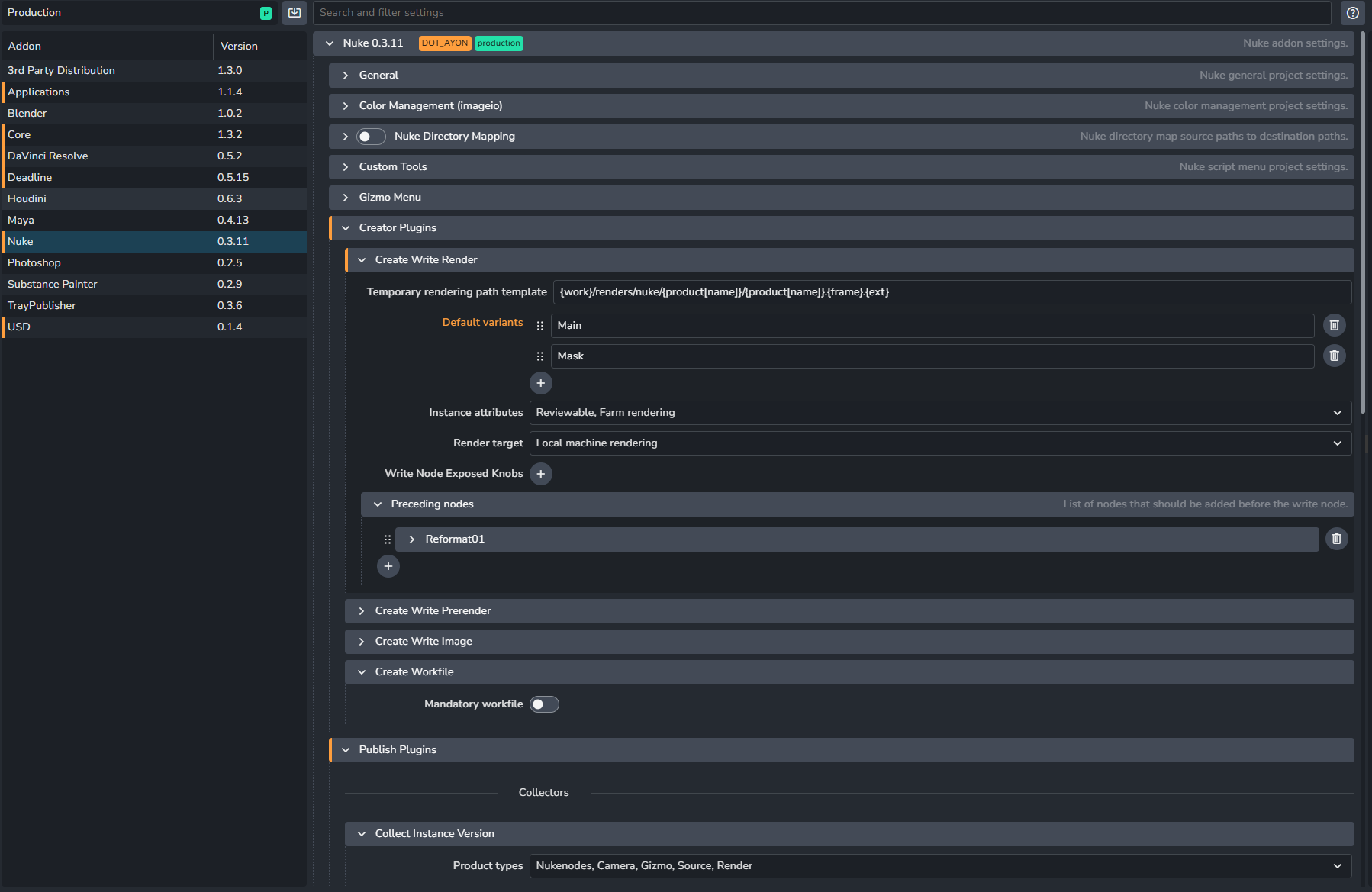
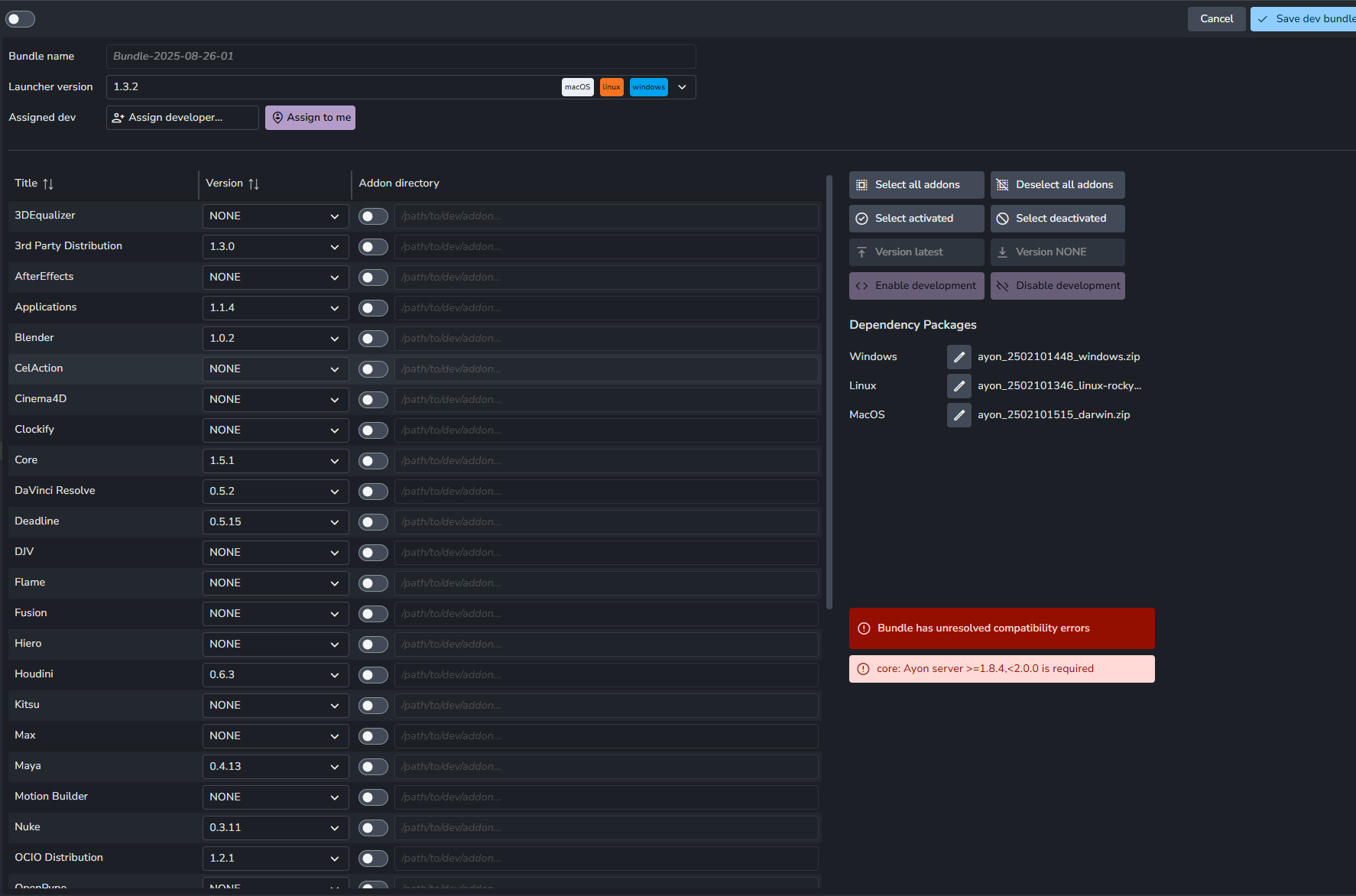
This is not ideal as then every render would take up twice as much disk space as required. I will attach the project anatomy as well as a screenshot of the create write render plugin. Please ask if you need any other information to help solve this issue, and thank you for any help you can give.
I think that this reply fails to answer that on publish the publish job can automatically clean up the staging dir for you if you really want that enabled.
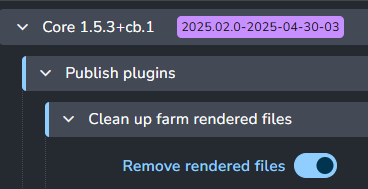
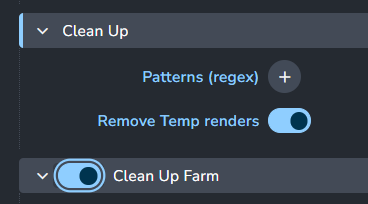
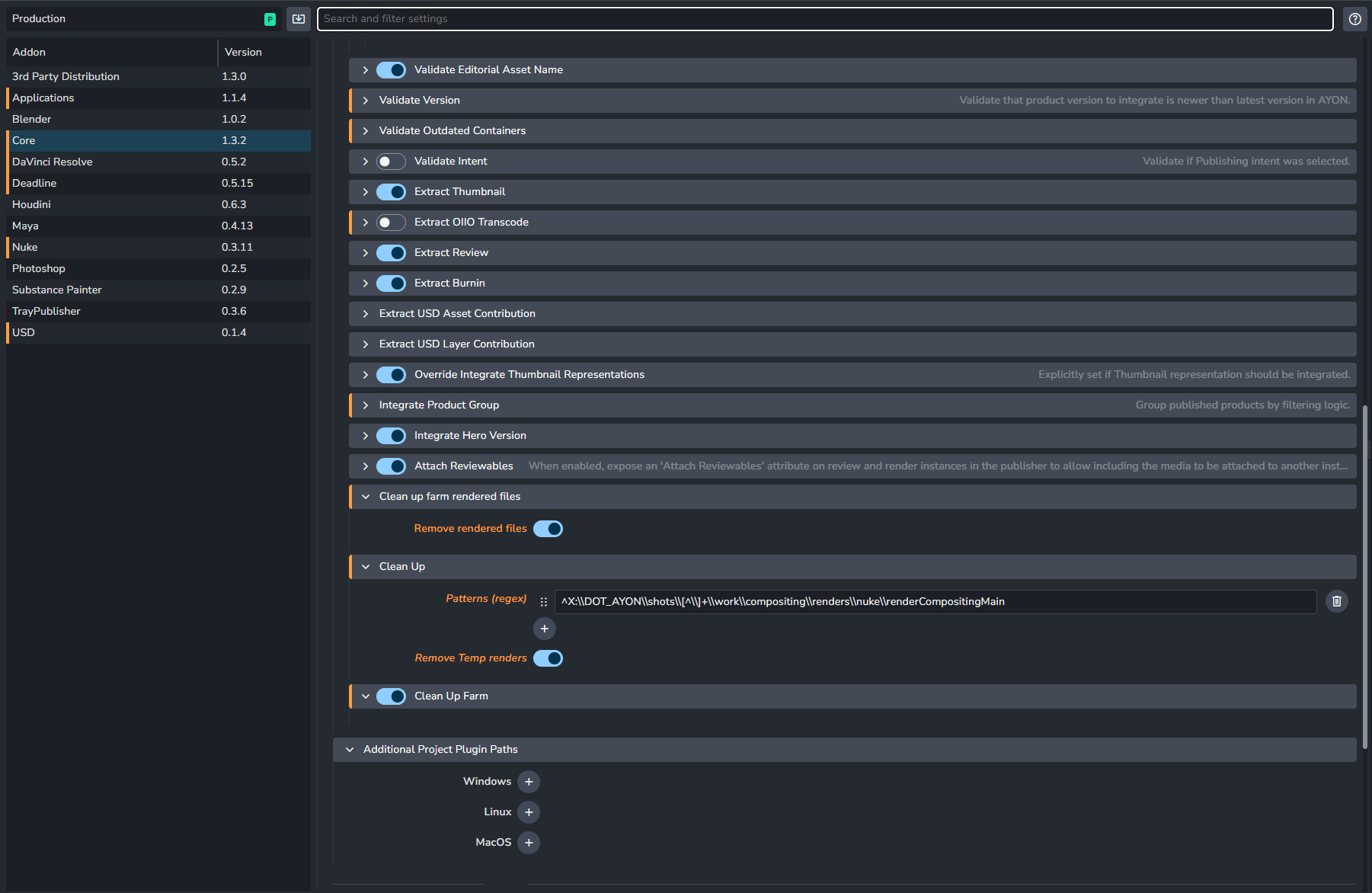
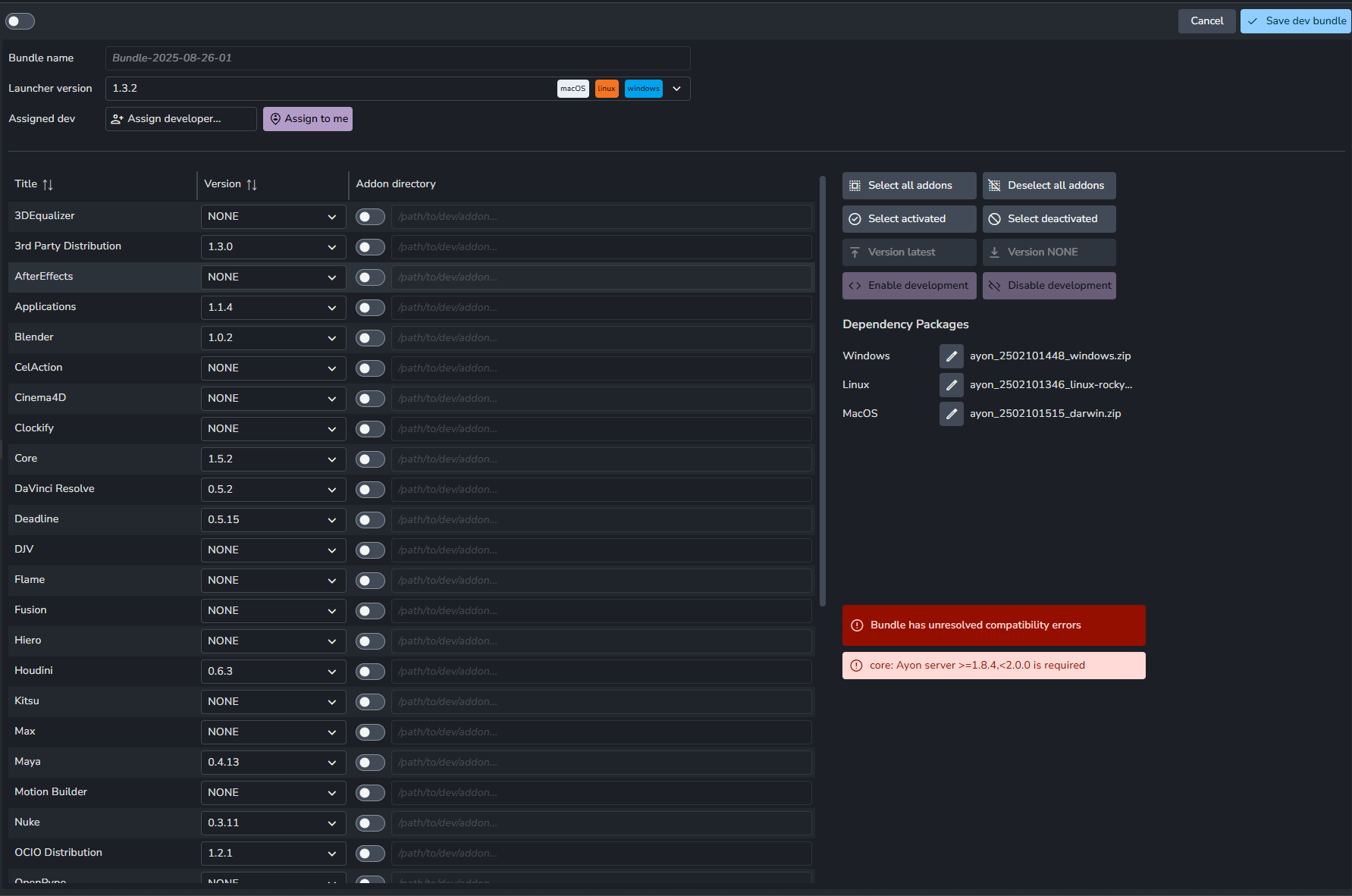
Thank you for your responses. I do not have a “CollectRenderedFiles” as part of my core 1.3.2 addon, and if I update to a newer version I get an incompatible error. I am trying but AYON is not cleaning up the temp files when the publish is finished, so i end up with two different sets of EXR files. I believe the clean up is not happening but I do not know what I am configuring wrong.
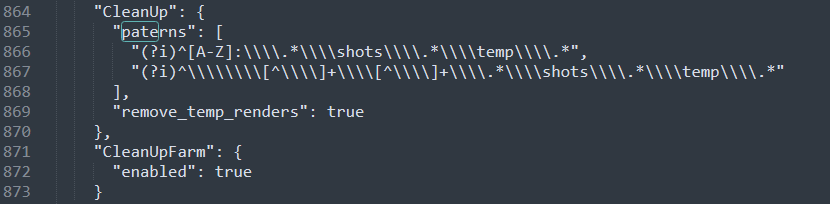
sorry for the double post but I am still having trouble with the clean up. Chatgpt suggets that the clean up is not happening as my staging directory is not a OS temp directory, can anyone confirm this? Ideally I want the staging directory to be in the project folder which is in another drive, not C:.I also noticed that when I copied the “Nuke addon configuration” I saw a “patern” misspelled which might be causing AYON to not include them? Please any help you can provide would be great.
Pretty sure you need the newer ayon-core release for this to work. I believe 1.3.2 lacks this particular toggle.
Hmm - no. It should be this PR which is in ayon-core since 1.1.9. Nonetheless, worth updating to latest addon releases to ensure it may not have been fixed by a bugfix in the meantime.