Hi,
I am trying to figure out how to setup the multi-shot workflow in Nuke, while not giving up the Ayon functionality.
Maybe someone from community already has this working?
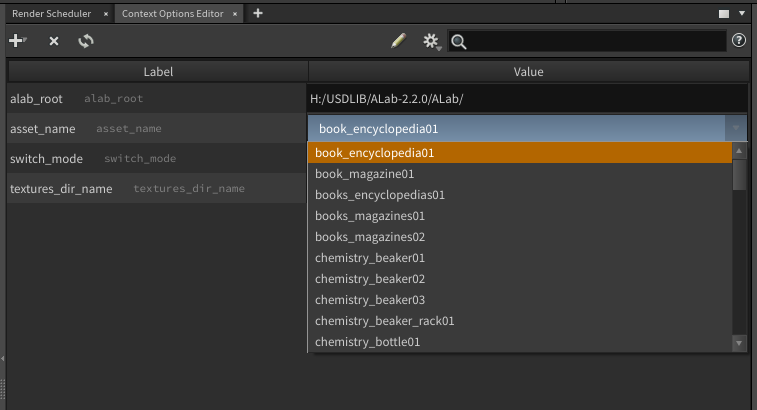
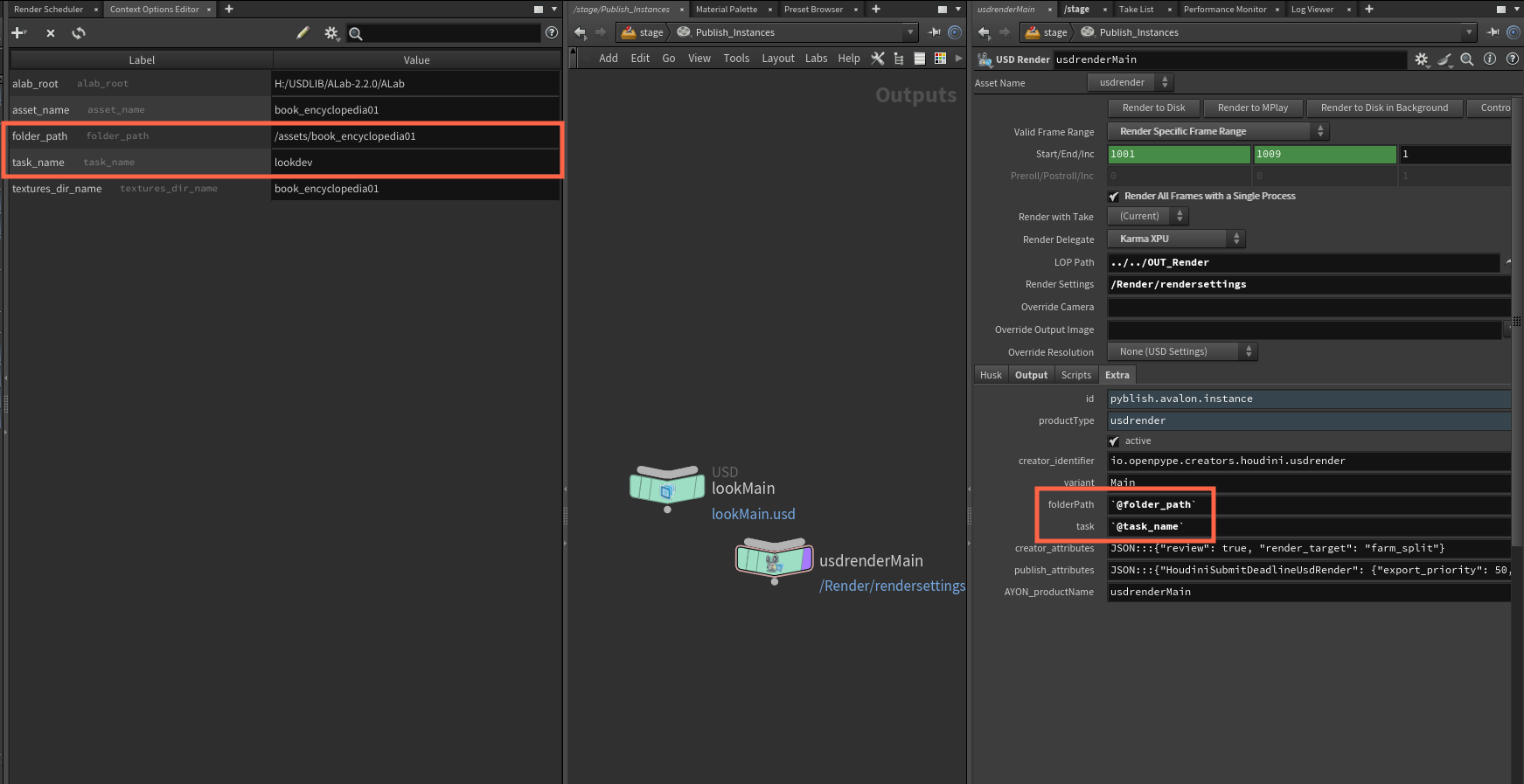
I do believe there is a Houdini way of switching Ayon context and do multishot renders.
Could you guys offer some insights into Nuke multishot ?
Thank you!
some inspiration:
Nuke Multishot & Digital Matte Painting Workflow with Goodbye Kansas
Random Notes
Grouping
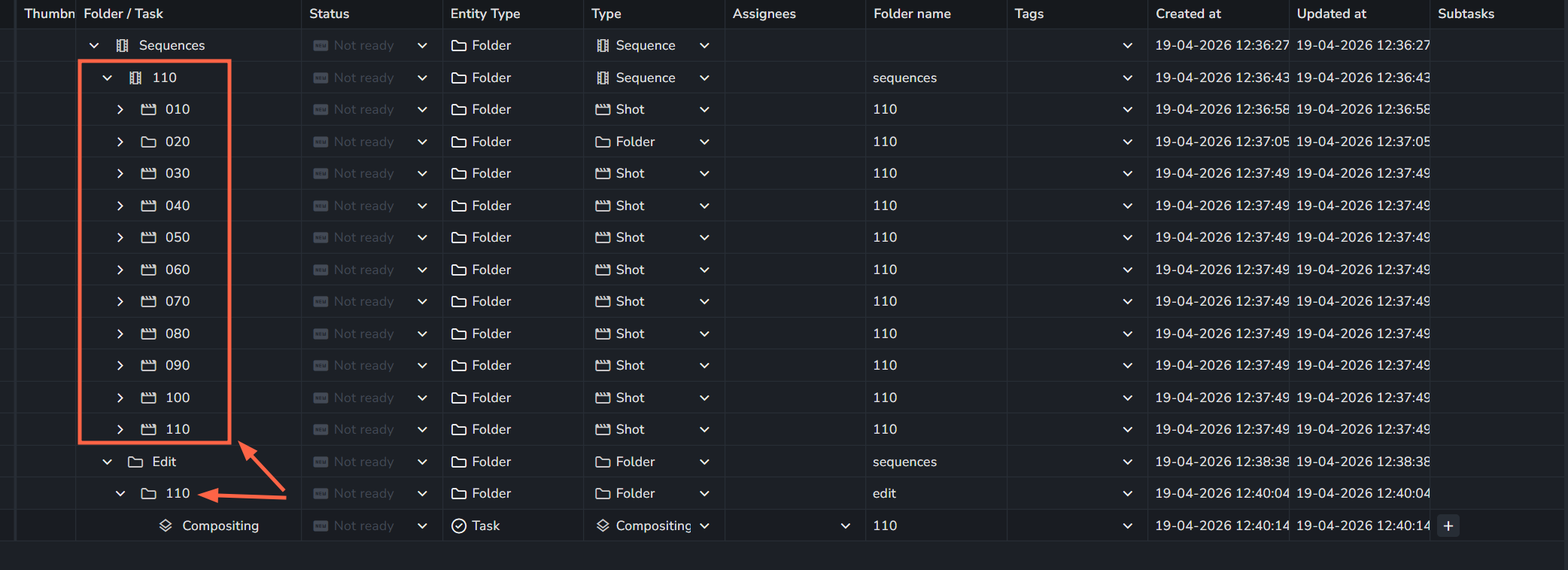
Typically, multishot workflow requires grouping tasks by similarity, and picking hero / key / master shots. Assuming for now that every group needs one and only one master shot. It is also important to have a clear, visual representation of which tasks belong to which group in friendly gui way for efficient project management.
Grouping can be accomplished in Ayon by links, lists, or tags.
Lists are ok for grouping, but need separate mechanism to mark master shot. Not so good for filtering.
Links are great for grouping and can show hierarchy (every task in the group links to it’s master task), but are harder to visualize.
Tags are good for grouping, two tags are needed: group name and master tag. Great filtering, ok, to visualize.
Workfile
It is expected that every task has a Nuke script workfile for single shot workflow. For multishot, artist needs a way to work on one shot, and rapidly switch between group shot contexts, or even better, have a way to see the changes in several shot contexts at once.
This requires a workfile is shared between several tasks. Often, mechanism to pull out the shot from the multishot group and make it single shot is also needed in production.
Not sure how to handle farm rendering from multishot workfile, there would need to be a way to switch the context for every shot contained in multishot workfile?
Ayon Context Switching
Ayon has a mechanism to switch shot context, for Nuke it sets frame range, fps, color settings, and root format resolution. It also uses root node to store context publish options like “validate outdated containers”.
There is a handy ayon-recipes/change_ayon_context.py at e8dfc8caef99bc4bca6bf33fded2d2c74ca3fb7a · MustafaJafar/ayon-recipes · GitHub
This whole switch context, publish, repeat is maybe not ideal approach, but Nuke doesn’t even know the frame range needed for the render node when the context is “wrong”. Maybe allowing render range limit to renders the same way it is allowed for prerenders would help.
Nuke Create Render for multiple contexts in one Nuke script
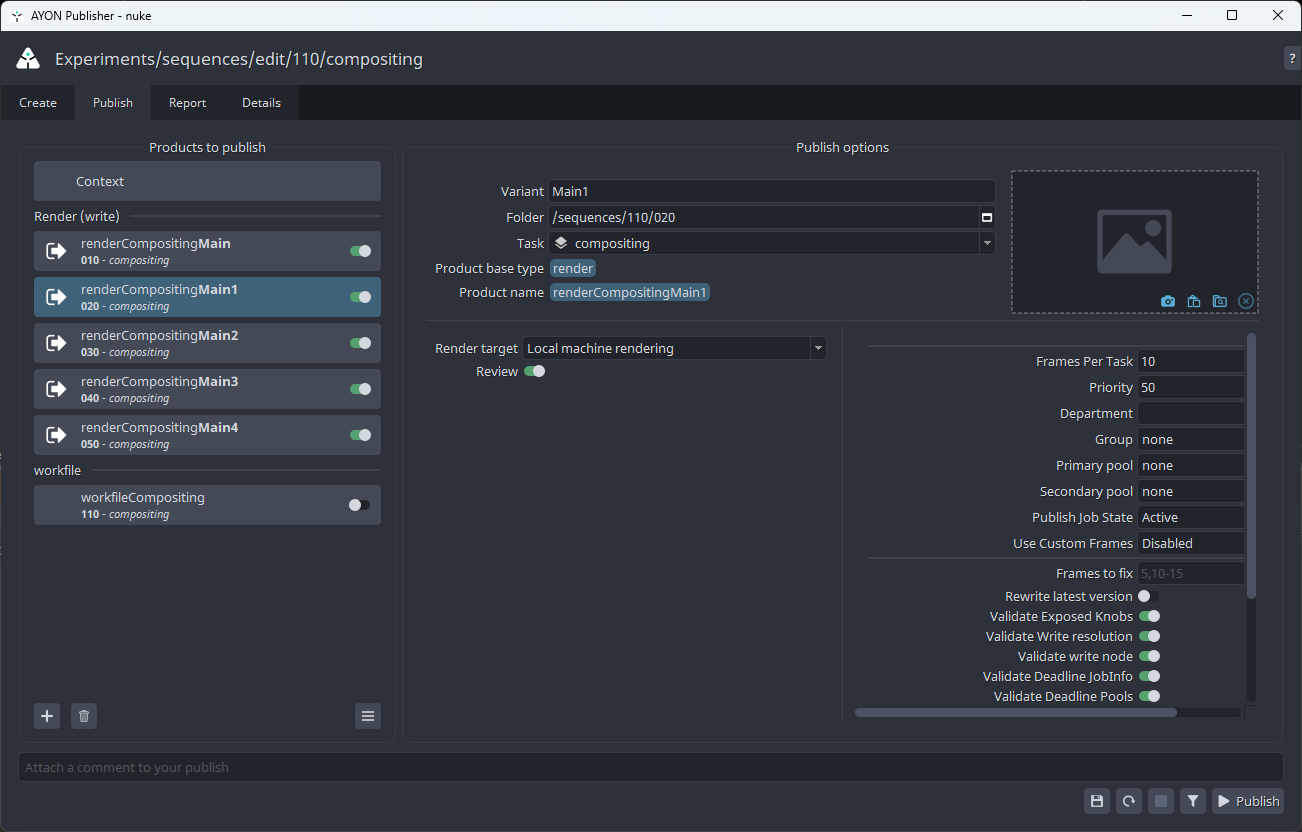
There is an easy GUI way to create Ayon render for several contexts, but it forces unique variant names. So instead of renderCompMain for sh010 and renderCompMain for sh020, it produces renderCompMain1 for sh020. This requires turning off Validate Folder context.
The default anatomy doesn’t have the render path differentiated by folder context.
To support publish to different
Nuke root variables (GSV) and Ayon
It might be handy to have a way to load some context aware info from Ayon to Nuke Graph Scope Variables. Something flexible, like resolve metadata mapping.
This would need to be a part of context switching.