I’ve published several asset files and set dressing files via our standard workflow, but when loading them into a shot for lighting or FX tasks, the asset browser only shows paths to the original workfiles—not the published versions. This risks using unapproved/outdated files.
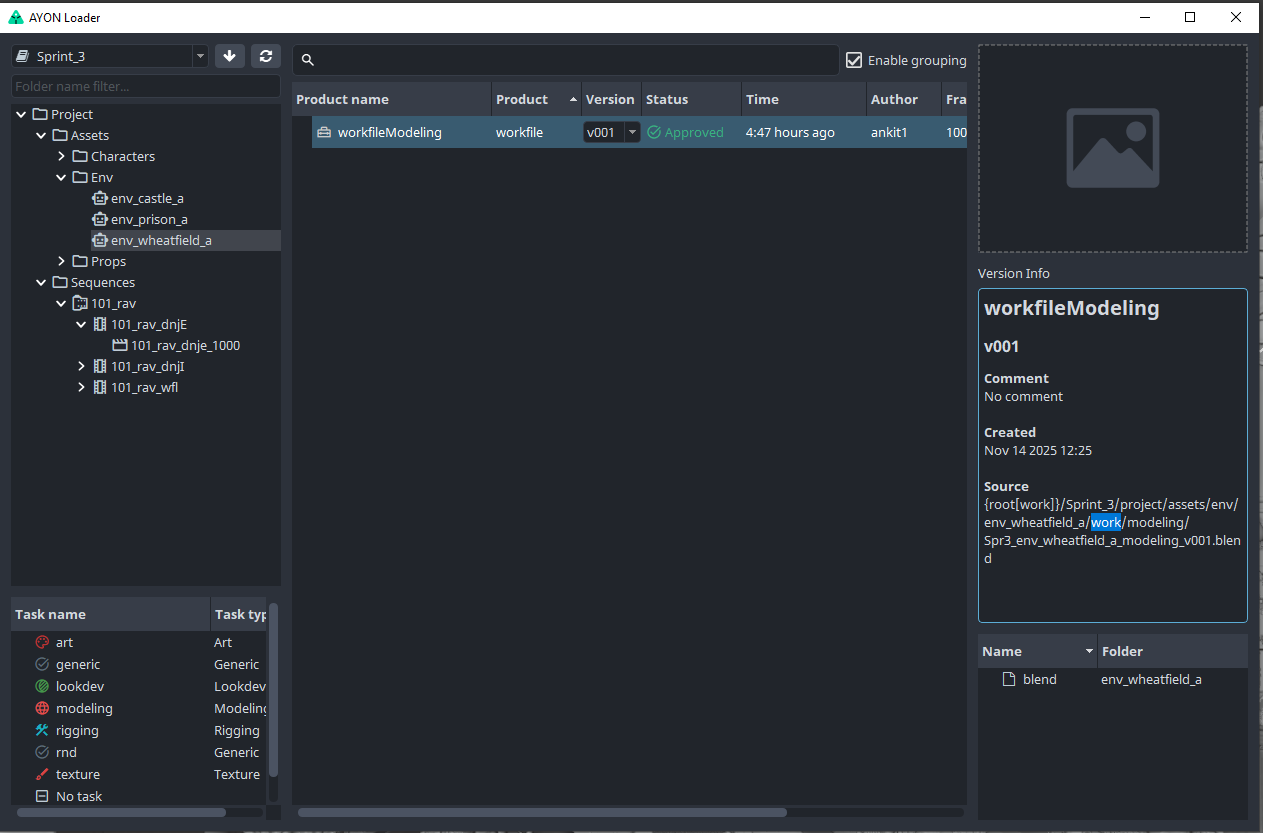
If I get it correctly, you expected to see published workfiles paths below source key in version info?
Which might be helpful to find out products from approved workfiles?
Assuming you are looking for published product versions that are related to an approved workfile.
You can use “links”.
e.g.
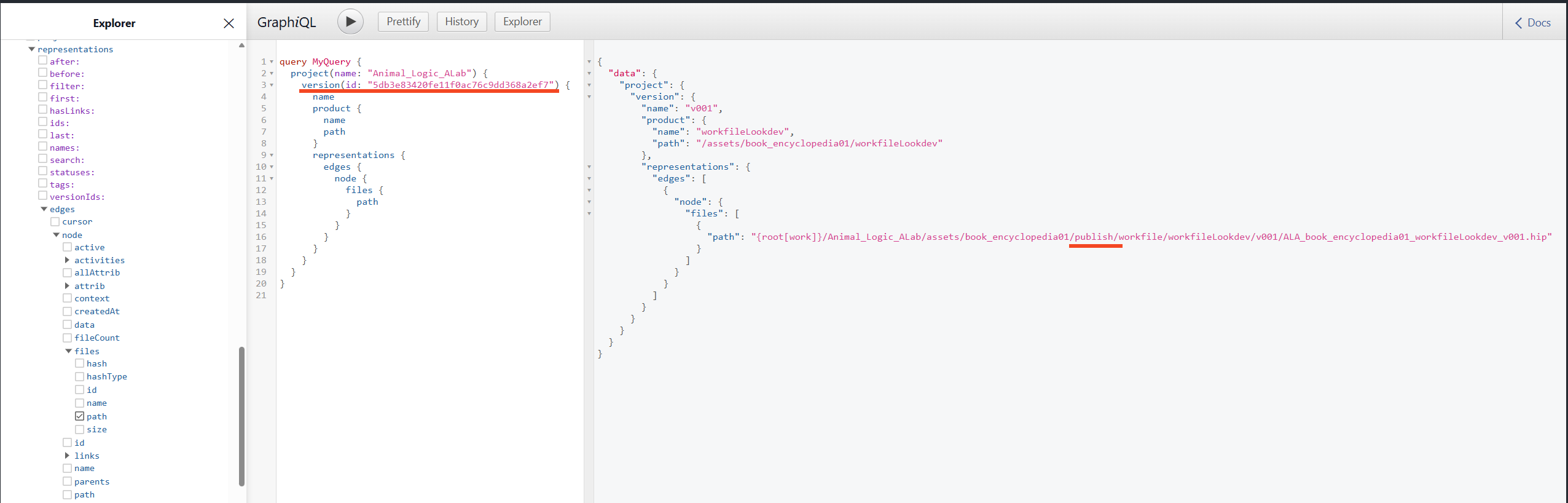
Here’s one of my published workfiles and as you can see it’s in my publish directory. I’m just adding this image to prove that this id is for a published workfiles.
and when running this snippet in the console window ayon-recipes/get_links_of_a_version.py at 927455274884255aec5657c6403f0af8689b76fb · MustafaJafar/ayon-recipes · GitHub
You’ll be able to see loaded products (in) and published products (out).
These are the links of my workfile version id shown earlier.
Find links for 'workfileLookdev v001':
 - out lookMain v001
 - out usdAsset_look v001
 - out usdAsset v002
 - in ACEScg_ColorChecker2014 v001
 - in auto_service_4k v001
 - in industrial_pipe_and_valve_01_4k v001
 - in studio_small_08_4k v001
 - in usdAsset v001
Thanks so much.
Understood I tested by deleting the work file and it is actually taking from publish, sorry English is not my first language.
Thanks Mustafa, that’s a very useful piece of script !