Hi!, I having problem connecting ayon with kitsu. This is not the first time I’m doing this setup and I manage to make it work several times before. But it seems that a couple of things changed size the last time I created an instance of Ayon.
My main problem is that I have all setted up as I did before, but is not working.
- I created the Api key, kitsu mail, kitsu password.
- update ASH
- create a worker inside docker-compose file, change localhost IP and api key
- set up kitsu addon with localhost IP, mail and password
- I checked if kitsu IP, mail and password works well on kitsu site and is all ok. But I have this error and cant Figure it out how to make it work.
I don’t think I saw similar error before.
I found it in my log  from few days ago.
worker-1 | 2025-10-23T17:24:43.474103661Z docker.errors.ImageNotFound: 404 Client Error for http+docker://localhost/v1.48/containers/create?name=aysvc_kitsu_processor: Not Found ("No such image: ynput/ayon-kitsu-processor:1.2.6")
Okay, I’ve found it. 1.2.6 is missing from our docker hub, see ynput/ayon-kitsu-processor/tags.
Could check if 1.2.5 works for you?
It works on my side.

Hi Mustafa!  , many thnaks for your reply. I tried to log with kitsu 1.2.5 and worker seems to be working fine, but It’s the server that is not connecting to kitsu.
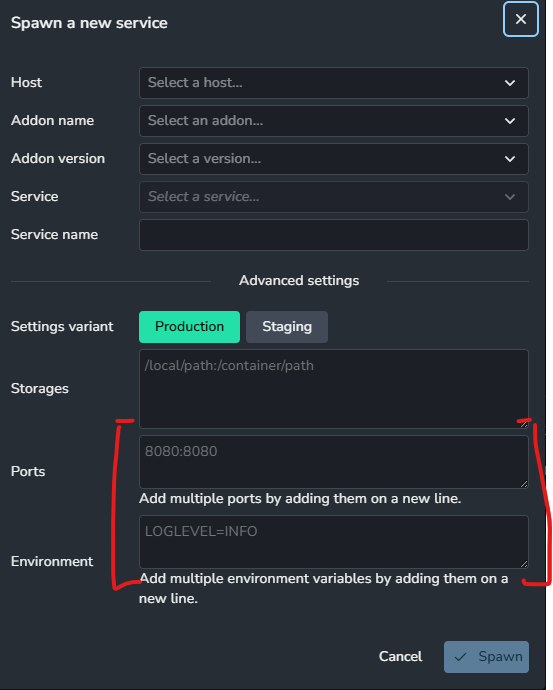
So it tries to connect and then disconect every time. Maybe this is happening because now we have new boxes to fill when set the processor and I just leve them as default?
I’m not familiar with this settings so maybe thats the problem.
By the way for ayon I’m using :5000 and for kitsu :8800
Ports and Environment are advanced settings.
A typical use case doesn’t require setting them.
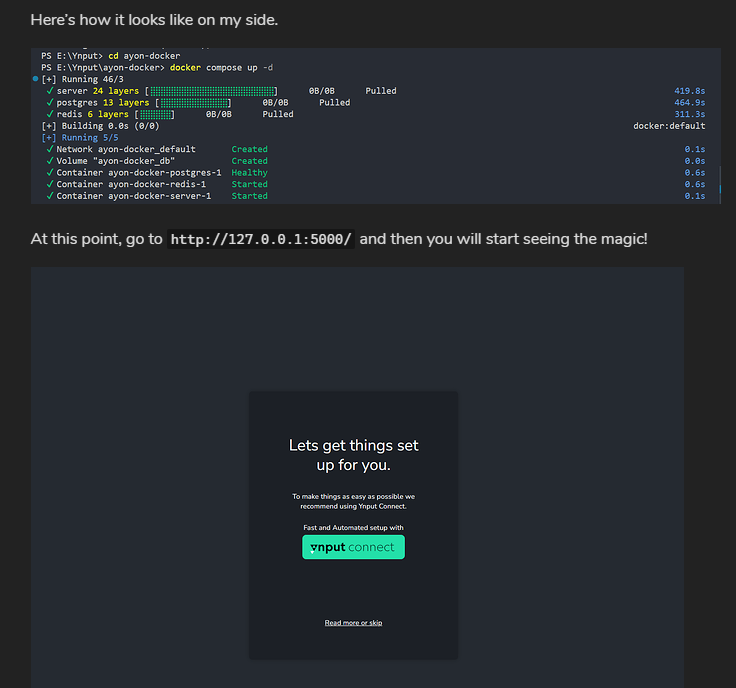
Thanks, Mustafa  — problem solved! I read the documentation you gave me and found that my IP could potentially be the main issue. When I checked the IP I was using for the Kitsu server, I realized I was still using the one from the quick Ayon deployment tutorial.
For some reason, I thought that was my local IP. To fix the problem, I opened the terminal, ran ipconfig, took the IPv4 Address value, and set that as the Kitsu server IP. Now everything’s working 
2 Likes