I need some guidance on the Houdini, Ayon, and Deadline render submission workflow using Solaris USD.
Current Setup
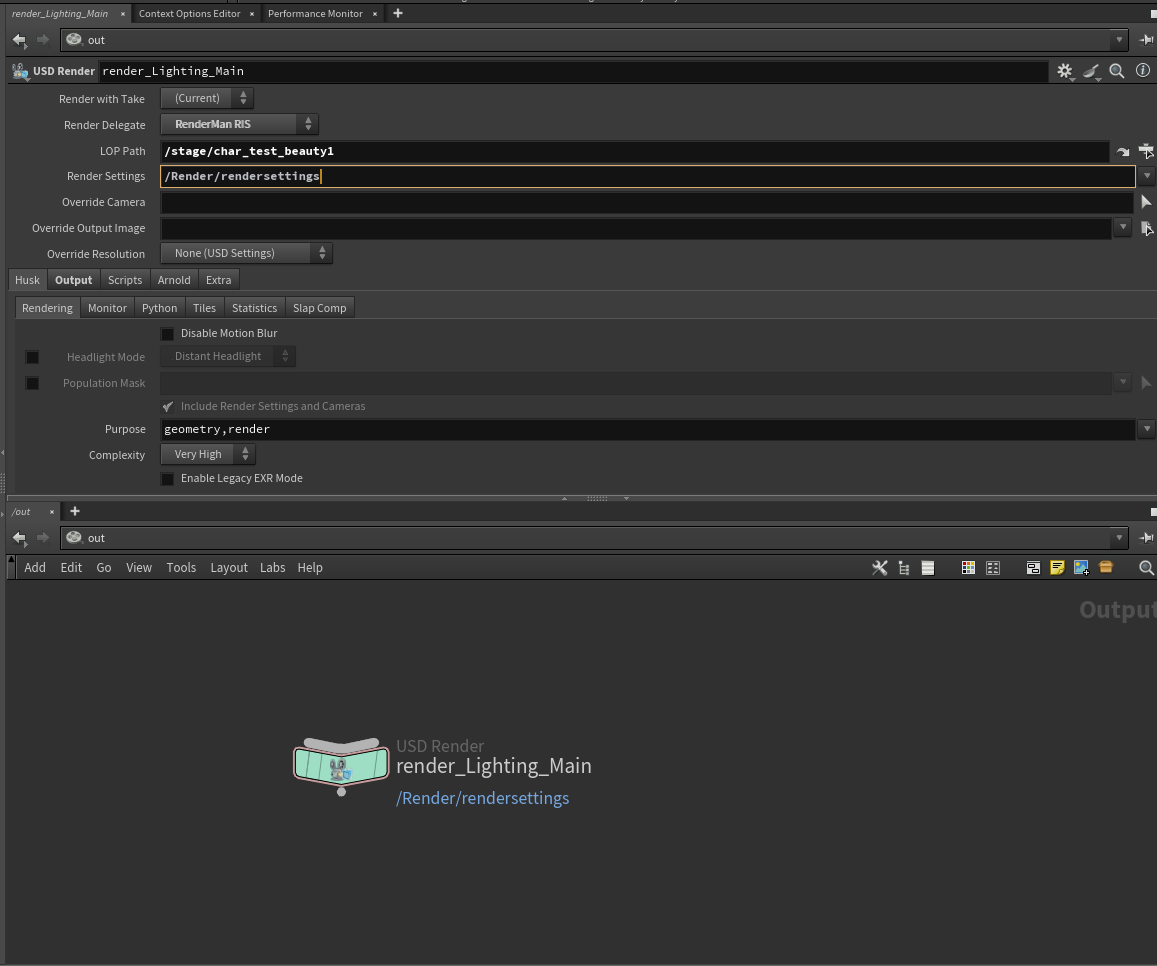
I have my scene set up in Solaris with layers created. My current process is selecting a null node and creating a USD Render product via Ayon, manually adding render settings inside the render product, and the LOP path is being picked up automatically as expected.
Issues I am facing
The first issue is blank renders on farm. I have tried Farm Rendering, Farm Export, and Farm Export and Rendering but none of them are producing correct output. The exported USD file appears to be empty, which is likely causing the blank renders. I am not sure where in the process things are going wrong.
The second issue is the Ayon and RenderMan Denoise workflow. My current workflow outside of Ayon works fine. I create a Fetch node in the out context pointing to the EXR ROP, connect it to a RenderMan Denoise node, and submitting that denoise node to Deadline renders both the EXR and the denoised EXR together. I would like to know the correct way to achieve this same result through the Ayon publish workflow.
What I would like to understand
I would like to understand what exactly happens under the hood when I click Publish in Ayon. I also want to know why the exported USD file is coming out empty when doing a Farm Export. And finally, if there is any official documentation that covers the Solaris, Ayon, and Deadline pipeline in detail, that would be really helpful.
Thank you so much for the quick reply, I really appreciate it.
I went through the entire setup again and submitted the render using the Farm Rendering option. It worked perfectly, and the render completed successfully.
However, I’ve run into another issue. Whenever I submit a render with custom frame ranges, it renders the specified frames first, but then somehow the entire frame range ends up appearing in the output directory. I’m not exactly sure what’s happening. it almost looks like the remaining frames are the copy of the first custom frame and renamed as diffrent frame just to fill the entire frame range.
Is there something I might be missing or a setting I should be checking?
If you use Custom Frame range, then make sure to let Houdini write out multiple __render__.$4.usd instead of a single file, because otherwise Houdini to my knowledge will overwrite the file multiple times.