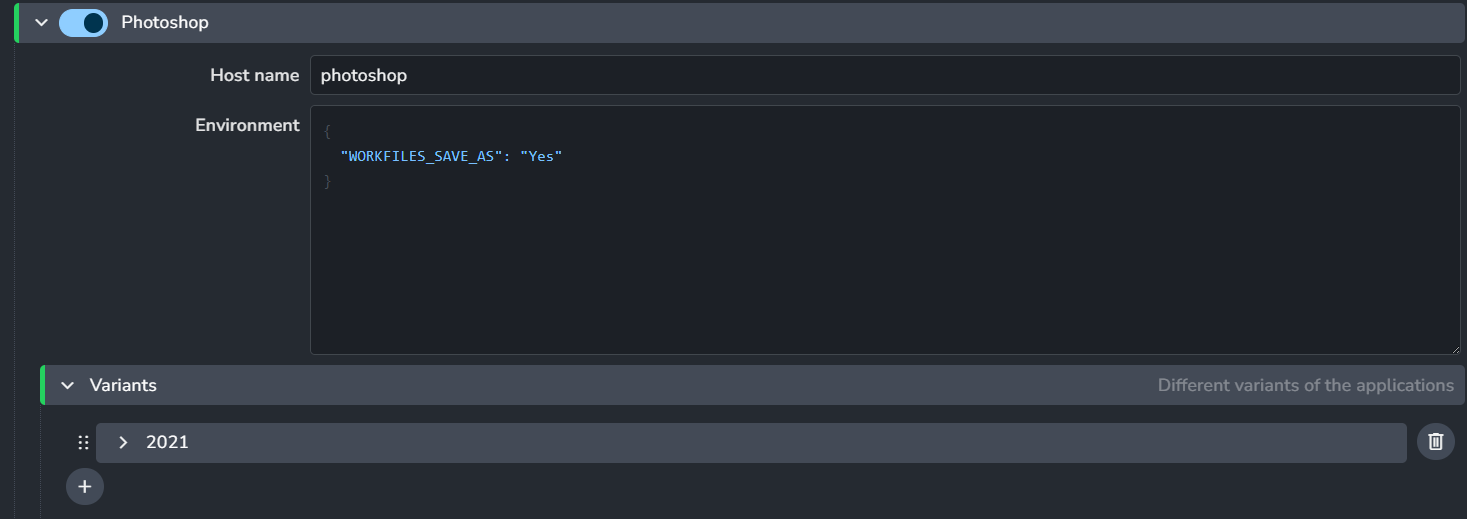
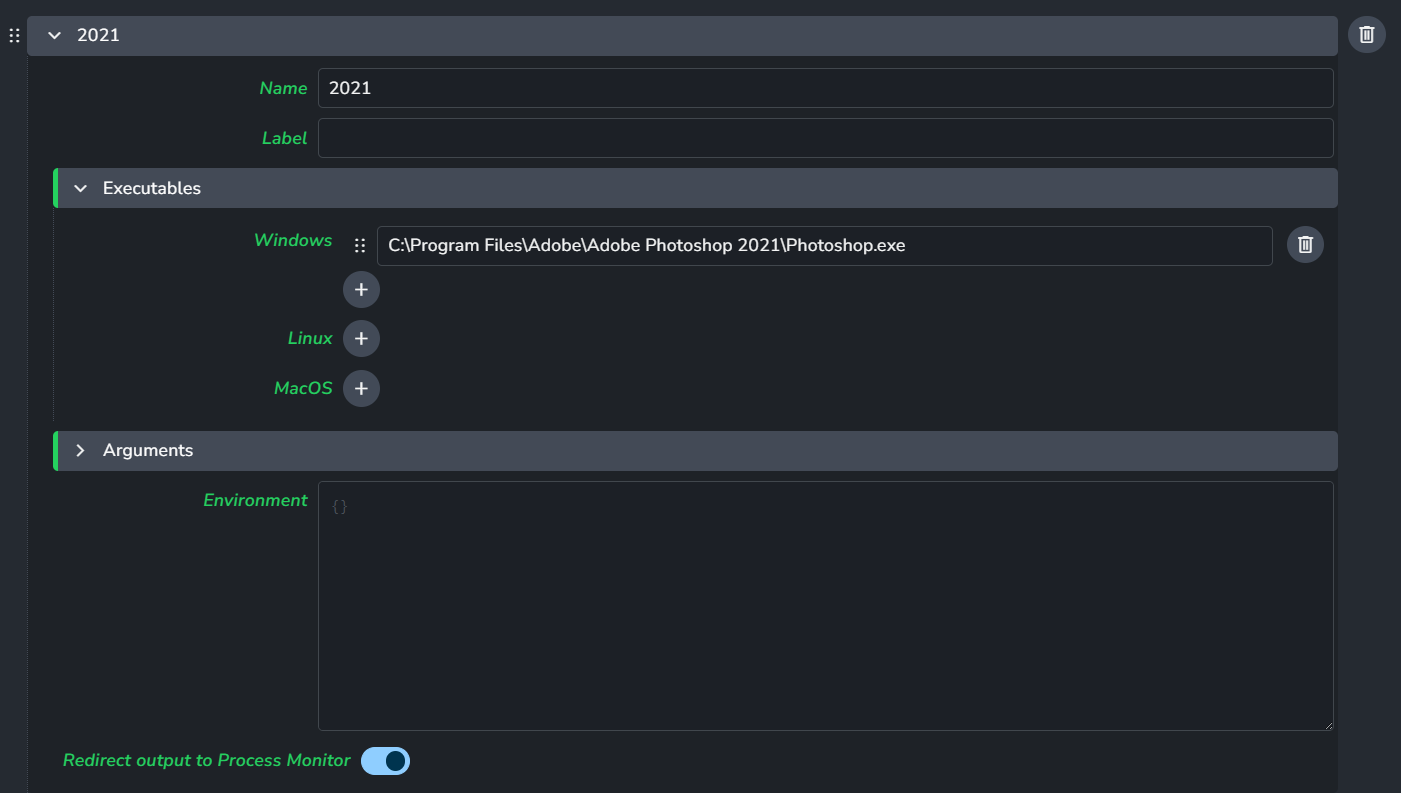
I have an artist using Ayon for the first time and she reports initial setup was going fine. However, she’s having issues getting it to collaborate with Photoshop.
The launcher is picking up an older version of Photoshop. She uninstalled that older PS version in the hopes that AYON would then pick the correct version but it seems the path is not working. Is there a way for us to update the path to work with the correct Photoshop version?