Ftrack doesn't sync publishes from Nuke, but does from Tray Publisher

Hello,
first - happy new year and thanks for developing, supporting Ayon!

I’ve been trying to troubleshoot an Ayon - ftrack sync issue for some time, but without much success. I was hoping somebody would have some ideas or even has faced the same issue.

We have a working Ayon - ftrack sync for products published from Tray Publisher. However when I try to publish the same product type, from the same task in e.g. Nuke, the sync doesn’t happen (the product is successfully published in Ayon, but is not recreated on ftrack). We see the same issue happens in Maya, so possibly any other DCC is affected too.

Some info about versions, configurations.
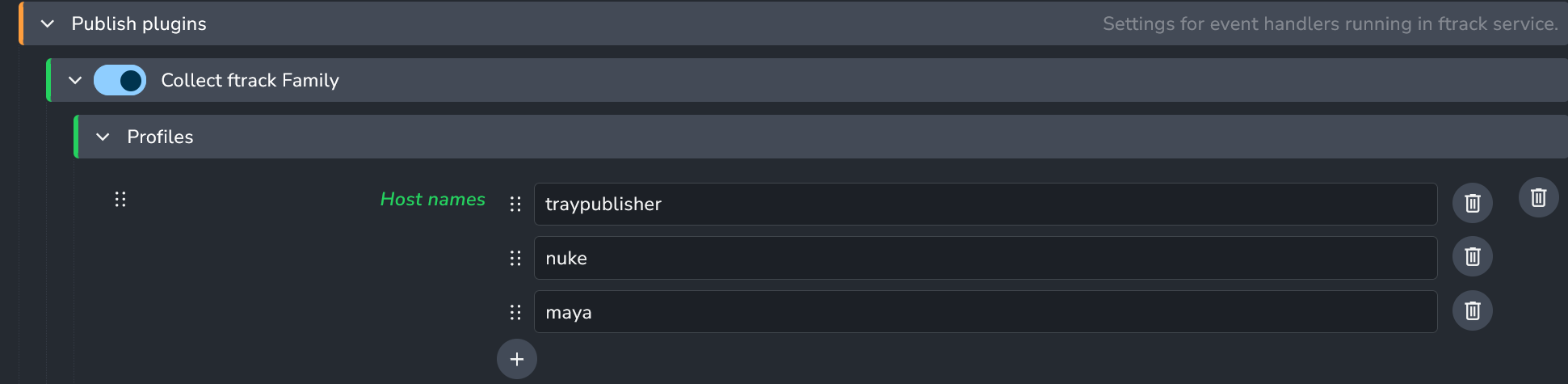
The ftrack addon (1.4.11) looks to be configured correctly:


Based on the docs this should specify which host & product type combinations are eligible for the ftrack sync.

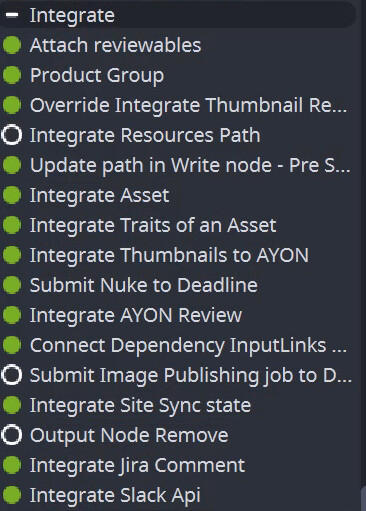
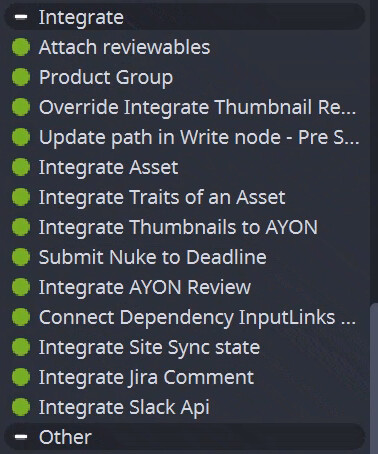
However when publishing from Nuke I’ve noticed that I don’t see any ftrack-related integration plugins:

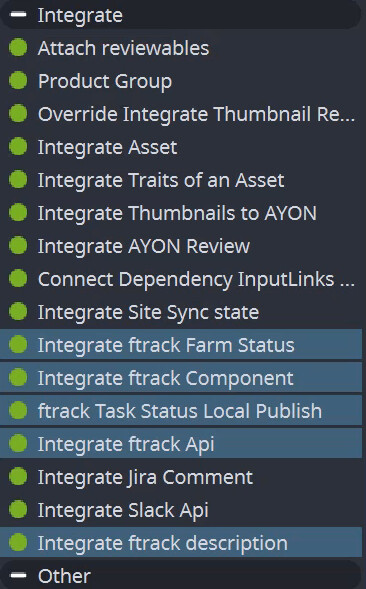
Here are integration plugins in Tray Publisher for reference, I’ve highlighted those related to ftrack:

Do you have any pointers which would help me troubleshoot this?

Best,
Juraj

I’ve couple of ideas to start debugging.
In the publisher tool > Details tab, there are two useful things

  1. There’s a toggle on the top of plugins list, it can tell you if you can see ftrack related plugins then, they are disabled.
  2. on the right side, next to log tab, you can see crashing tab, it can tell you if some plugin has crashed.

I think if you can see the plugins after enabling the toggle, then settings maybe miss-configured.

Hi, thanks for your reply.

Toggling the Hide skipped plugins did not reveal anything ftrack-related:

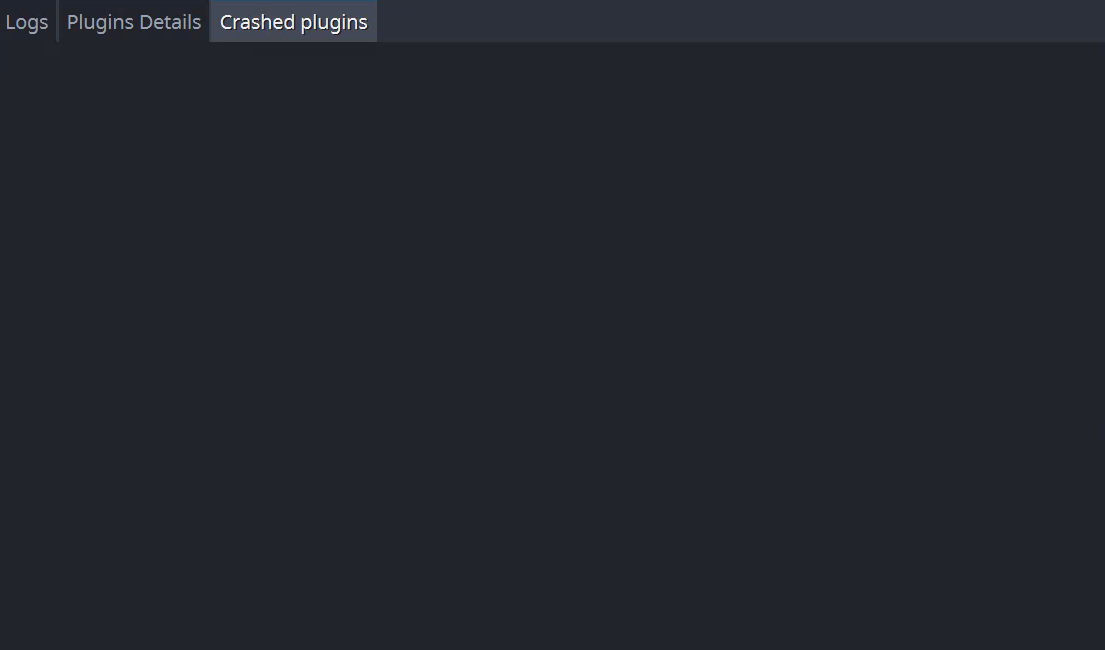
Crashed plugins doesn’t list anything either:

It feels like the ftrack-related plugins aren’t added to Nuke’s publisher at all. I suspect it might be a configuration issue, but haven’t found anything after looking through docs / our settings.

I wonder if there’s something related to conflict in ftrack python library version and nuke.

Could you check the app log in process monitor

https://help.ayon.app/en/help/articles/2830636-process-monitor-tool


Additionally, you can check the app launch log from terminal via

  • on windows:
    cd <ayon-launcher-installation-location>
    ./ayon_console.exe addon applications launch --app <app-name> --project <project-name> --folder <folder-path> --task <task>
    
  • on mac and linux
    cd <ayon-launcher-installation-location>
    ayon addon applications launch --app <app-name> --project <project-name> --folder <folder-path> --task <task>
    

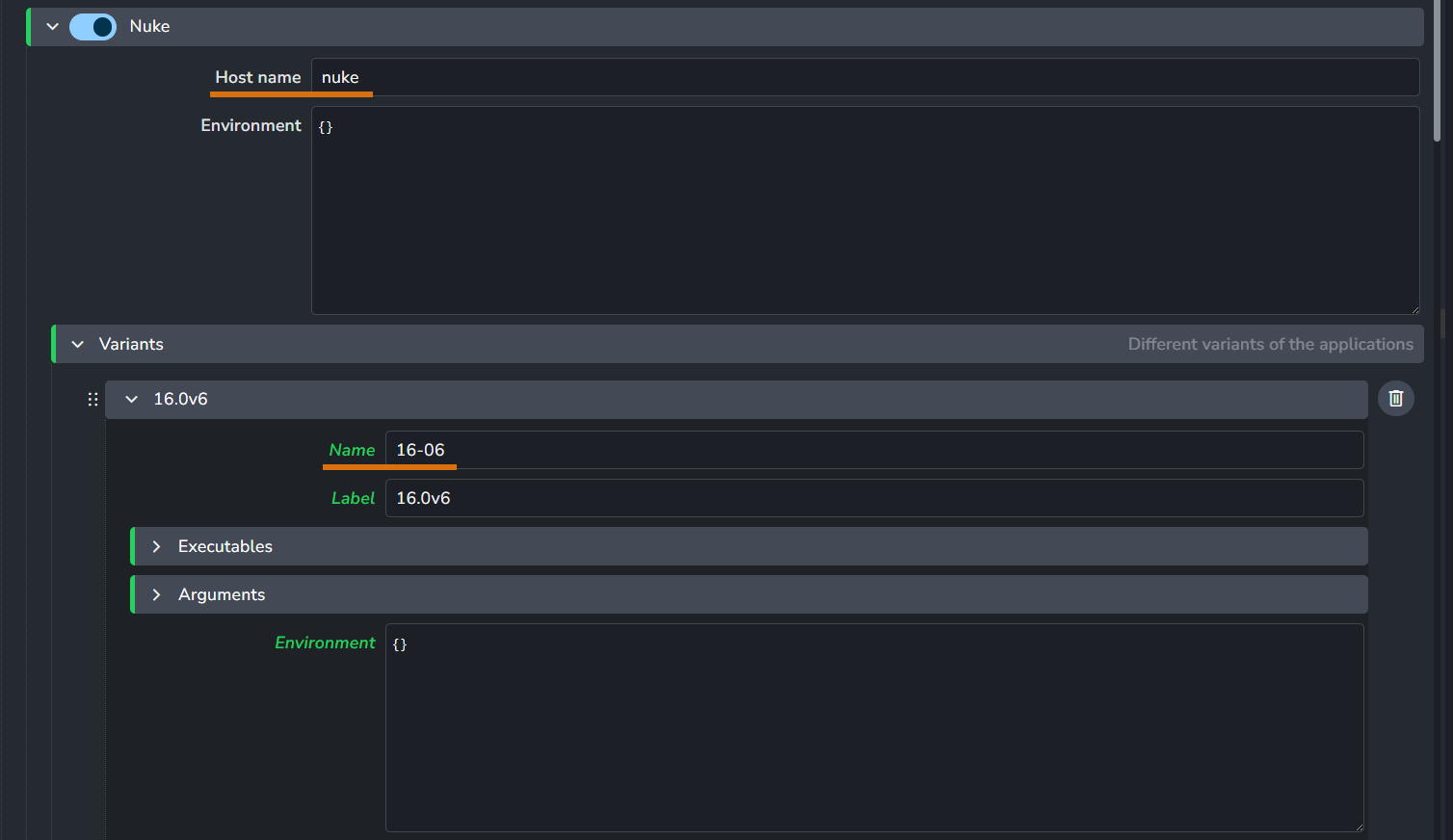
The app name consists of the hostname/variant so for this app on side, the app name would be nuke/16-06

It looks like some issue with ftrack addon itself. If you don’t see the plugins and they are not in crashed plugins it probably means that the whole addon failed to import.

Try to run import ayon_ftrack in script editor.

Hi,
@mustafa_jafar, @iLLiCiT - you were right and thanks for your pointers.

I wasn’t aware of the Process Monitor. Using it to check Nuke’s / Ayon’s startup logs has revealed a failed module import in AddonsLoader, which gave me something to work with.

ayon_ftrack could not be imported in Nuke because it was missing a dependency, which interestingly was avaialble to Tray Publisher (it was in the runtime dependency package subfolder, but not in the dependencies one - that’s why Tray Publisher could import it, but not Nuke).

This issue was perhaps caused by an outdated dependencies package. Rebuilding it seems to have fixed the issue. Now Nuke lists the ftrack-related Integrate plugins and the published asset is re-created in ftrack as expected.
1 Like