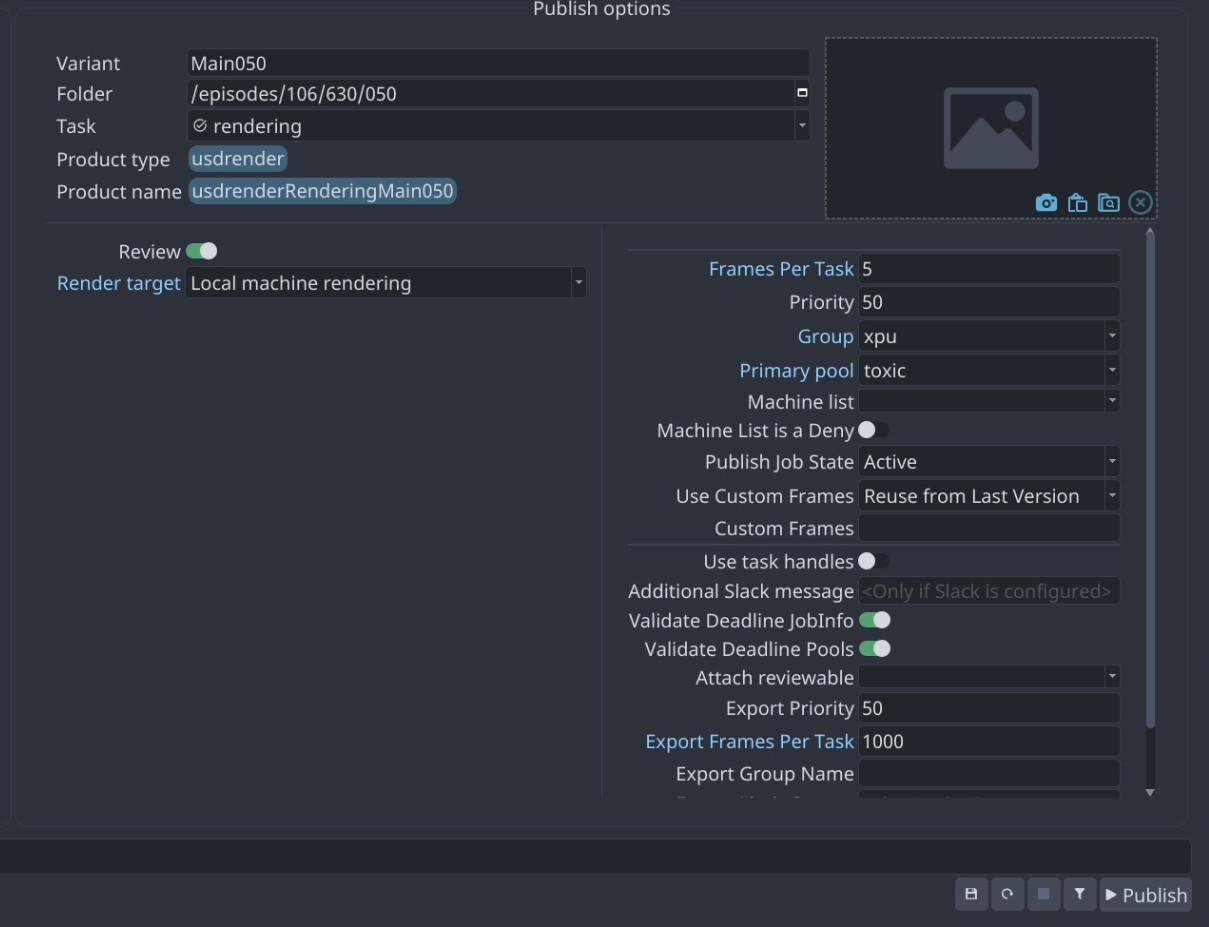
I have a question about how to correctly fix frames that were not rendered properly in Deadline. When we simply requeue our tasks to render and publish again, AYON gives an error during publishing, saying that there’s a version incompatibility between workfiles and the publish.
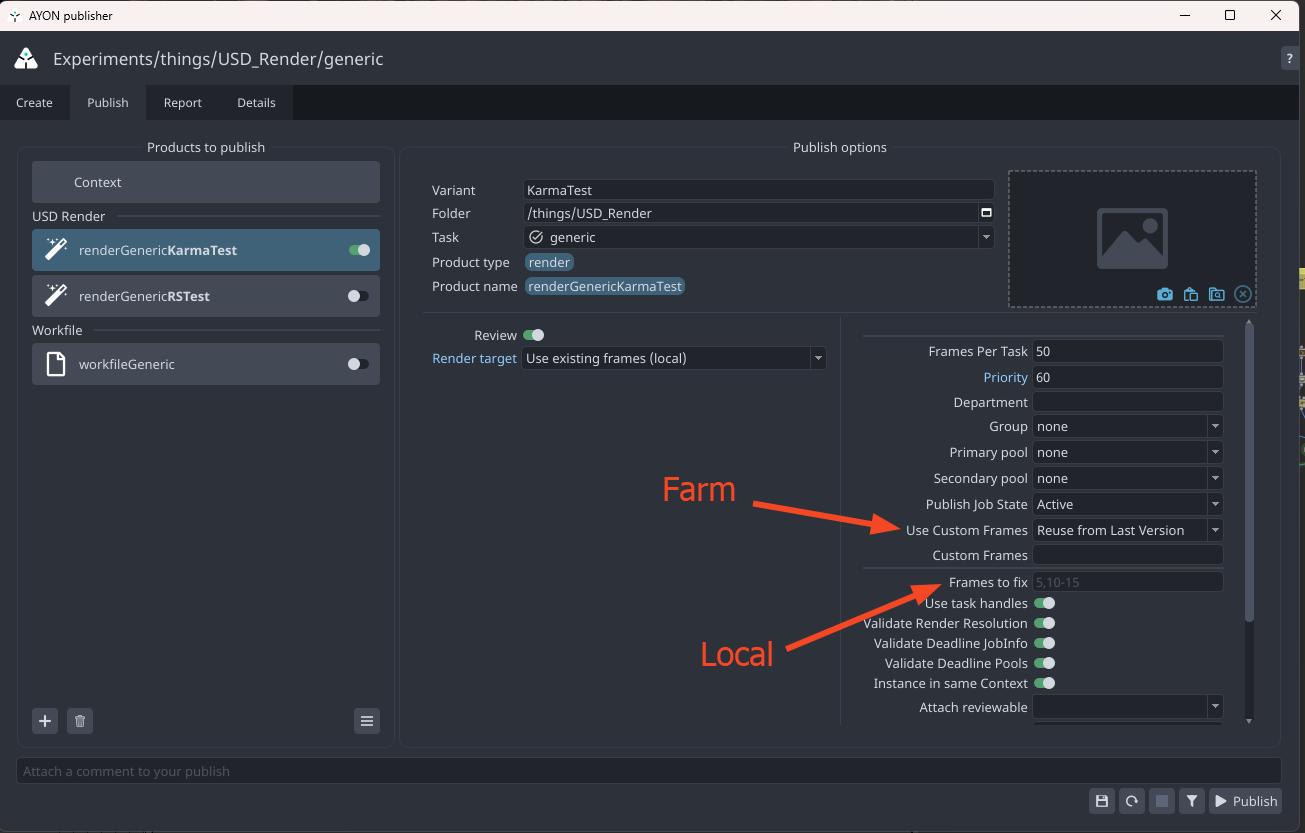
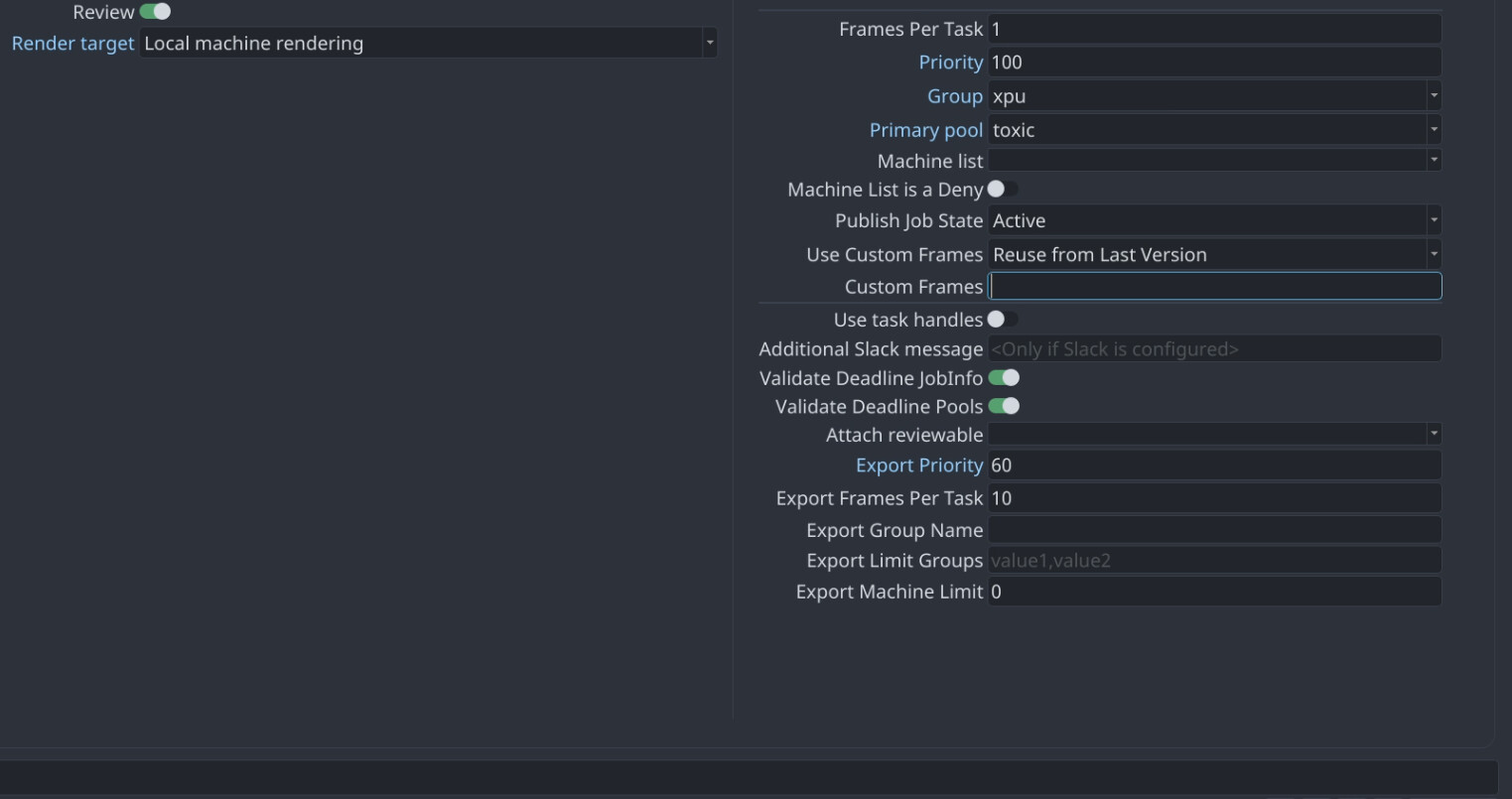
I think the correct way to do this is by using the “Frames to Fix” option in the publisher, right? But when I use it, AYON re-renders all the frames again (both the correct ones and the incorrect ones). Am I missing something in this process? How can I correctly fix only the problematic frames and publish a new version?
I had all my v018 frames + 1v019 frame (the correct one) but didn’t manage to figure out how to publish a correct version without having to re-render everything, or publish by hand, etc.
Kind of follow up question would be how do we publish frames that exist but for which the publish failed for some reason?
Frames are fine. Publish isn’t going through, how do I retry publishing using the same frames? Say I want to publish frames from v001 from scene v002.
In Houdini
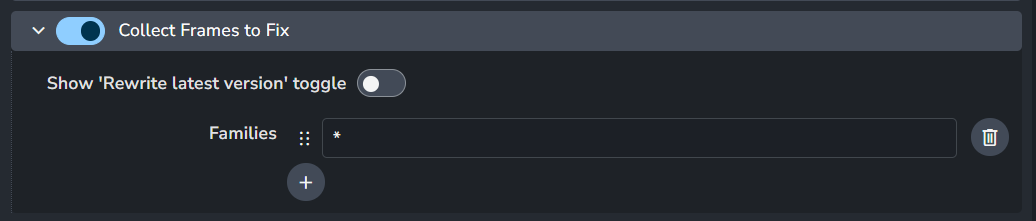
Rewriting past version where you can specify the version explicitly.
I think it’s possible. One also may argue about having one setting for it. instead of having a farm option and local publishing option.