Hi everyone,
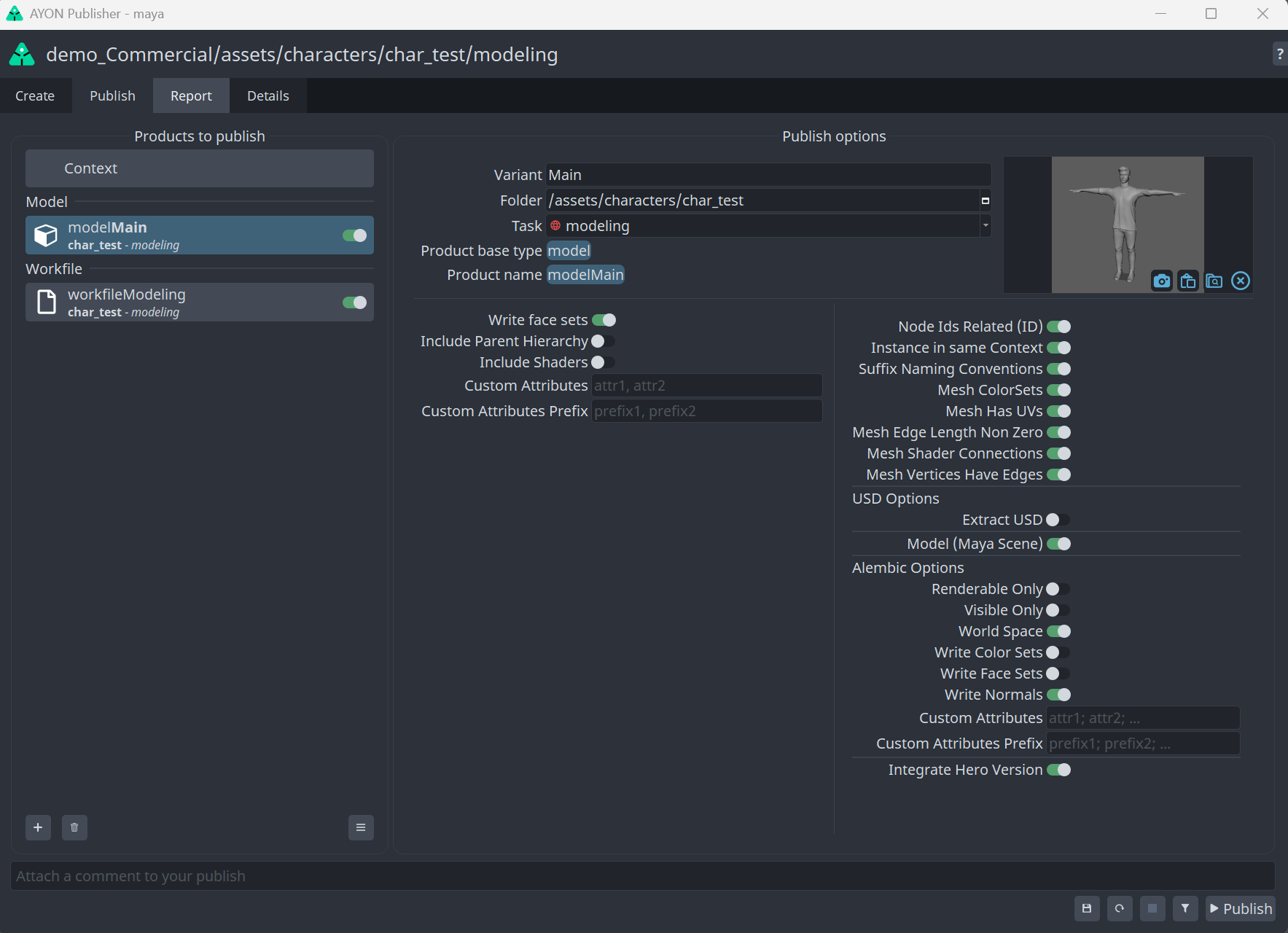
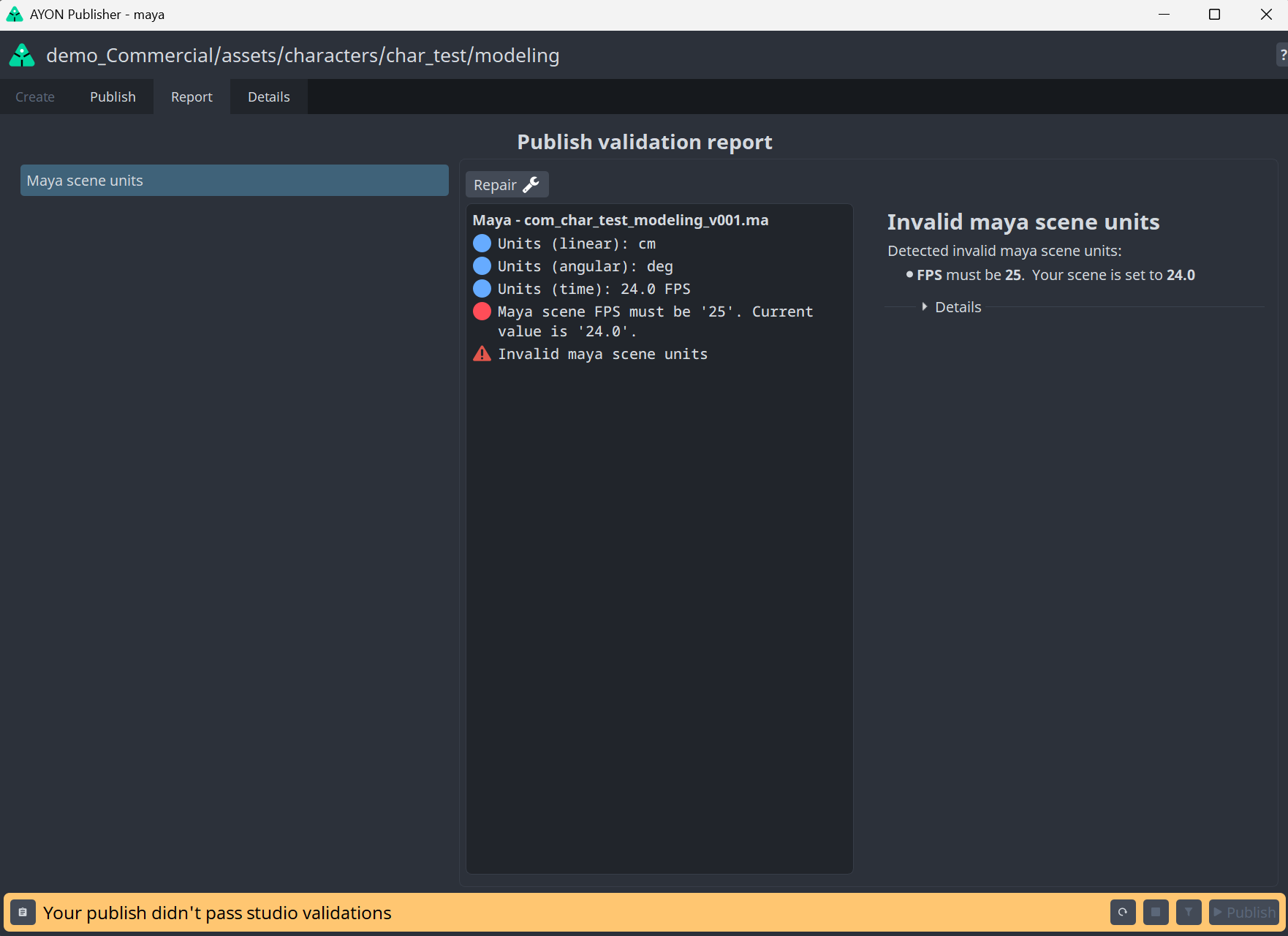
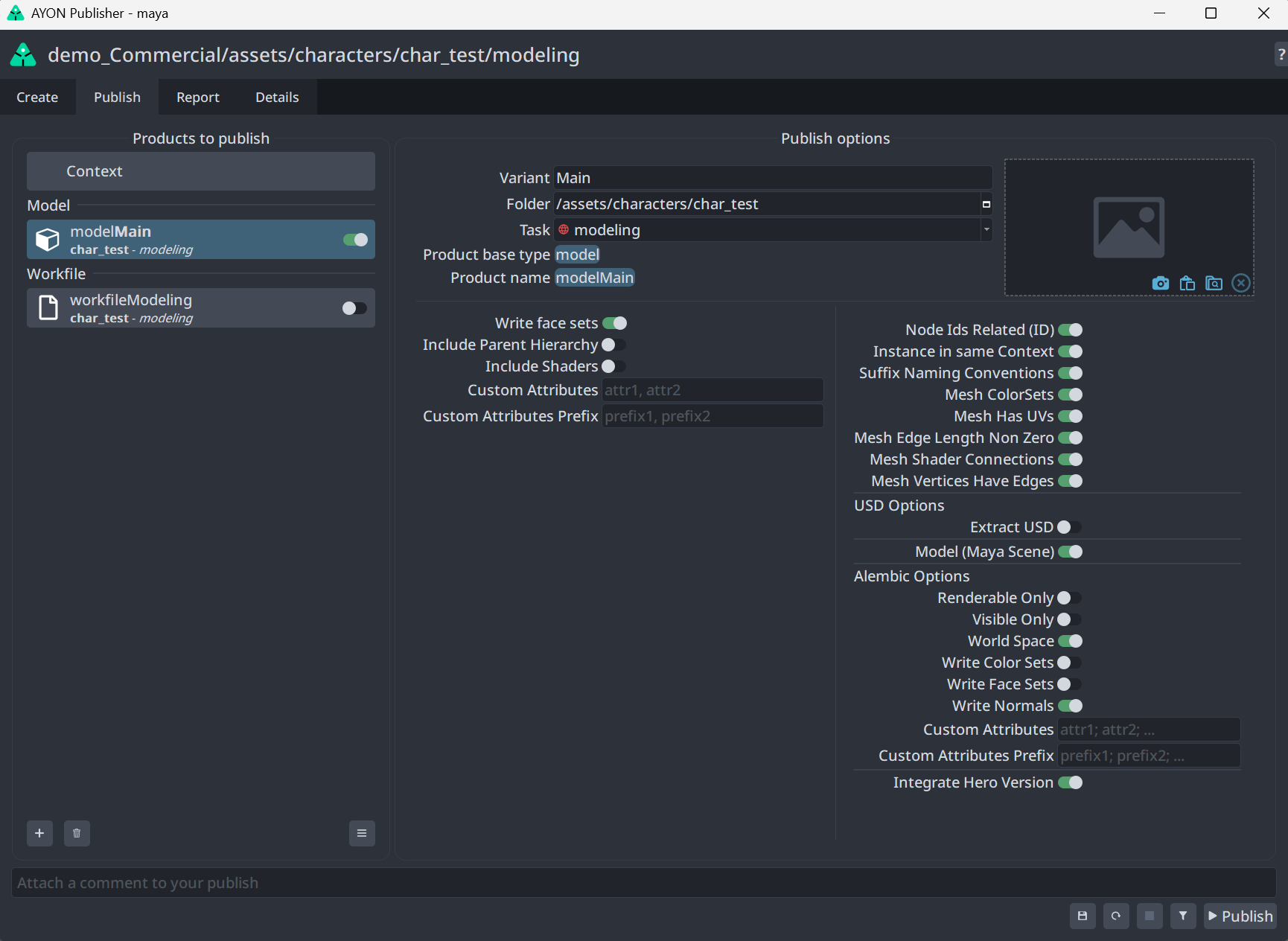
I tried to publish a model, but got an error regarding the fps.
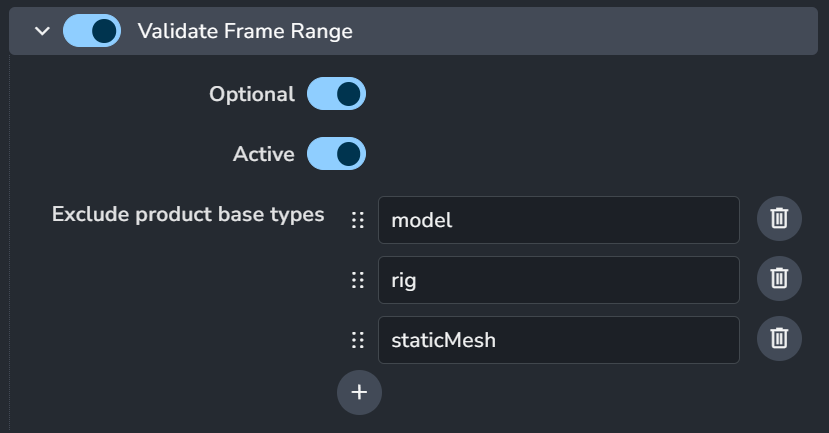
On the Project Settings ( ayon+settings://maya/publish/ValidateFrameRange ) I have the product “model” excluded from frame range validation ( which is the default setting ), so I assumed that when publishing a model the system would skip this validator. Is this the correct behavior? There is no optional toggle on the Publish screen, so maybe it is partialy working?
To force the error, I changed the fps of the asset folder to a value different from the project.
Thank you
The validation in this case is the Scene Wide validation at the context level. Which enforces these files to also adhere to the task context attributes, for FPS for example.
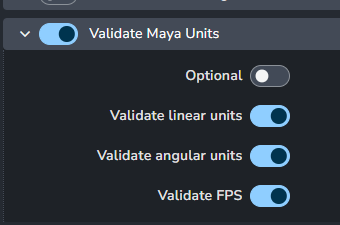
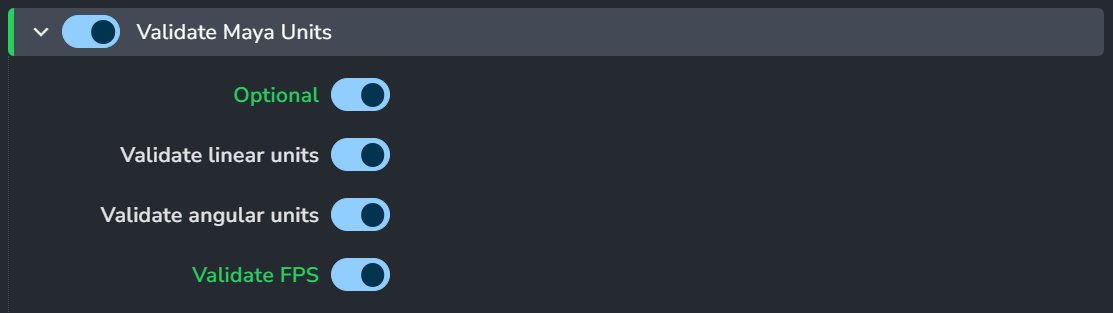
It’s the ValidateMayaUnits plug-in at: ayon+settings://maya/publish/ValidateMayaUnits
Hi @BigRoy,
Sorry for my mistake. I mistook frame range for FPS.
I’m really sorry about that.
And the Validate Maya Units works, but it seams to enables/disables for every publish type. Is there any way to choose which publish will use this validator ( or any validator )?
The Optional option is not affecting the publisher UI. I expected that this would create an option on the publisher UI to enable/disable this validator. What is the intended behavior for this?
Thank you
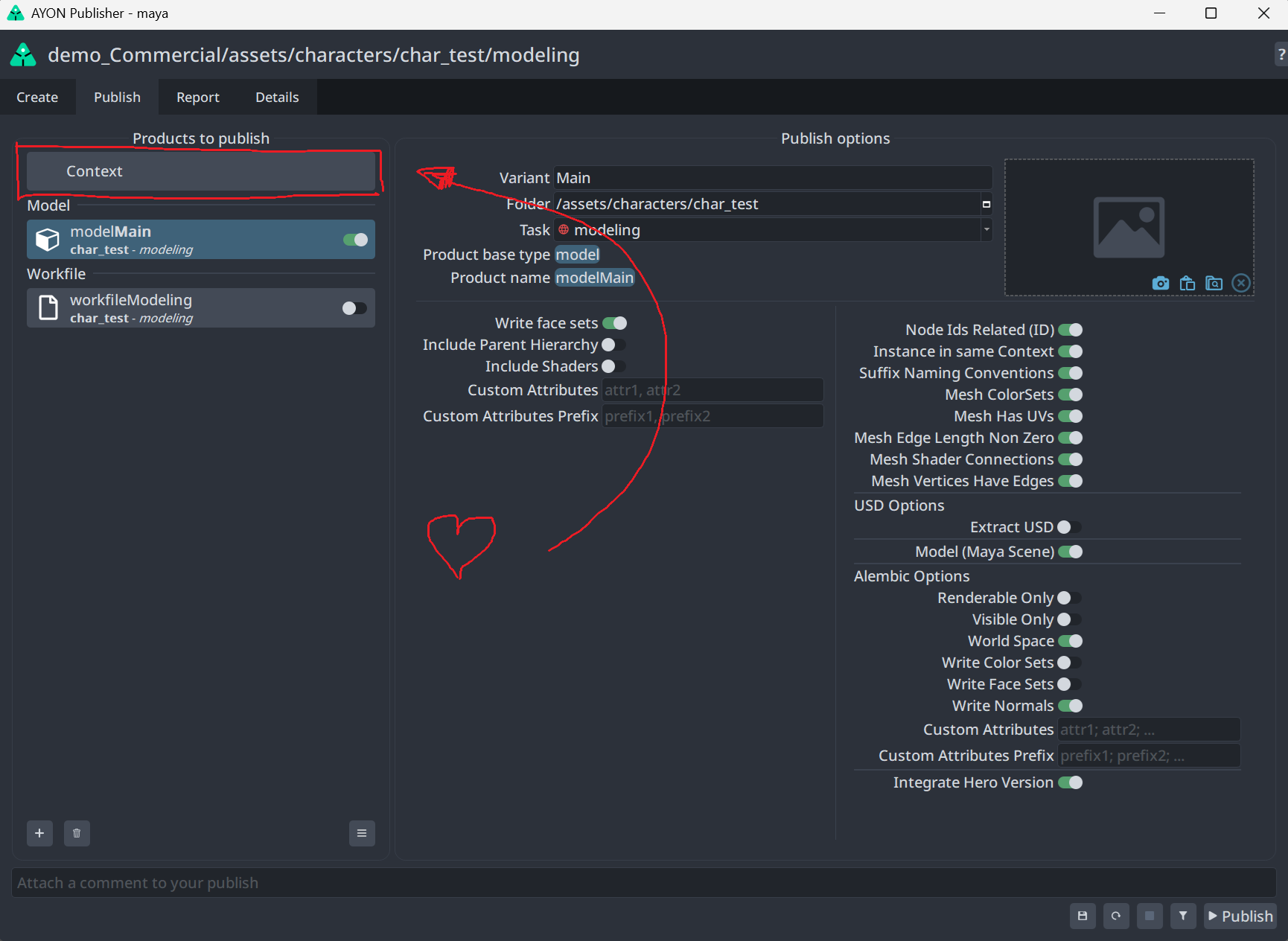
It’s a Context plug-in. It should appear on the Context entry on the top of the instances list in the publish page. Doesn’t it?
@BigRoy … Maybe I don’t know exactly what to look for. I tought it would be an option labeled something like “check fps”.
And this is the Maya Addon
Thank you
Thank you again, @BigRoy … I’m still learning how the system works … And this is working as intended …
And sorry for wasting your time … lol
Thank you