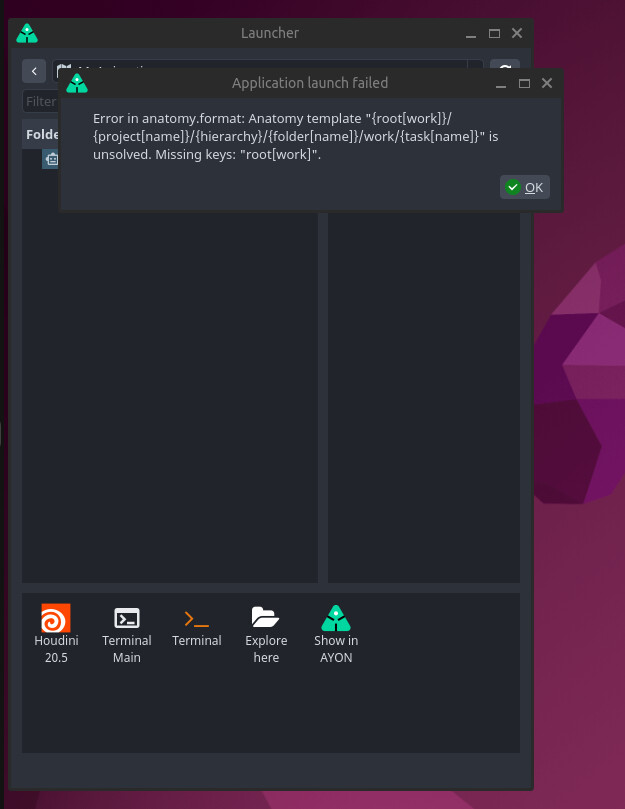
What are the common cause of this error? How can I resolve this?
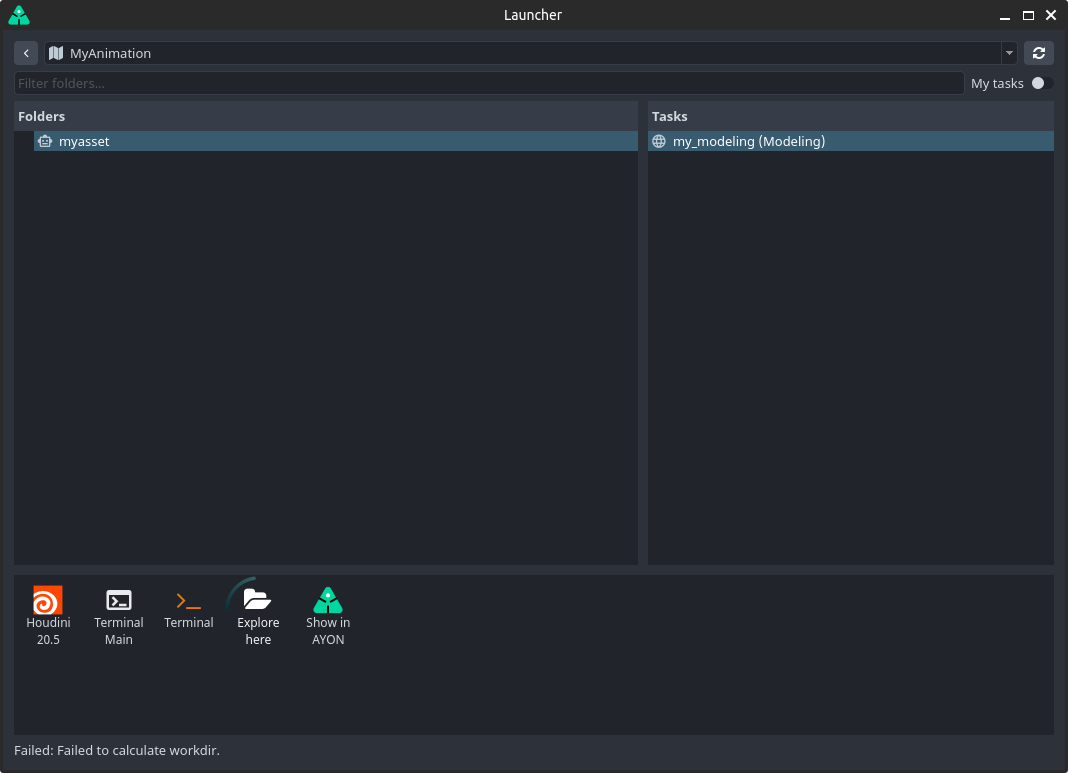
Launching Houdini, I get something similar
What are the common cause of this error? How can I resolve this?
Launching Houdini, I get something similar
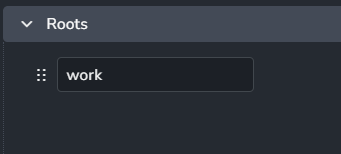
This may happen if that particular project Anatomy does not have a root named work but the templates used in the project do use {root[work]}.
As studio admin press A+A to get to Project Anatomy page on the frontend. Then check the configured Roots.
If instead you intentionally removed the “work” root you could also update the Templates in the anatomy to use a different root. Note that the Anatomy defines the project’s templates and roots, but that the “Template Profiles” that defines which template applies in which situation are defined in the core settings for Workfile Template Profiles and Publish Template Profiles:
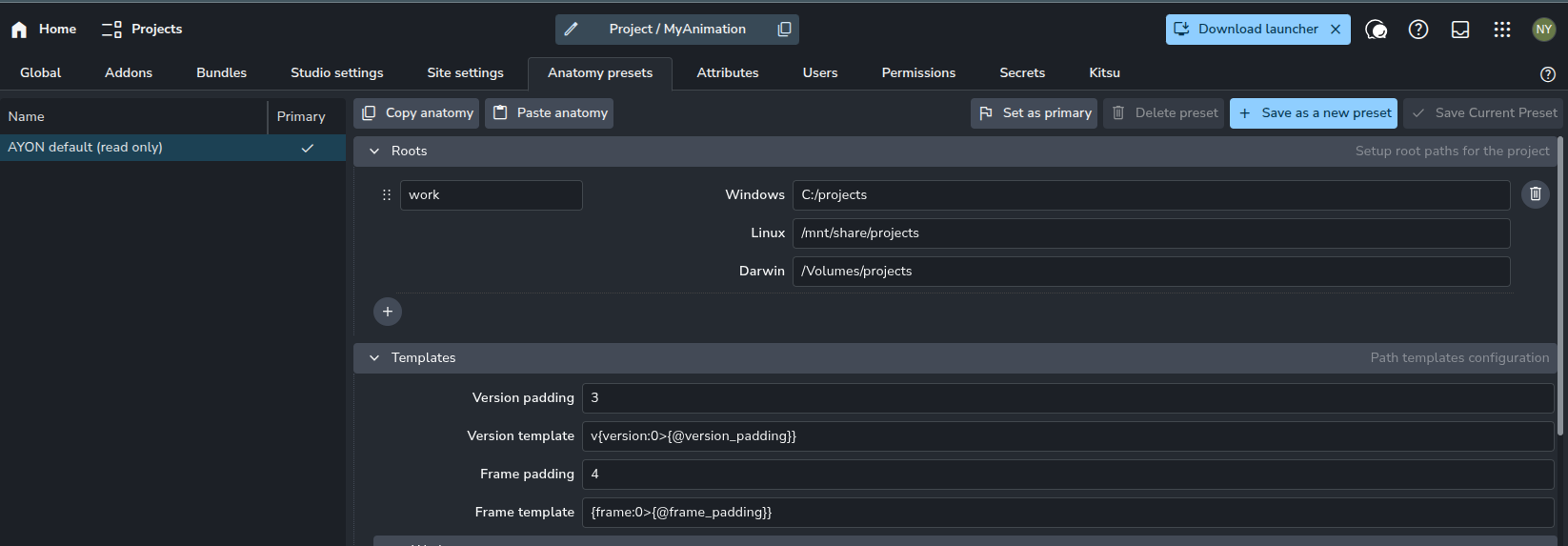
ayon+settings://core/tools/Workfiles/workfile_template_profilesayon+settings://core/tools/publish/template_name_profilesayon+settings://core/tools/publish/hero_template_name_profiles (applies to hero version publishes)Your screenshot shows your Anatomy Preset.
You should be checking the Anatomy of the Project it fails on, please check the Project Anatomy.
Anatomy presets apply on project creation. Once a project is created it will then have its own anatomy and is unlinked from the Anatomy Preset. As such, updating the Anatomy preset does not affect existing projects. In that sense it’s a preset for project creation only.