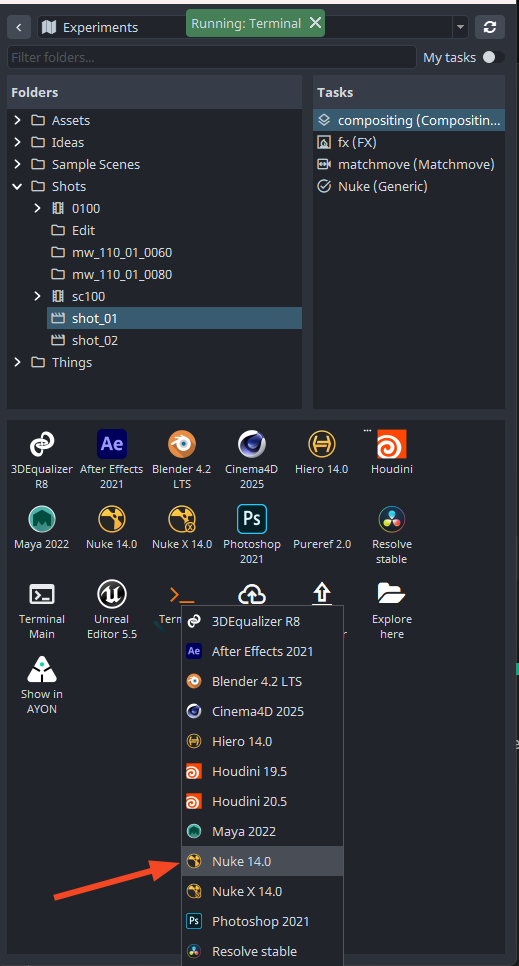
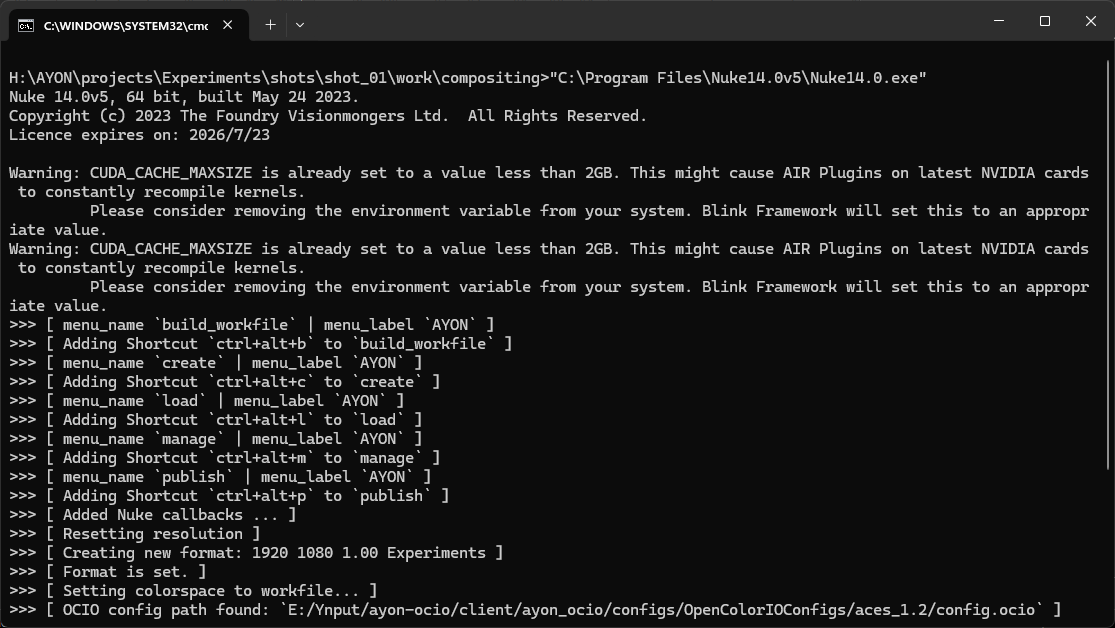
Error interpreting this plugin (nuke / osx)

I’m getting this error when launching Nuke on Mac (arm), I’m not getting it with any other DCCs. This works fine on Linux and Windows.

I’ve tried with the main build of Nuke too, so its not that I’m using the dev branch. I’ve also tried a fresh install of the ayon launcher.

Any other ideas?

Cheers!

does the nuke console porvide any further information?

When launching Nuke from the terminal option in ayon nothing happens at all.

I can launch nuke fine on the same system, just not via ayon.

The menu.py just says:

from ayon_core.pipeline import install_host
from ayon_nuke.api import NukeHost

host = NukeHost()
install_host(host)

Which is the same as on windows. Any other ideas?

I don’t know much about launching nuke on mac. but, it’s mentioned here that mac doesn’t show a terminal.

So, what about launching a terminal initizalied with nuke and then launching Nuke from there?


This should show additional info.

I’m getting this:

Error while loading conda entry point: conda-anaconda-tos (cannot import name 'TypeIs' from 'typing_extensions' (/Applications/AYON 1.3.2.app/Contents/MacOS/dependencies/typing_extensions.py))
Error while loading conda entry point: conda-content-trust (dlopen(/Applications/AYON 1.3.2.app/Contents/MacOS/dependencies/cryptography/hazmat/bindings/_rust.abi3.so, 0x0002): tried: '/Applications/AYON 1.3.2.app/Contents/MacOS/dependencies/cryptography/hazmat/bindings/_rust.abi3.so' (mach-o file, but is an incompatible architecture (have 'x86_64', need 'arm64e' or 'arm64')), '/System/Volumes/Preboot/Cryptexes/OS/Applications/AYON 1.3.2.app/Contents/MacOS/dependencies/cryptography/hazmat/bindings/_rust.abi3.so' (no such file), '/Applications/AYON 1.3.2.app/Contents/MacOS/dependencies/cryptography/hazmat/bindings/_rust.abi3.so' (mach-o file, but is an incompatible architecture (have 'x86_64', need 'arm64e' or 'arm64')))

Some kind of Rosetta issue? Or lack of Rosetta?

Personally when launching nuke from the terminal it opens the terminal but nothing else happens, no error or attempt to start a process.

I assume my issue is the same as above though.

Cheers

btw this IS Rosetta issue - AYON launcher is still intel based and it seems it is mixing arm/intel.

Hey everybody!

A few months ago I started to setup ayon for my studio, and I found the same issue as dan when I have to launch nuke (and hiero) from a Mac (mac studio, M4 chipset).

I also can not launch the DCC from the terminal, so I tried to debug and I found something interesting, here is what I did:

I first launch the “Terminal main” and then execute the command to launch Nuke (16.0v7).
Then from Nuke’s Script Editor I execute the menu.py script in order to have Ayon in the menu:

from ayon_core.pipeline import install_host
from ayon_nuke.api import NukeHost

host = NukeHost()
install_host(host)

I get this error:

Traceback (most recent call last):
  File "<string>", line 6, in <module>
  File "/Volumes/.../ayon/ayon-core/client/ayon_core/pipeline/context_tools.py", line 136, in install_host
    host.install()
  File "/Users/admin/Library/Application Support/AYON/addons/nuke_0.3.14/ayon_nuke/api/pipeline.py", line 129, in install
    add_scripts_menu()
  File "/Users/admin/Library/Application Support/AYON/addons/nuke_0.3.14/ayon_nuke/api/lib.py", line 2578, in add_scripts_menu
    studio_menu = launchfornuke.main(title=_menu.title())
                  ^^^^^^^^^^^^^^^^^^^^^^^^^^^^^^^^^^^^^^^
  File "/Volumes/.../ayon/ayon-core/client/ayon_core/vendor/python/scriptsmenu/launchfornuke.py", line 33, in main
    nuke_main_bar = _nuke_main_menubar()
                    ^^^^^^^^^^^^^^^^^^^^
  File "/Volumes/.../ayon/ayon-core/client/ayon_core/vendor/python/scriptsmenu/launchfornuke.py", line 28, in _nuke_main_menubar
    assert len(menubar) == 1, "Error, could not find menu bar!"
           ^^^^^^^^^^^^^^^^^
AssertionError: Error, could not find menu bar!

It seems like it’s a specific Qt issue in MacOS only, with menubars.
I look at the function _nuke_main_menubar() in launchfornuke.py:

nuke_window = _nuke_main_window()
menubar = [i for i in nuke_window.children()
           if isinstance(i, QtWidgets.QMenuBar)]

assert len(menubar) == 1, "Error, could not find menu bar!"

nuke_window.children() can’t find any QMenuBar in Mac. I add before the assert this:

if not menubar:
    menubar = [nuke_window.menuBar()]

then I can finally open Nuke from the launcher! (I also add the fix in ayon-hiero)

I don’t know if this solution is the best but I hope this can help you !

Cheers

That’s great @Hisu - if you can do so, PRs would be amazing for this.

@Hisu Thank you, I’ve ported your feedback to a gh issue.