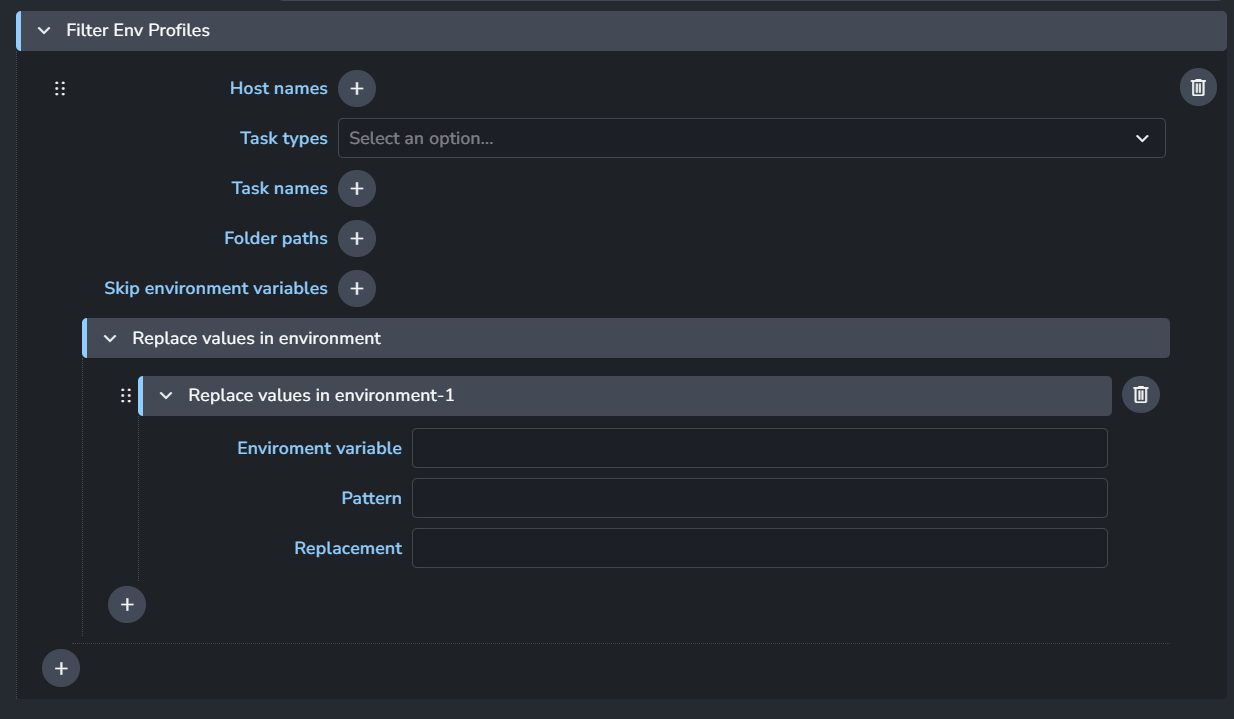
So in Houdini I want to load custom OTL’s per project from a {projectroot}/Assets/otls folder. I’ve already got HOUDINI_PATH set up for global otls and plugin settings. But often we find that we wanna just download some specific otls from somewhere just to use in a single project. So in the Houdini app setting I can define a template expression that resolves to the Asset/otls path into an environment variable like HOUDINI_OTLSCAN_PATH but it doesn’t get generated early enough to be evaluated to actually scan for otls.
The global/application/project environment variable json tables work just fine if I put the path in hard-coded. But I’d rather it be dynamic so any time I make a new project we’ll always have that folder set up correctly.
Is there any way for the environment variables to gain some smart template functionality so it can automatically figure out a unique project path per project ? I’ve been testing out a lot of different things thinking it must surely be doable but I keep getting stuck.
So to repeat, I basically want to launch houdini with custom env variables that change based on the project context so every project has a unique otl scan folder without me having to manually override it for every project. How do I go about this?
You can use tools in application addon settings. where you can create a tool (set of environment variables) and assign them per project.
For further info, See:
Wouldnt that be used to assign tools on a per-project basis, tools that exist outside of the project and then get assigned inside projects?
What I want is a folder thats inside of the project at all times that just scans for random otls/hda’s that artists can add in there freely while working on a project that gets set automatically for every project.
Ideally that would be an environment variable like HOUDINI_OTLSCAN_PATH. And ideally that environment variable always updates to the project root + some folders. I know templates can do this, but these templates get generated too late in houdini’s startup process so houdini wont scan the otl’s in the folder.
At the moment I’m hardcoding that in core > project environment > “HOUDINI_OTLSCAN_PATH” : “z:/_active/Oilympics/Assets/otls”, because the one generated from the template doesnt get generated at houdini’s startup time so it wont be considered for otl scanning. Ideally this would be done procedurally, not hard coded, is there a way for the json script to have relative per project expressions that can handle that?
Or am i misunderstanding the tool workflow, and can it do this automatic per-project-path environment generation?
As mentioned in the linked post above, Tools are just environment variables.
They can be anything like having an environment variable that point to a resources folder that changes per project.
or like this. Unfortuantly template keys like {root[work]} or {project[name]} didn’t work for me. But, I can reference studio environment variables defined in my core addon settings.
This Houdini functionality can set environment variables for your Houdini session but it doesn’t run early enough for Houdini to read/process/include the OTLs inside HOUDINI_OTLSCAN_PATH.
I think it’s possible to implement this functionality where we set some env vars before the application run… but, at this point we will be replicating tools feature.
Thanks for thinking along. Ok so you’re saying basically for now hardcoded env variables per project ( or set through tools ) is the only way? I’m fine with that, but I expected there to be a procedural way since in ayon there’s so many areas where templates or handy variables exist, except here in the json environment path part. Would be awesome if they would work, or if the json env variable part gets extended with some expressions that for example dynamically point to a project/shot/folder root.
To me this wouldnt make sense to set in the tools config, since that requires me to make a tool entry per project. It makes more sense to add it to per project env overrides, since it should be a constant for all projects per project. I’ll manually type them in there now then, hope in the future there will be a dynamic way of doing this or maybe i’m still misunderstanding tools.
Actually, I think if tools support template keys, this will solve your situation where you’ll just use something like this and only have one dynamic settings entry.
Yes If tools (or env variables anywhere for that matter) would get template support that would be absolutely perfect! I’ll check out the env swap thing too, I will let you know if that works and if it doesn’t I’ll make a request. Thanks mustafa
Not saying it’s the best approach but it’s very customizable, it’s clear what it does and we have been using it for years. So just wanted to mention that particular approach.
Of course this plugin can exist in your custom studio addon too, so that there would be no need to customize the ayon-houdini repository.