I have attempted to follow the instructions here to update to pyside2 however get errors I’m trying to get around.
ERROR: Could not find a version that satisfies the requirement PySide2 (from versions: none)
ERROR: No matching distribution found for PySide2
Also the company owner is using blender on a Mac & there’s no instructions on that website to do this on his mac. Can anyone confirm if this is the issue? I’d rather not have to get all of my users to try and attempt to do this step.
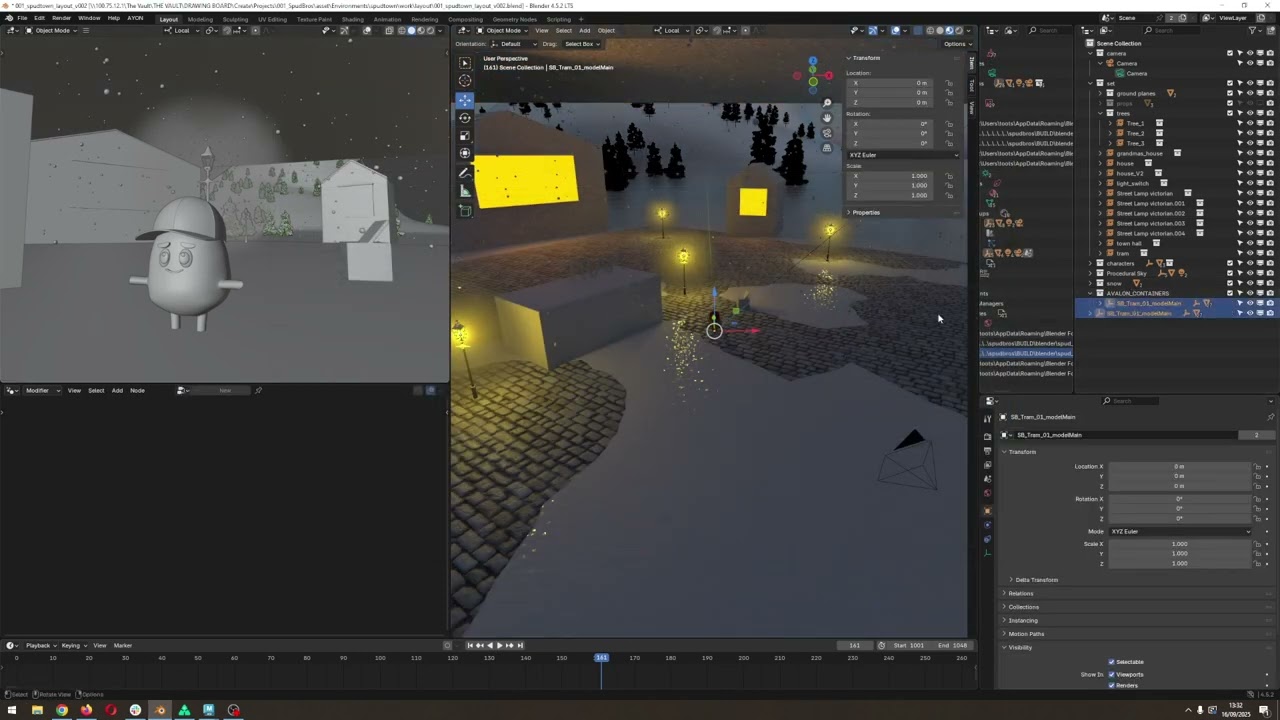
To narrow this down I’ve published a basic cube with an extrusion as a blend file and “append” it in to a new blend scene via Ayon, I then update the cube blend publish to a new version and try to update inside blender and it fails to update. It can load each model individually but not update from one to the next.
Is this maybe because this studio is in blender 4.5 and Ayon isn’t fully compatible yet?
This part should be updated in docs.
In short, the recent versions of Blender addons should fulfill the PySide requirment automatically on starting the application from the launcher.
As far as I know, blender 4.5 should be working fine.
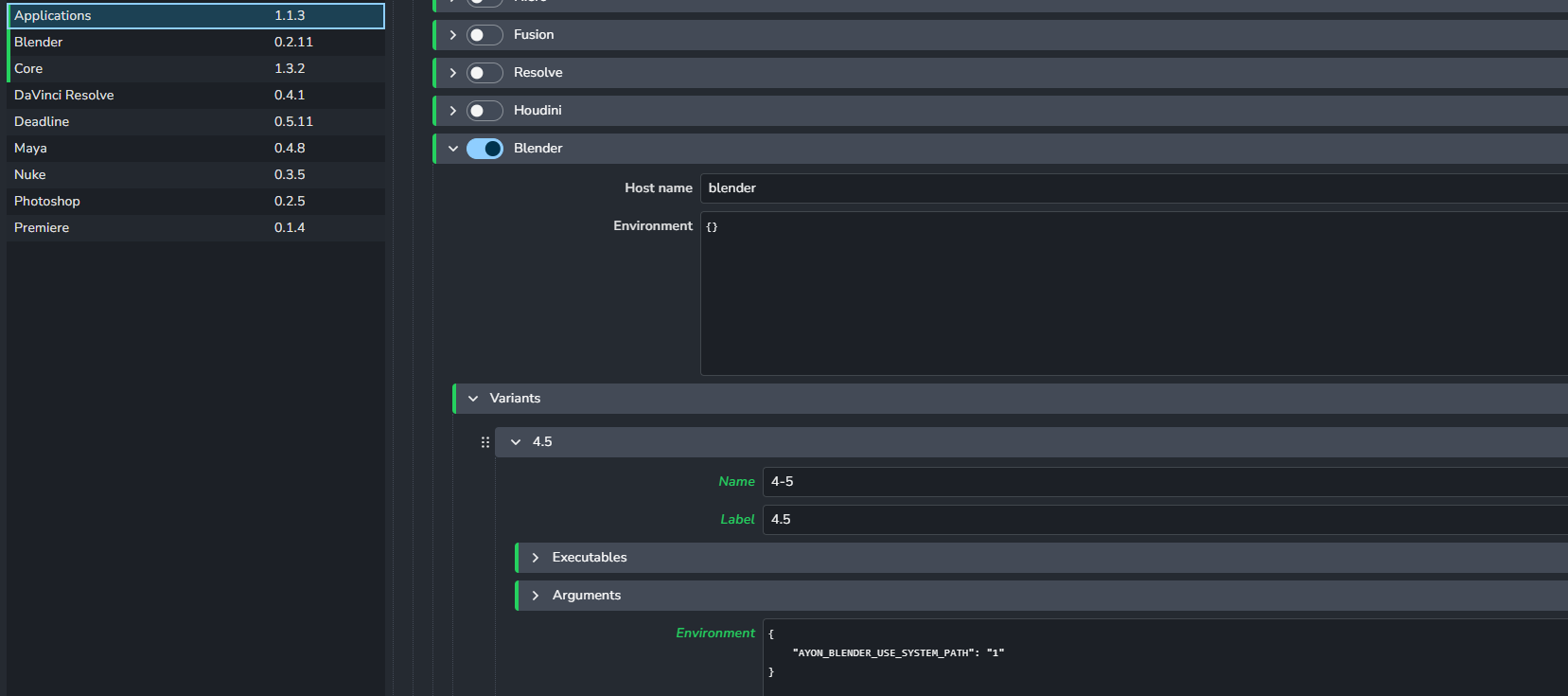
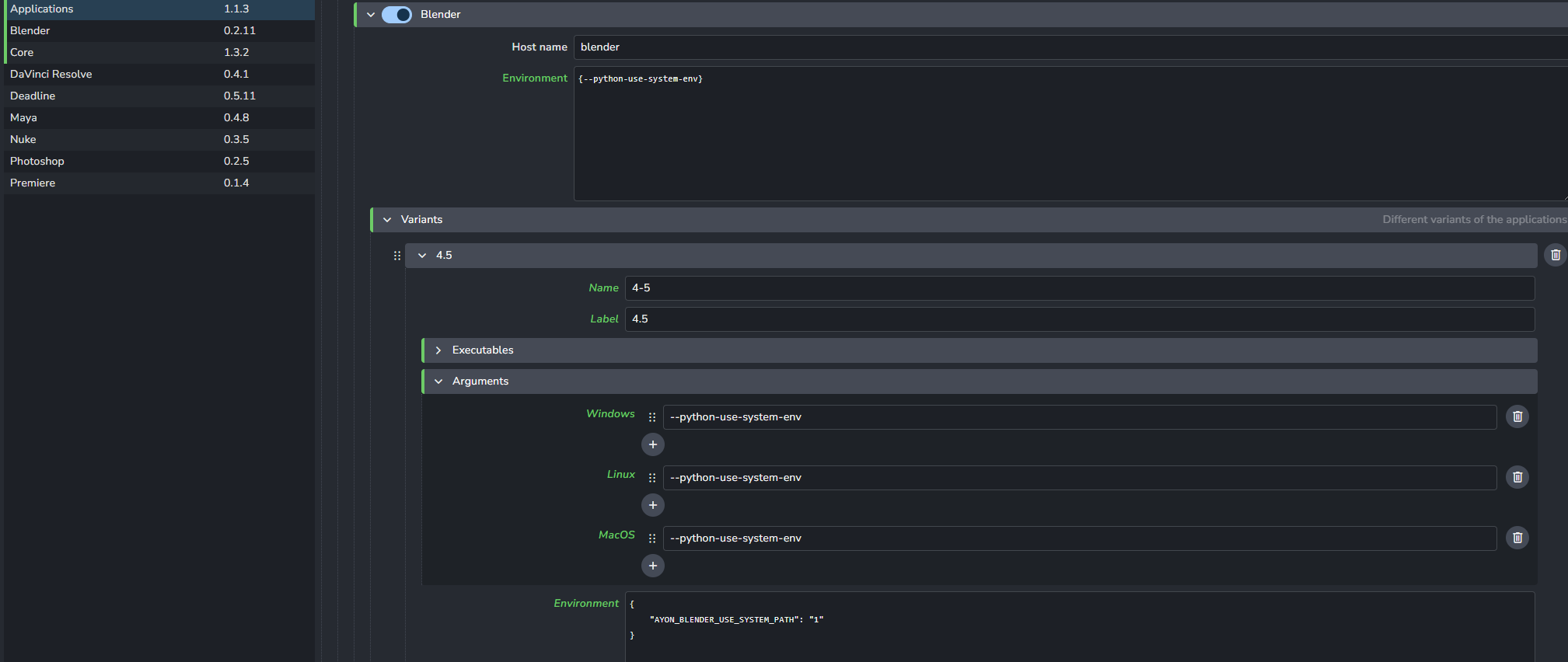
Also, keep in mind to add --python-use-system-env argument to blender in application addon settings.
Really frustrating though is just publishing a cube as a .blend and trying to update to v002 of the cube gives me a failed to open error.
Traceback (most recent call last):

  File "C:\Users\Jay\AppData\Local\Ynput\AYON\addons\blender_0.2.11\ayon_blender\api\ops.py", line 129, in execute
    result = callback(*args, **kwargs)
             ^^^^^^^^^^^^^^^^^^^^^^^^^

  File "C:\Users\Jay\AppData\Local\Ynput\AYON\addons\blender_0.2.11\ayon_blender\plugins\load\load_blend.py", line 216, in exec_update
    asset_group, members = self._process_data(libpath, group_name)
                           ^^^^^^^^^^^^^^^^^^^^^^^^^^^^^^^^^^^^^^^

  File "C:\Users\Jay\AppData\Local\Ynput\AYON\addons\blender_0.2.11\ayon_blender\plugins\load\load_blend.py", line 80, in _process_data
    with bpy.data.libraries.load(

OSError: load: 100.75.12.1\The Vault\THE VAULT\DRAWING BOARD\Create\Projects\001_SpudBros\asset\Props\SB_Tram\publish\model\modelcube_test\v002\001_SB_Tram_modelcube_test_v002.blend failed to open blend file
@mustafa_jafar@BigRoy Any further ideas guys?
I’ve tested and everything is working fine in Maya. Blender can load files totally fine, just fails to repath to other versions each time.
Any suggestions of what to try here would be appreciated. The studio I’ve started working for setting this up has a lot of potential.
Hi, just after quick glimpse your ayon-blender addon been heavily outdated, like months…so pls update to latest 1.0.4 and all respective addons e.g. ayon-core.