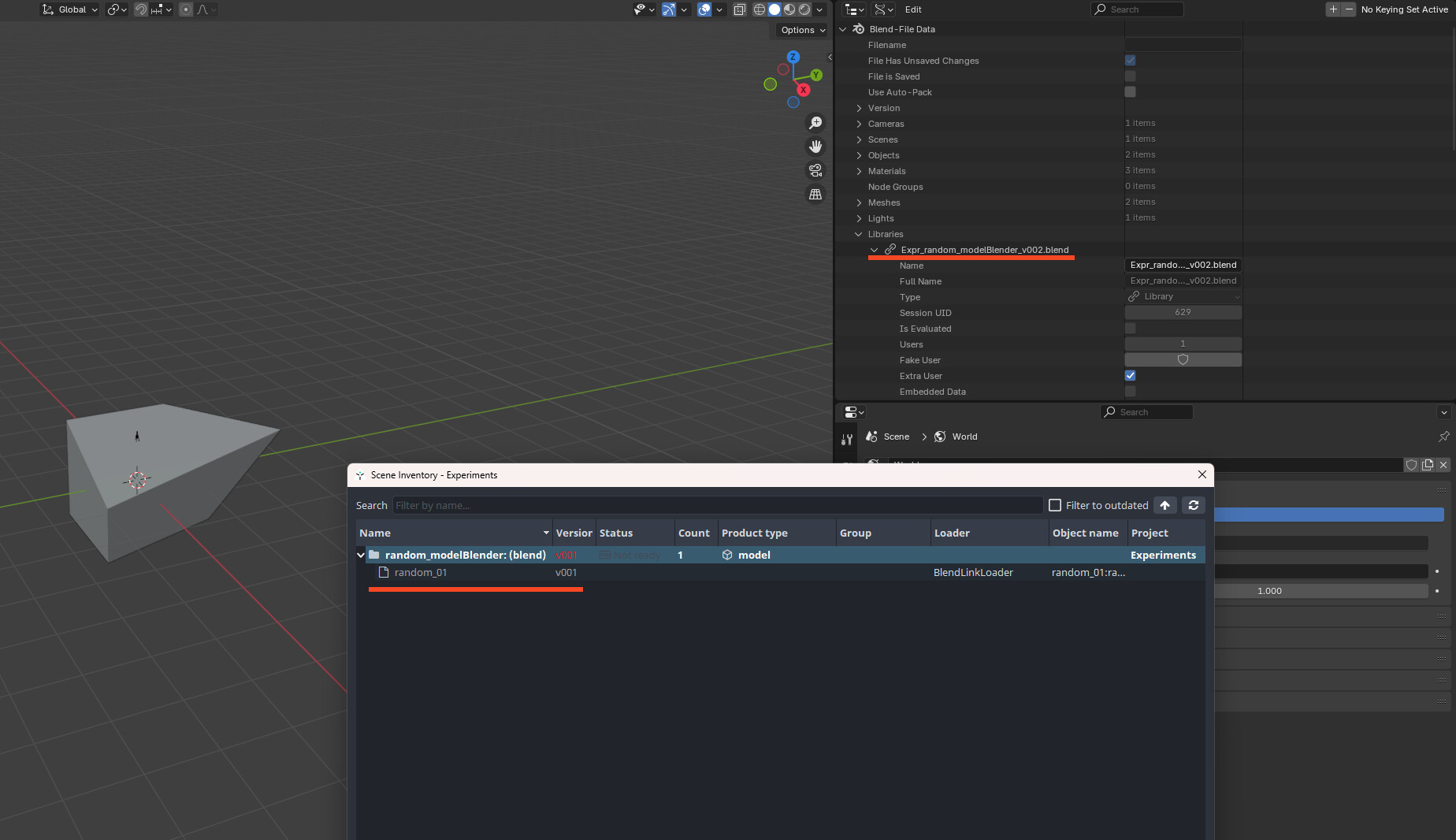
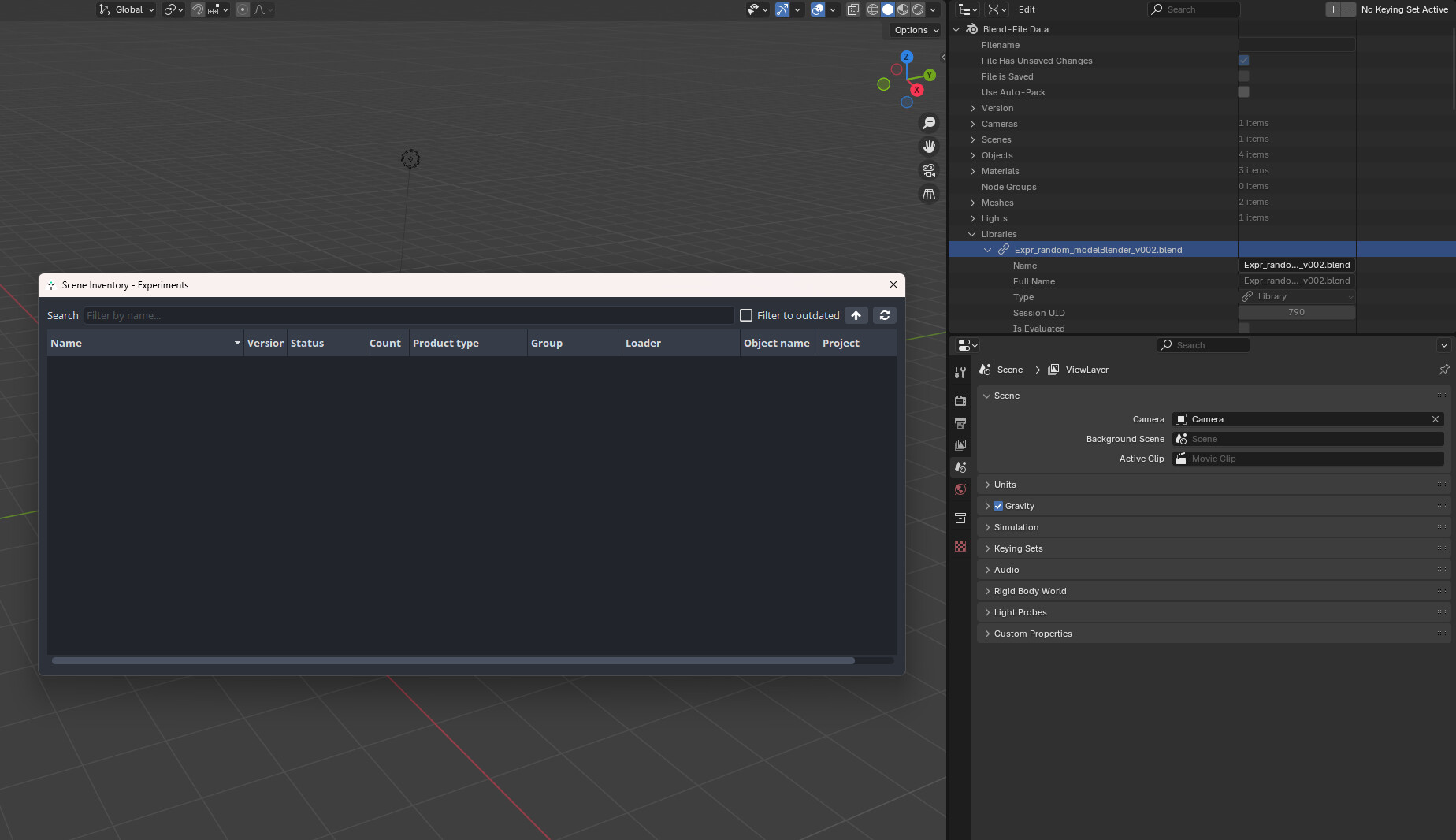
Much appreciated for that. I’ve updated everything now. I think we’re getting closer, the updating of “appended” blender files is working on a new blank project just set to the default of c://projects
however the linking and the alembics still won’t update.
I’ve recorded the basic process including showing the ayon settings -
One thing of interest is that appending still doesn’t work on the project that’s using the remote server, it all works fine in Maya with alembics but not blender files so I don’t think it’s a permissions thing otherwise Maya wouldn’t be working either.
Morning guys, I’m really hoping there’s some other simple thing I might be missing here that no one’s mentioned, I’ve tried it with older versions of blender too but the linking just won’t work. Is there perhaps some blender addon I should have activated?
blendScene product type should be used for linking not product types like modelrig or pointcache these need to be Appended instead…
Regarding the issue of remote storage its very hard to debug without any console logs which might contain important info.
If you would like to use linking for models and rigs, just produce blendScene type instead also for these kind of assets. There must be a collection while using those (and its automatically created for you when creating publish instance blendScene) …this type is most universal and can hold pretty much any type of blender entities inside
If that’s the case - should we disallow them from being linked? Also, why shouldn’t they be linked? Not the best experience if someone is stuck on something like this for this long.
Also, if update/removal fails - can we present a decent error message? (Or better, make it work?)
Aside of that, I’d argue to also reverse the discussion here. How would you like it to work @polyshark and what are your blender needs here? How would you usually do it without AYON? And what would be needed to match that behavior on the AYON side of things?
@BigRoy my response was just sort of statement of facts which might help to solve those issues, and yes, you are right…lets make blender integration rock solid,awesome and fully fledged !!
Thanks guys for the info on how I should be doing it & thanks @BigRoy for your suggestions & improvements.
So I’ve been using Ayon for years with Maya where I can publish a model or rig version, use ayon to load /reference those versions into animation / lighting scenes. Then when a new version of a model or rig is published I can use ayon / manage to update the version.
In blender I simply want the same functionality and my understanding (though I’m new to blender and I’m open to being wrong here) but linking is blenders version of referencing, I want to just replicate the Maya workflow, publish a .blend or .abc of a model / rig, load it into a blender animation scene and when I publish a new version be able to update it via the ayon manager.
When publishing models and rigs they do export as .blend files so they are able to be linked into the scenes, the same blender files that are published are able to be manually outside of ayon be brought in as linked files and then I can right click and update them with new versions so I assumed if these files can do this with blenders native tools then it should also work with ayon / manage
I have checked and publishing as blendScene does work, so I’ll continue using this for now but it does feel like that’s not as good a solution as we have working in Maya.
Also since the team I’m in now has Maya modellers & blender artists I would ideally like to be able to publish alembic models from Maya, have those caches loaded into blender as versions and when new versions are published be able to update like you can in Maya with assets published as alembic models.
Thanks again for your responses everyone. I’m happy to have a solution that works for now but it does feel a bit behind the Maya version.
The option to load the AYON specific product “rig” into blender wrong way (by linking it) should just not exist. As of today, it is still there and super confusing for everyone.
It would be great to reflect this fundamental information in blender docs - that to use something in Blender as a file link (aka “reference” for maya users), one must use Blender Scene product, not Rig for publishing.
In other words - a full maya-style, linkable rigged character must be product of type BlenderScene, not of the type Rig.
The doc “Working with Blender” should reflect that.