I’ve developed a Python script that automatically populates the AYON rig sets (controls_SET, skeletonAnim_SET, skeletonMesh_SET, out_SET) based on our naming conventions and hierarchy patterns. The script runs after creating the rig instance and fills the sets that AYON generates automatically.
Questions:
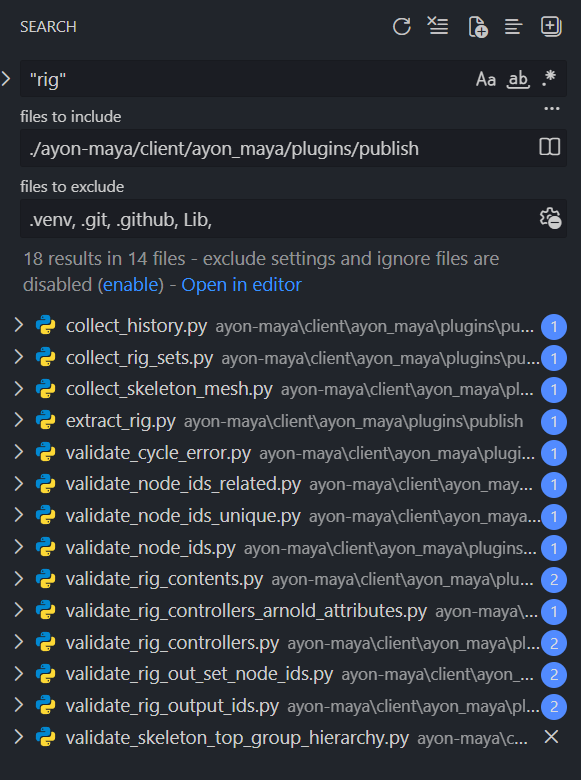
Are there any AYON validators or publish checks that expect specific membership patterns in these sets?
Should this auto-population script be integrated as a pre-publish hook, or is it fine to run it immediately after rig instance creation?
Are there any gotcas or edge cases in AYON’s rig publishing workflow that might conflict with automated set population?
Does AYON provide any helper functions or APIs specifically for managing rig set membership that I should use instead of standard Maya cmds.sets()?
I want to ensure my automation aligns with AYON’s expected workflow and doesn’t cause issues during validation or publishing stages.
We don’t - there’s little need for it because the usage is limited. Plus, not all containers MAY be object sets, even though currently the majority are.
Not that I know. We just don’t do it because studios may have any naming convention or ‘structure’ of what is a control and whatnot. As such, very hard to generalize.
Fine to run immediately after. During publishing we tend to avoid ‘changing the scene state’ so fixing it automagically is something we avoid. Just the sake of publishing should not change your scene state. So if changes to the scene state are required, then either it’s not persistent with the scene and publish related only OR a validation must occur with a repair action.
Maybe only that a controller is a curve - or similar, but not much for rigs as far as I know.
Really appreciate the insights on how AYON handles rig set validation and the recommended workflow. This helps me ensure my auto-population script integrates properly with AYON’s publishing pipeline without causing any conflicts.
I’ll make sure to align the script with the expected patterns. Thanks again for the help!
 is something we avoid. Just the sake of publishing should not change your scene state. So if changes to the scene state are required, then either it’s not persistent with the scene and publish related only OR a validation must occur with a repair action.